← All projects
Personal project
Launcher
Launcher groups Android apps into editable drawers, with weather, playback, notes and filtered notifications close by. Refined controls and cards keep the layout quiet. Select RSS sources for one chronological news card, customise app tiles and pair the optional Windows companion for notes and files.
ABOUT THE PROJECT
An Android launcher with a Windows companion
Launcher groups Android apps into editable drawers, with weather, playback, notes and filtered notifications close by. Refined controls and cards keep the layout quiet. Select RSS sources for one chronological news card, customise app tiles and pair the optional Windows companion for notes and files.
- My role
- Design & development
- Technology
- C# · .NET 11 · Native Android views · ASP.NET Core
- Project
- Personal project
Inside Launcher
Explore the project imagery. Select an image to enlarge it.
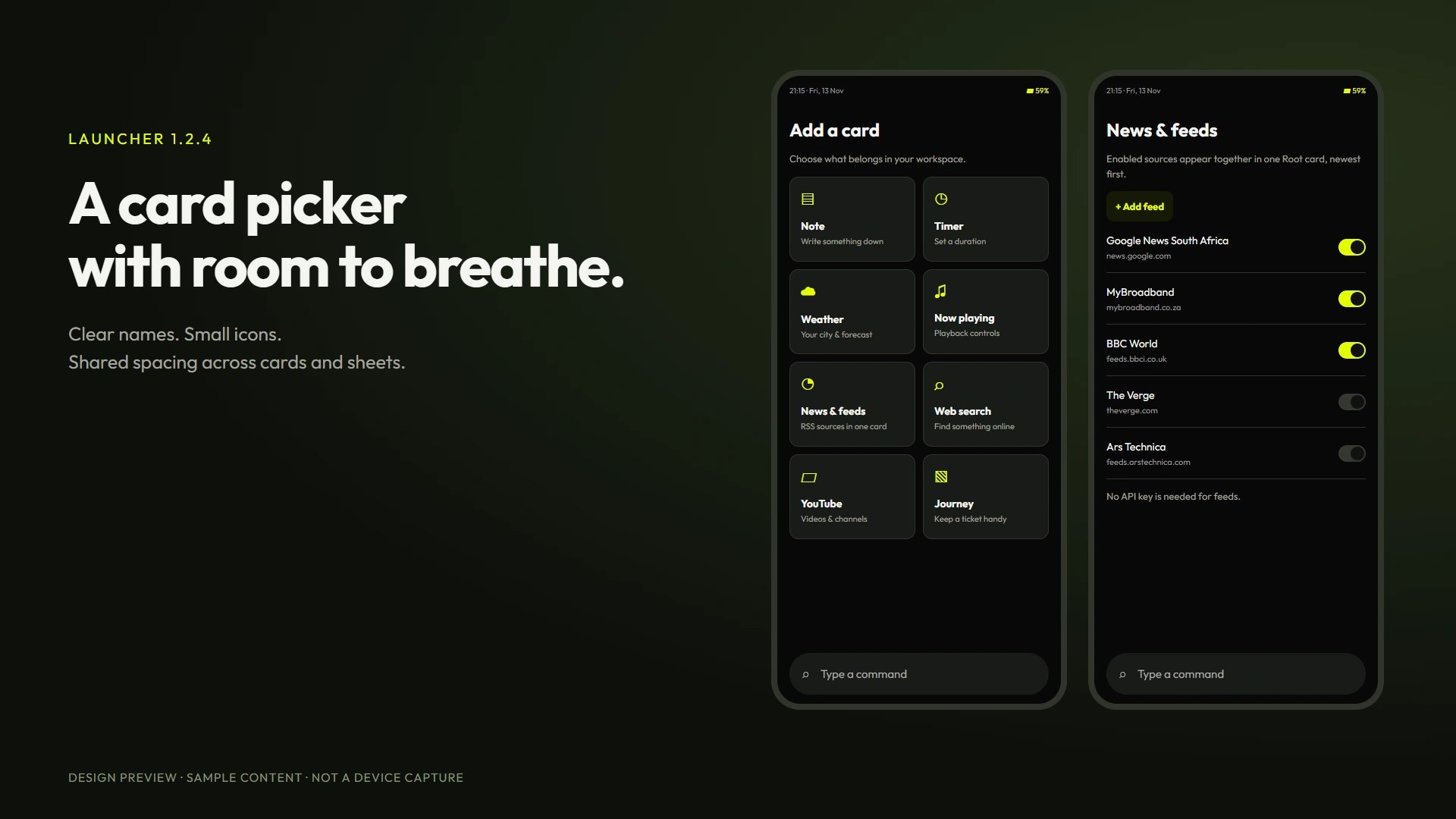
Launcher 1.2.4: picker
01 / 38RELEASES & CHANGES
Release history
Newest first. Select a version to read its notes.
1.2.4
Android 7+
Finishing the interface pass
A finer fingerprint treatment and consistent card-picker cancellation.
The interface, notification opening, combined RSS feed and optional drawer gestures from 1.2.3 are included.
Locked-tile fingerprints now use fine contour lines. Starting a card from command search restores the Root page before opening its setup sheet, so cancelling returns to a consistent screen.
The release compiled successfully. Device acceptance testing remains with the owner. The Windows companion remains 1.2.0.
1.2.3
Android 7+
A calmer interface and one news feed
Shared interface refinement, reliable source-app opening and a single chronological RSS card.
Buttons, sheet headings, choice lists, settings rows and notification cards now use consistent spacing and touch feedback. Add card uses an icon grid. Drawer headings are smaller, dark surfaces are quieter, and wallpaper dimming is adjustable. Blank app icon masks fall back to native artwork or initials. Locked tiles use a scaled fingerprint shape rather than a spiral.
The app dashboard has Today and Last 7 days tabs and a compact QR preview. Tile appearance options show visual previews. Conversations and the quick panel share their notification card layout. Tapping a notification opens its source app, with a native notification-action fallback where needed and the existing biometric gate.
News & feeds combines enabled RSS/Atom sources in one Root card, newest first. Google News South Africa starts enabled; MyBroadband, BBC World, The Verge and Ars Technica are optional presets. Add, edit, remove or switch sources in Settings or Add card. RSS needs no API key. The reader follows HTTPS redirects, recognises published feed links and shows clearer errors.
Settings, Drawers includes Drag headings to fold. It defaults off so normal scrolling is uninterrupted; tap-to-fold remains available.
Release compilation and publication checks passed. The preset feed endpoints were inspected outside the app. Device acceptance testing remains with the owner. The Windows companion stays on 1.2.0.
1.2.2
Android 7+
Root footer and timer settings
Timer alert permissions move to Settings, and Root actions share one row.
Timer alert permissions now live in Settings, Timer alerts. The Timers card keeps its timer controls without a separate permissions link.
Add card, Arrange and Add widget now share one compact row at the bottom of Root.
The Android release compiled successfully. No device tests were run. The Windows companion remains version 1.2.0.
1.2.1
Android 7+
A clearer Root layout and usage details
Compact actions, clearer section headings, improved tile spacing and drawer page swipes.
Root uses small section labels, compact action rows and a separate weather layout for location, temperature and conditions. The date opens the calendar without a second full-width button. Timers, notes and tickets use smaller add controls.
The app dashboard has a single heading, clearer metadata, labelled chart scales and second-level usage totals. Activity tracking keeps overlapping screens within the same app in one session, instead of ending the session when an older screen pauses. App tiles show short usage in seconds, keep the time closer to the label and leave space below it.
Horizontal swipes on drawer headings return to page navigation; vertical drags still fold drawers. Cached weather upgrades to the hourly forecast on its next allowed foreground refresh.
The Windows companion remains version 1.2.0. This Android release compiled successfully; device acceptance testing is being handled by the owner.
1.2.0
Android 7+ / Windows x64
Root workspace and Windows companion
Icon packs, app dashboards, richer Root cards, saved notification messages and a local Windows companion.
Launcher 1.2.0 adds icon packs and individual icon choices, tile palettes, per-app badge muting, hourly and weekly usage charts, and QR sharing.
Root now supports commands, multiple notes, independent timers, a weather graph, media controls, RSS feeds, web and YouTube results, and manually saved travel tickets. Hold a card header to pin, arrange or hide it. Drawer folding follows a drag on its heading.
The optional Windows companion shares notes and a selected folder over your own network. Pair by code and compare the fingerprint. Keep Launcher visible during the connection. File transfers are limited to 16 MB.
Message history saves messages supplied by notifications, with replies where the source app offers a reply action. It cannot retrieve earlier private chats. Inline web and YouTube results need your own provider API keys; browser search remains available.
Both release builds compiled successfully. Phone acceptance testing is being handled by the owner.
1.1.1
Android 7+
Fingerprint scaling and wallpaper stability
Full-tile fingerprint ridges and stable wallpaper rendering, with a newer build for in-app updating.
Fingerprint ridges fill standard, wide and tall tiles without crossing. Wallpaper rendering keeps a stable transparent window surface during scrolling. Malformed punctuation in Settings and widget options is corrected. This release uses build 4 so development installations on build 3 can update through Settings.
- Biometric launch locks with an accent fingerprint background that fills each tile.
- Per-app display grayscale settings with an optional foreground service and one-time display permission.
- Larger icons, flatter Root cards and outlined Focus/Sun tiles.
- Animated drawer folding and stable system wallpaper handling.
- A standard Visual Studio solution for deploying directly to a phone.
Built successfully. Device acceptance testing is being handled by the owner.
1.1.0
Android 7+
App locks and a quieter layout
Biometric locks, per-app grayscale choices, larger icons and a flatter home screen.
- Biometric launch locks with an accent fingerprint background that fills each tile.
- Per-app display grayscale settings with an optional foreground service and one-time display permission.
- Larger icons, flatter Root cards and outlined Focus/Sun tiles.
- Animated drawer folding and stable system wallpaper handling.
- A standard Visual Studio solution for deploying directly to a phone.
Built successfully. Device acceptance testing is being handled by the owner.
1.0.1
Android 7+
Launcher for Android
Custom drawers, cards, notifications and app updates.
Named drawers and geometric symbols, monochrome app icons, adjustable themes and accents, weather, media controls, Android widgets and notification filters.
Check, download and install updates from Settings. Downloads are verified before Android opens its installer.
THE MAKING OF LAUNCHER
Technical notes
Android release: 1.2.4, build 9. Windows companion: 1.2.0, self-contained x64 executable. The downloads are separate.
Android 7 or later. Install the APK and choose Launcher as your default Home app. Existing users can update from Settings, App updates.
Named drawers and geometric symbols, compatible icon packs, individual icon overrides, tile palettes, biometric launch locks, per-app badge muting and optional app-display grayscale.
Root supports commands, titled notes, independent timers, card pinning and arrangement, weather charts, media controls, RSS feeds, web and YouTube cards, manual tickets and Android widgets.
Web and YouTube inline results require your own provider API keys. Browser search is available without them. Tickets are manually entered and can attach a selected document.
Conversations uses notification access and app filters. Optional local message history is limited to 30 days or 5,000 messages. Replies depend on the source app offering a current reply action; earlier private chats cannot be imported.
The Windows companion pairs by code and a matching certificate fingerprint. Keep Launcher visible during a connection. Share one folder, optionally enable uploads, and transfer files up to 16 MB. The desktop has no file-delete control.
The companion uses your private Wi-Fi network. Kevlog hosts downloads and update metadata, not your notes or file transfers. The unsigned Windows EXE includes its own runtime.
Weather uses Open-Meteo with editable city, units and foreground refresh. Notification, usage, connection, alarm and grayscale permissions are optional and explained in Settings.
App locks guard Launcher entry points. Android controls launches through other apps and the system notification shade. App-display grayscale requires optional accessibility access and a one-time display permission.
The 1.2.1 Android build and 1.2.0 Windows build compiled successfully. Phone acceptance testing is being handled by the owner. No emulator tests were run for these releases.
New gallery boards are labelled interface illustrations and mockups with sample data. Archived actual screenshots and older mockups show 1.0.1 and are labelled separately.
Version 1.2.3 refines shared controls, sheets, drawer typography, app dashboards and notification cards. News & feeds combines optional RSS sources in publication-time order. Settings includes feed management and an optional drawer-heading drag gesture.
START A CONVERSATION
Have a problem worth solving?
Let’s talk about your idea, your team, or the work you’ve seen here.
More to explore
Personal projectAirTrack
AirTrack
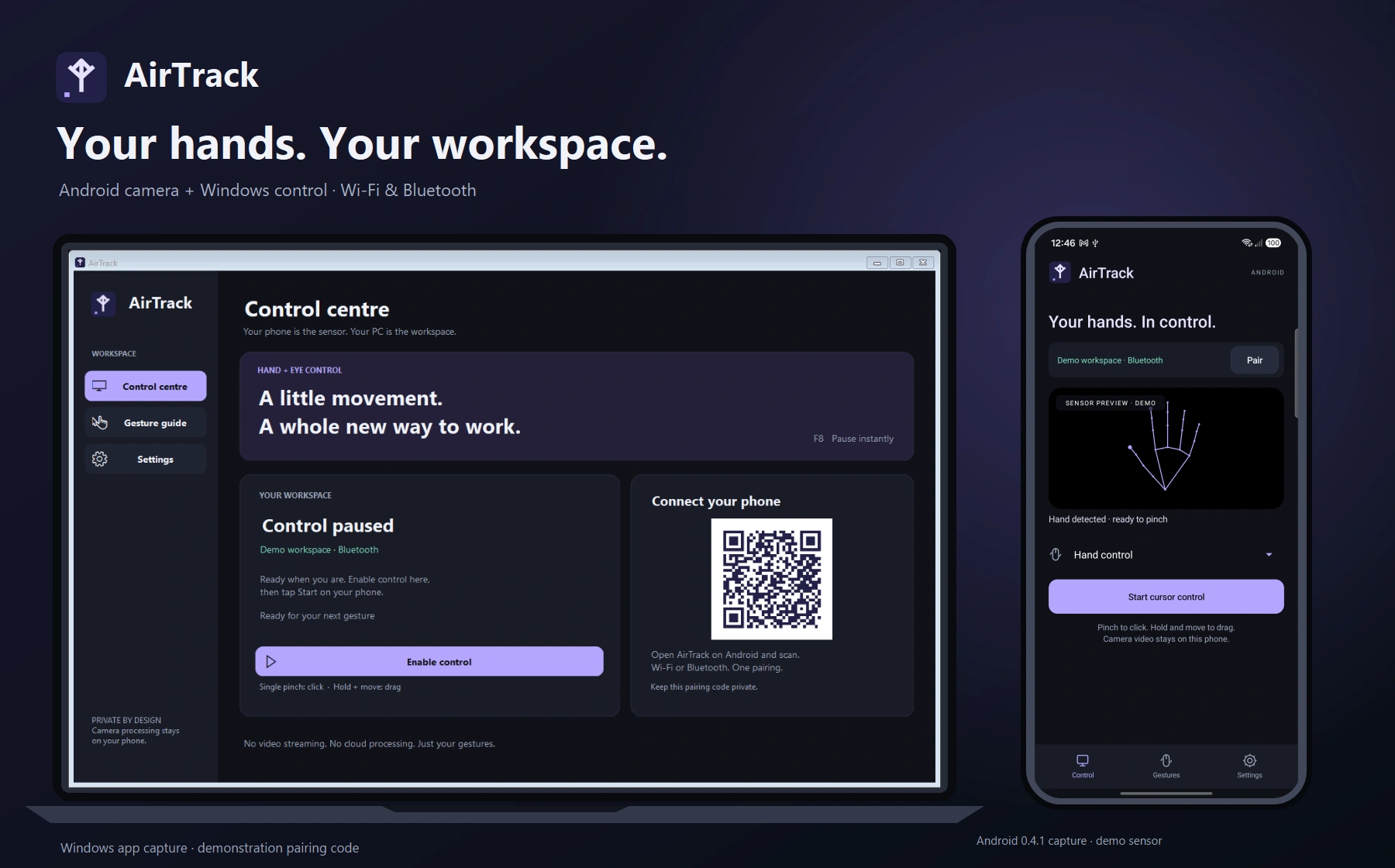
Hand gestures for your Windows workspace
Personal projectRune
Rune
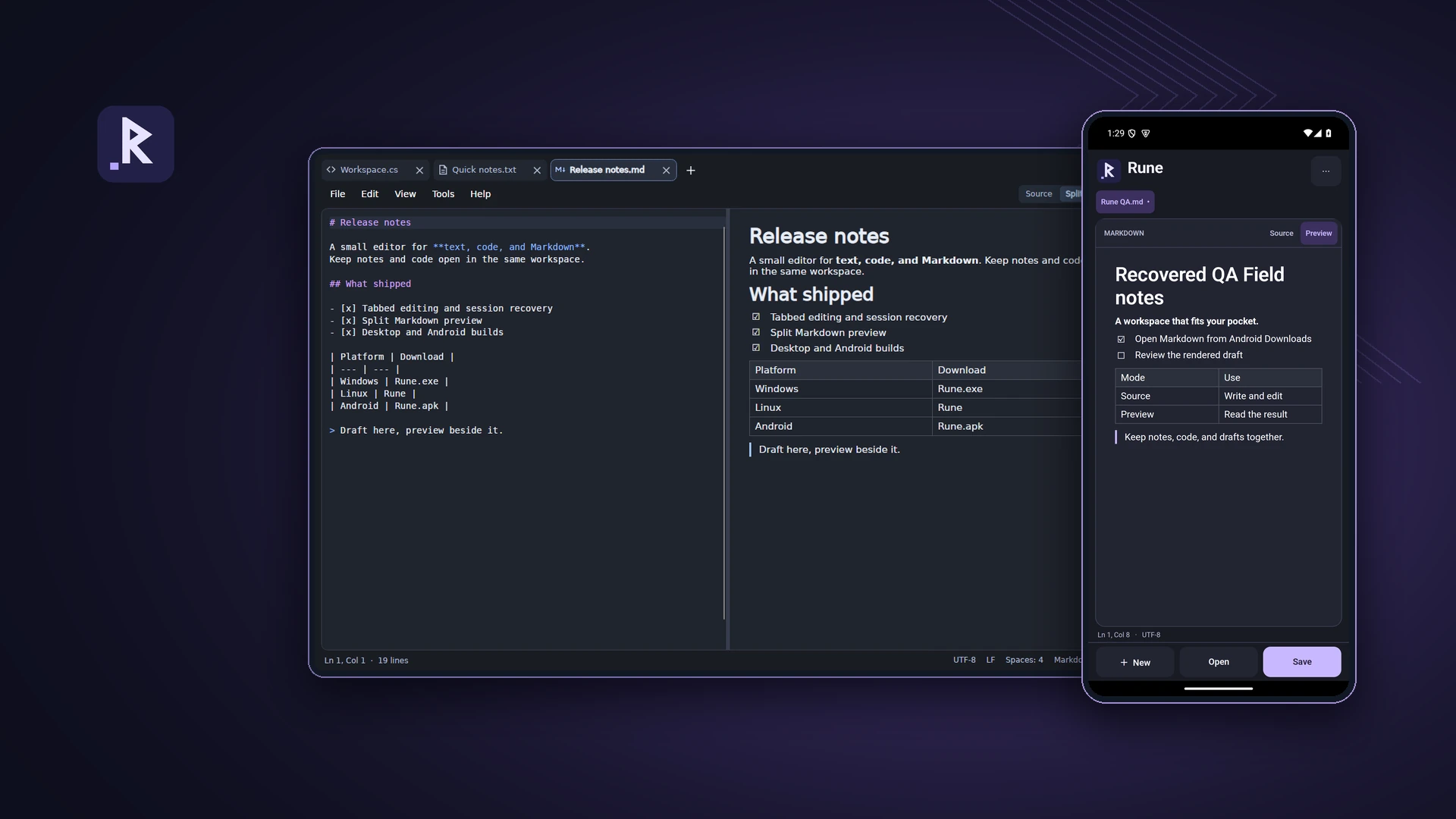
A text, code and Markdown editor for desktop and Android
Personal projectTeleDesk
TeleDesk
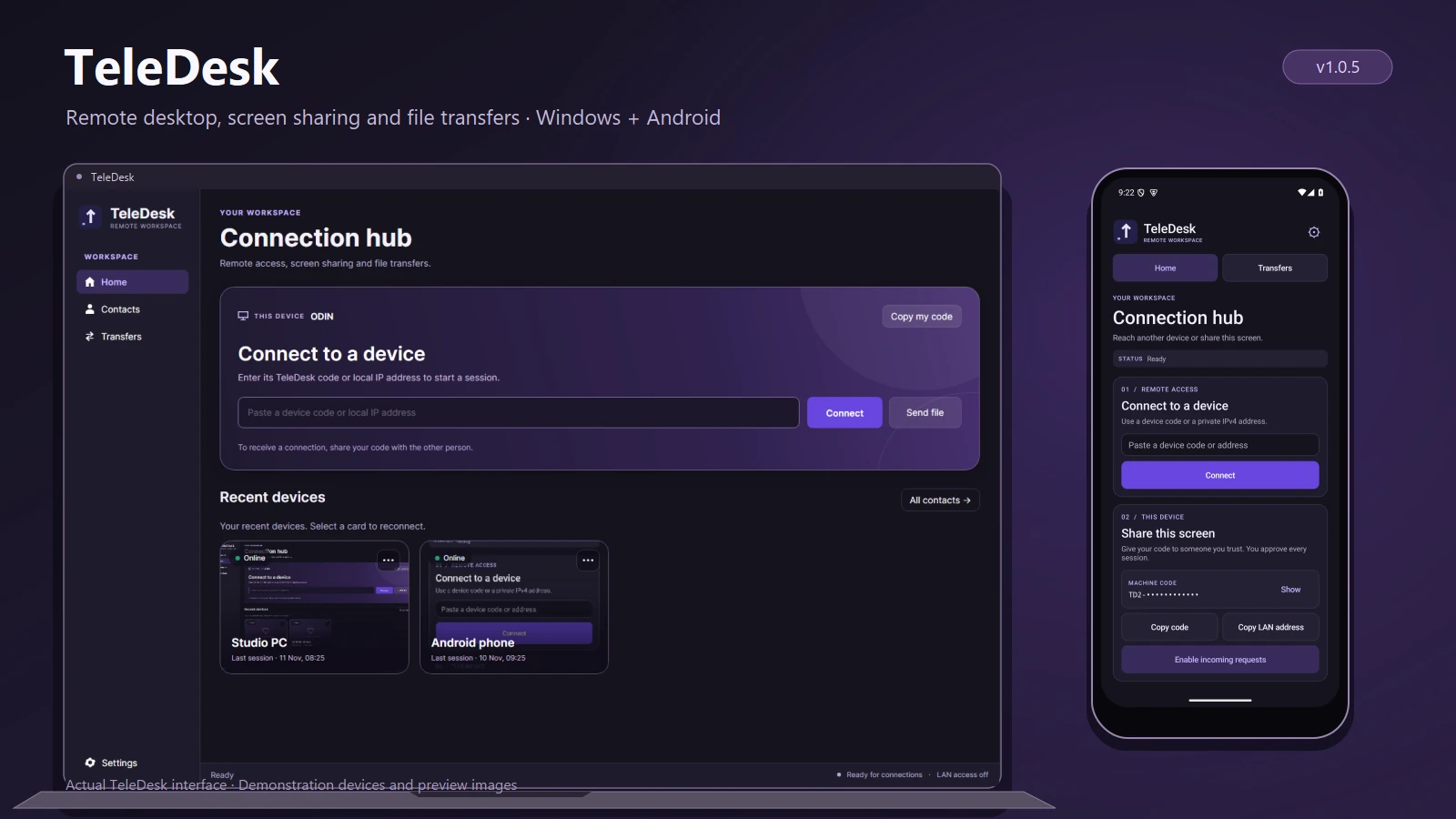
Remote desktop and file transfers
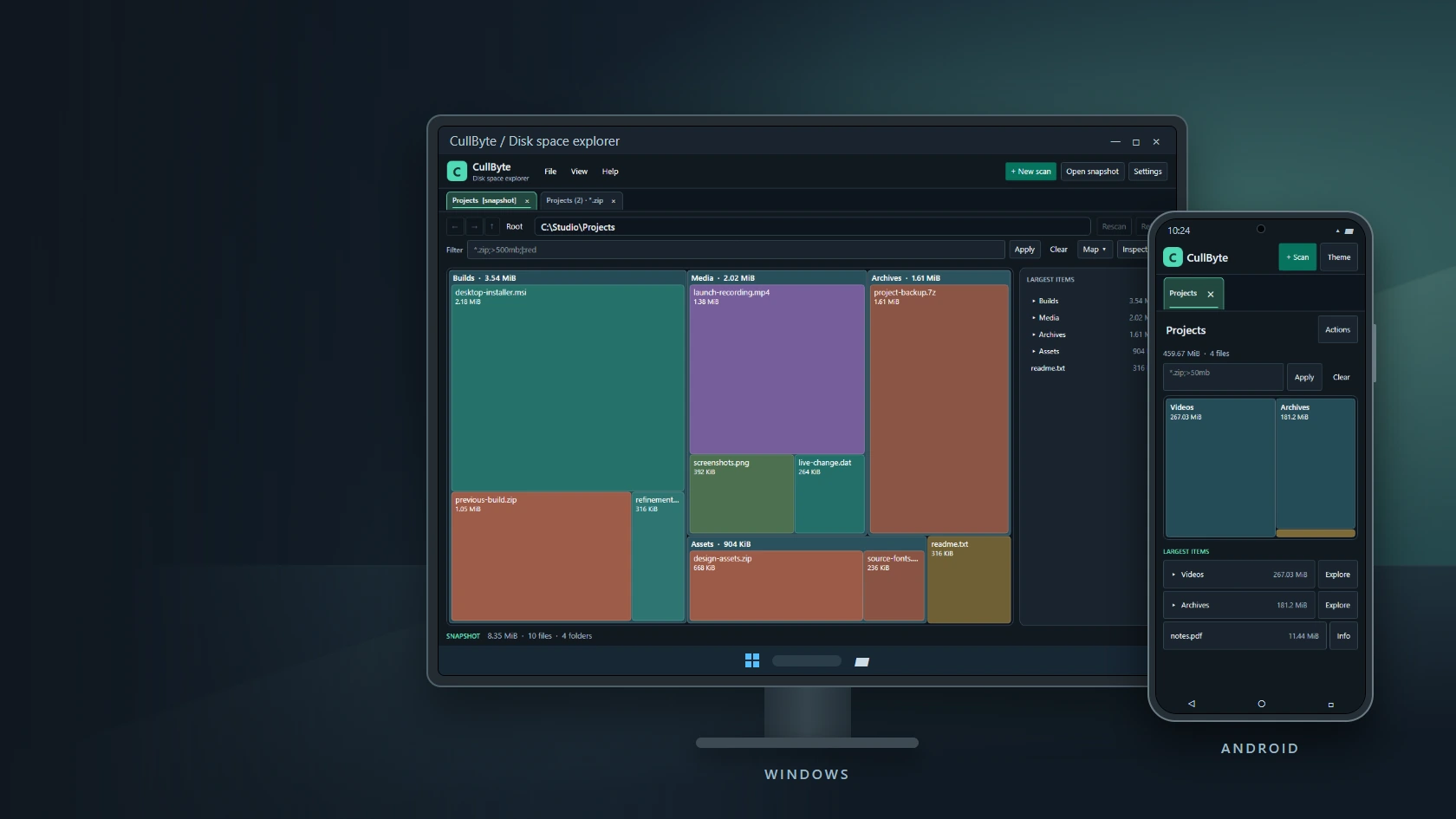
Personal projectCullByte
CullByte
Disk space explorer for Windows and Android
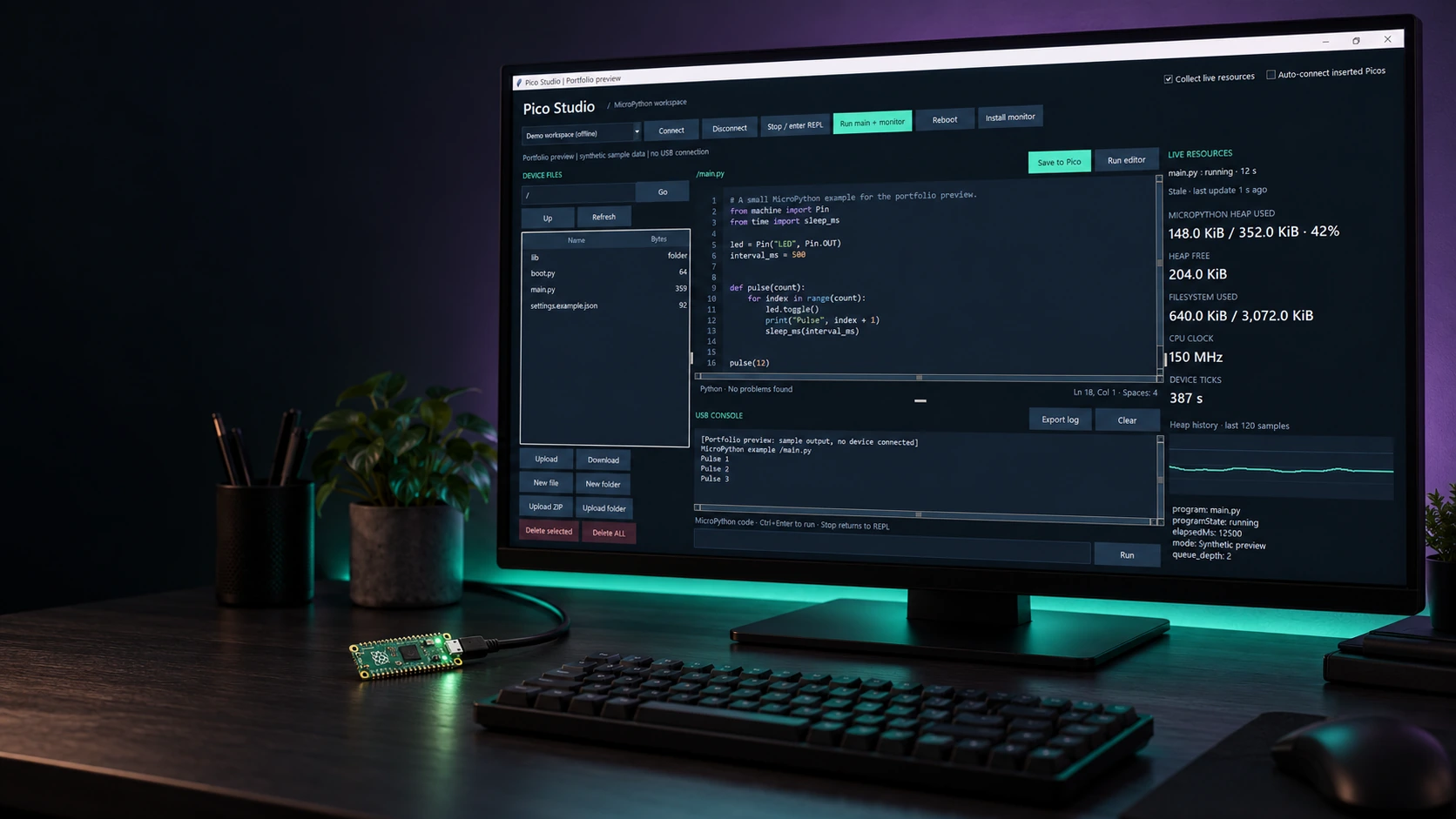
Personal projectPico Studio
Pico Studio
A desktop workspace for MicroPython
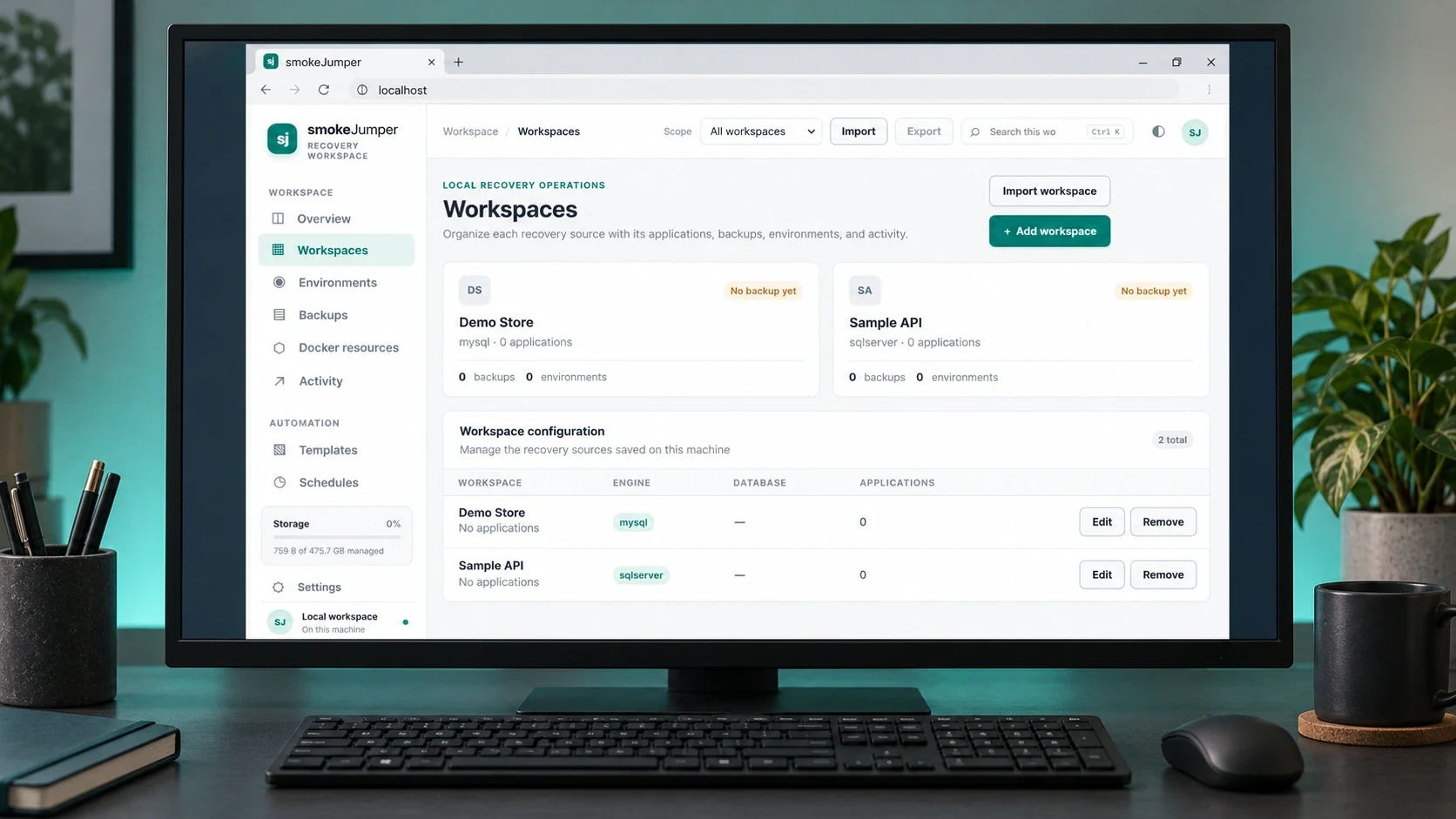
Personal projectSmoke Jumper
Smoke Jumper
Apps, databases and Docker environments on Windows
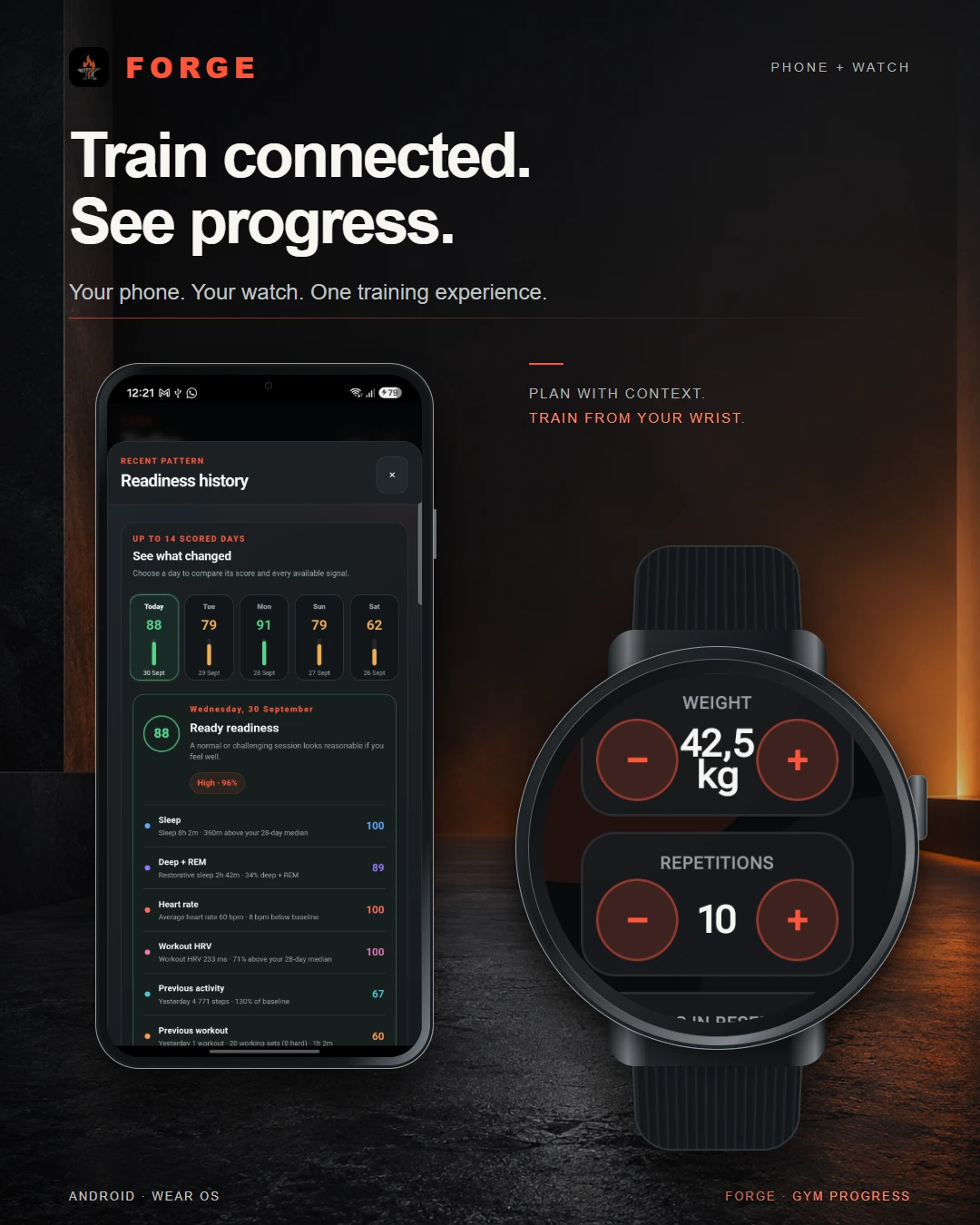
Personal projectForge
Forge
Training, recovery & progress
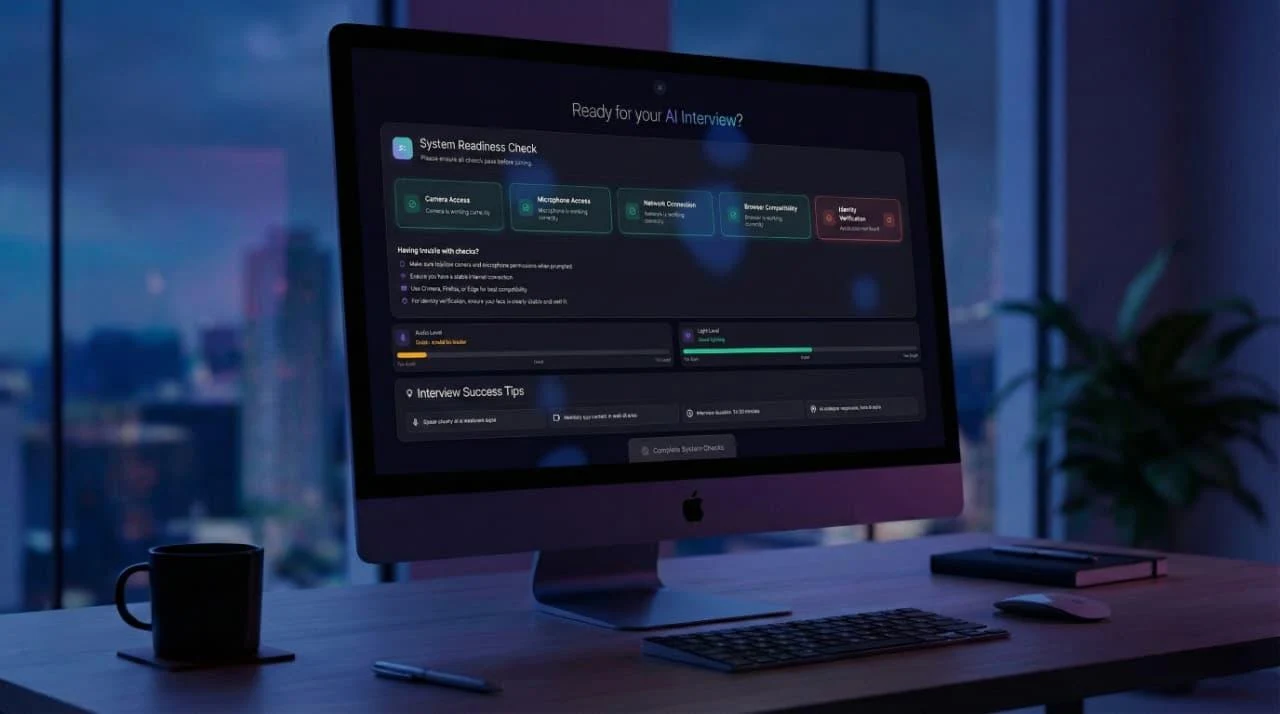
Dynamic Data TechnologiesTwenty4Hire
Twenty4Hire
AI-assisted recruitment platform
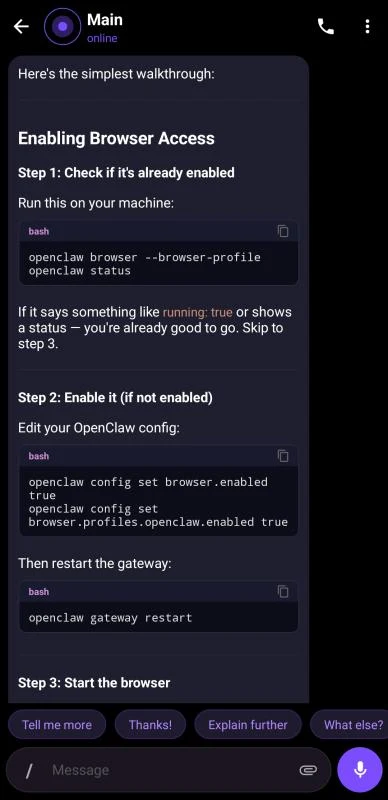
The CodesmithsK2.Maui
K2.Maui
Android client for OpenClaw
Dynamic Data TechnologiesMeetapp
Meetapp
Meeting preferences & group dynamics