← All projects
Personal project
Pico Studio
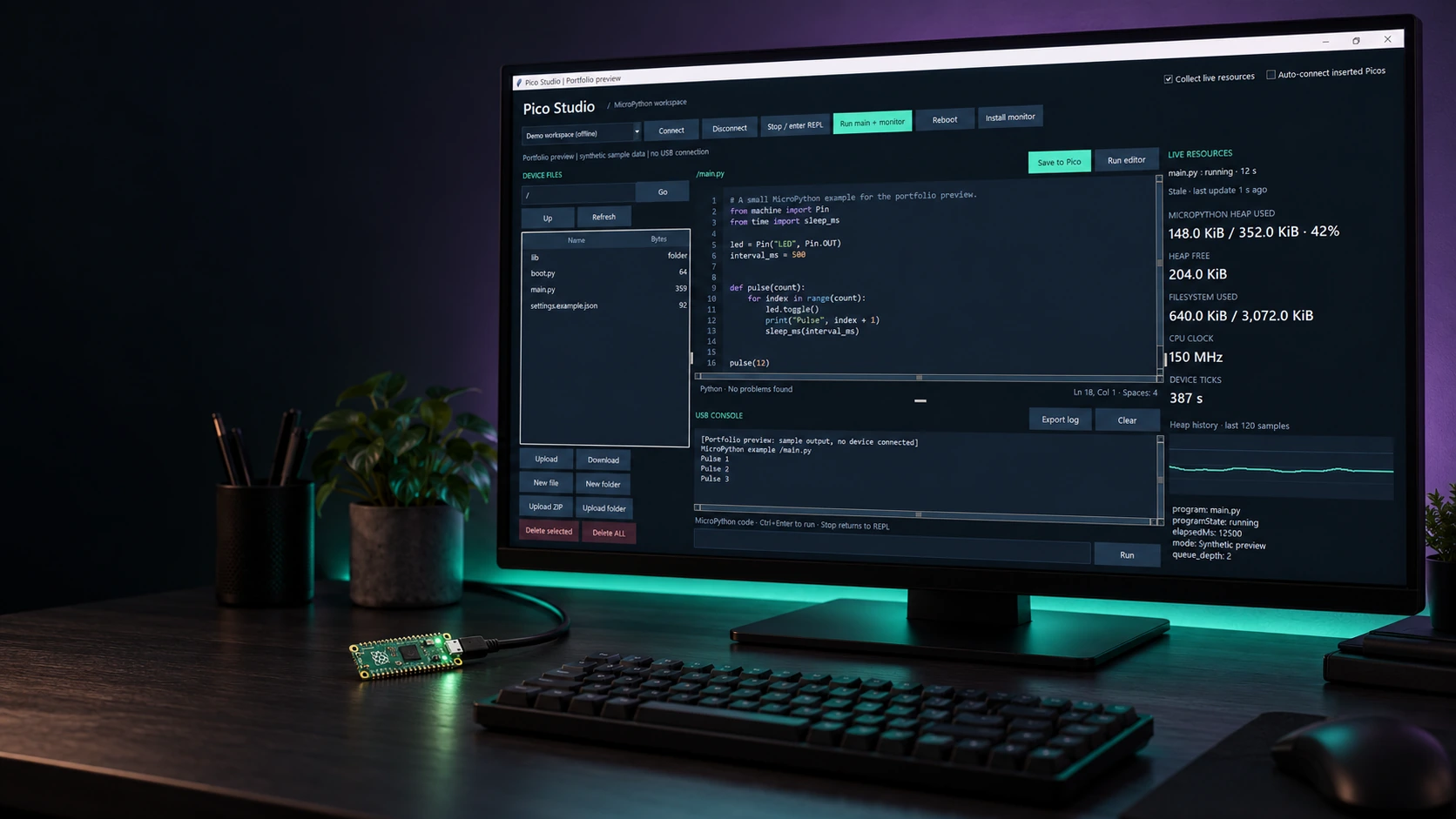
I built Pico Studio to keep the everyday work of developing for a Raspberry Pi Pico in one place. Browse files, edit Python, inspect diagnostics and follow the USB console alongside live resource readings. It is a native desktop workspace built with Python and Tkinter.
ABOUT THE PROJECT
A desktop workspace for MicroPython
I built Pico Studio to keep the everyday work of developing for a Raspberry Pi Pico in one place. Browse files, edit Python, inspect diagnostics and follow the USB console alongside live resource readings. It is a native desktop workspace built with Python and Tkinter.
- My role
- Design & development
- Technology
- Python · Tkinter · MicroPython · pyserial · mpremote · Pyflakes
- Project
- Personal project
FROM IDEA TO IMPLEMENTATION
The story behind the build
The problem
Keep editing, files, diagnostics and the USB console together during MicroPython development.
The approach
Build a Python/Tkinter desktop workspace with explicit device actions, static checks and opt-in monitoring.
The result
A desktop workspace for Raspberry Pi Pico development. Gallery readings use labelled synthetic offline data.
My contribution Design & development.
Inside Pico Studio
Explore the project imagery. Select an image to enlarge it.
The workspace, imagined on the desk
01 / 03THE MAKING OF PICO STUDIO
Technical notes
Connecting listens to the device without stopping its program. Entering the REPL for file access is an explicit action, so opening the workspace does not quietly reset a running Pico.
The editor combines line numbers, syntax highlighting, find and local syntax and Pyflakes checks. Diagnostics inspect the text without running it, with a problem list and F8 navigation.
The file browser supports uploads, downloads and folders. Folder and ZIP transfers preserve directory structure, validate archive paths and write through temporary sibling files before renaming.
Opt-in monitoring keeps the USB console visible alongside MicroPython heap history, filesystem use, CPU clock, device ticks and custom scalar values. CPU clock is a frequency reading, not a CPU utilisation measurement.
The gallery includes actual app captures with synthetic offline data and a generated desk mockup. The preview never started the USB worker or connected to a device; its numbers are illustrative, not benchmarks.
START A CONVERSATION
Have a problem worth solving?
Let’s talk about your idea, your team, or the work you’ve seen here.
More to explore
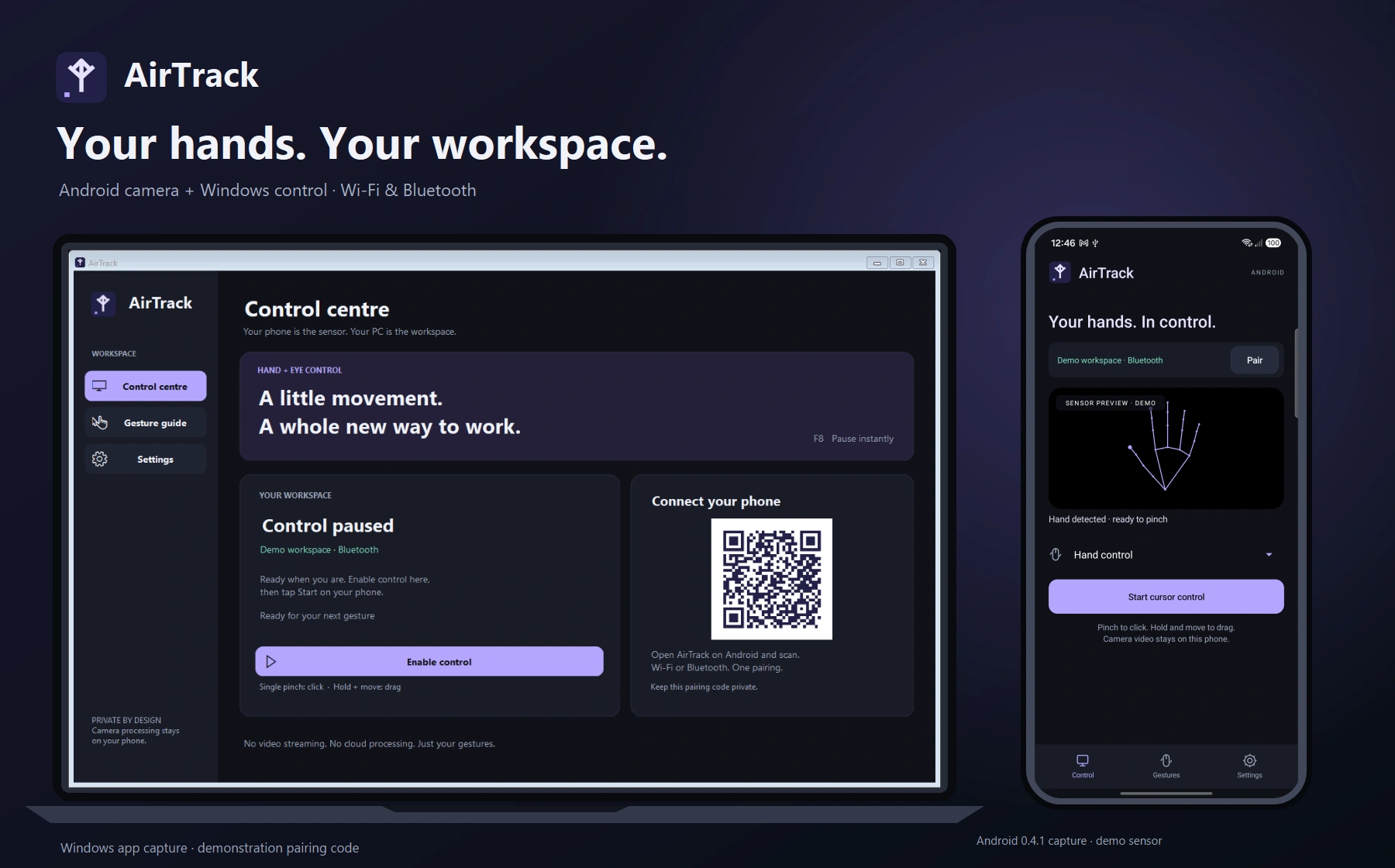
Personal projectAirTrack
AirTrack
Hand gestures for your Windows workspace
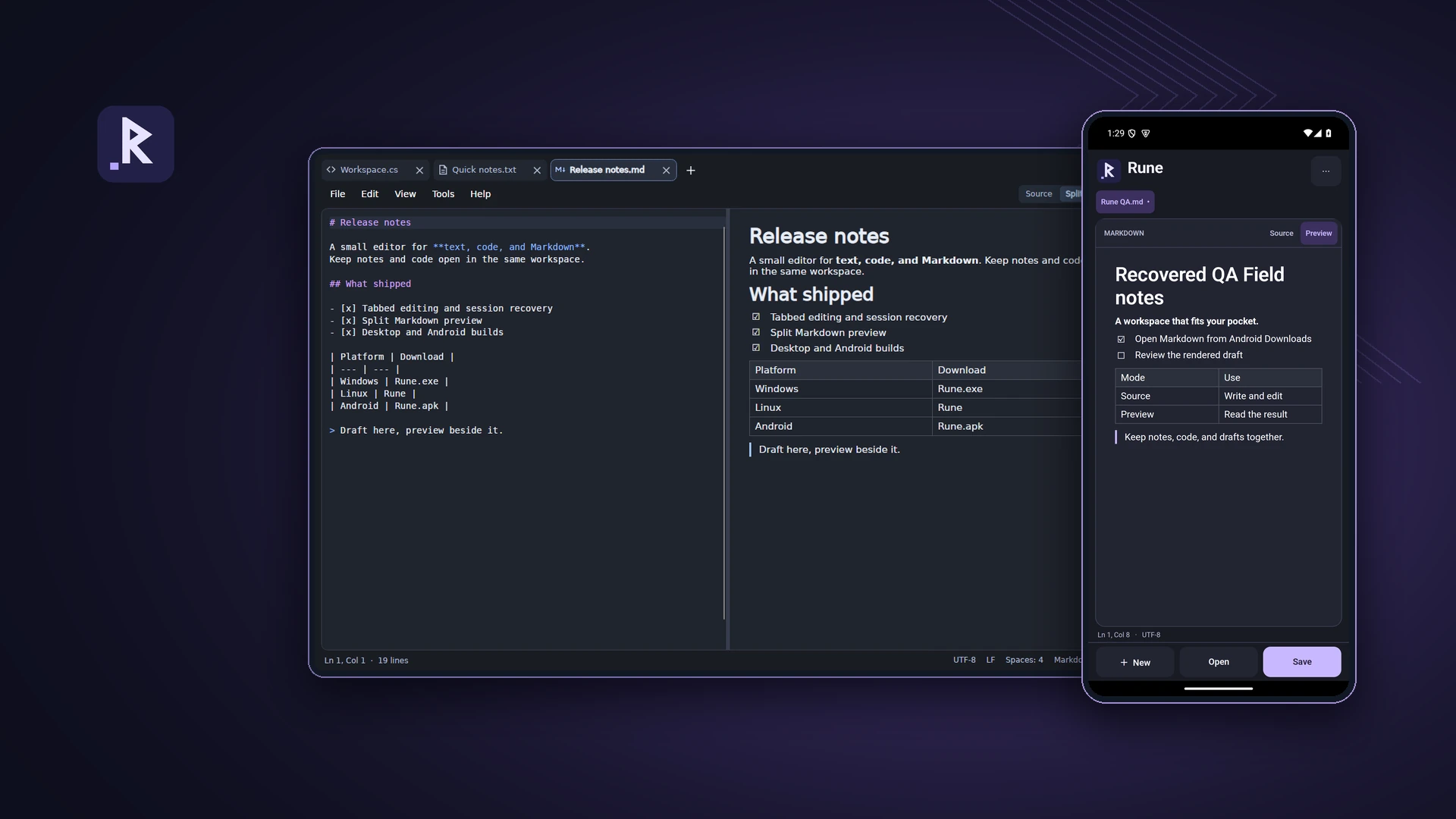
Personal projectRune
Rune
A text, code and Markdown editor for desktop and Android
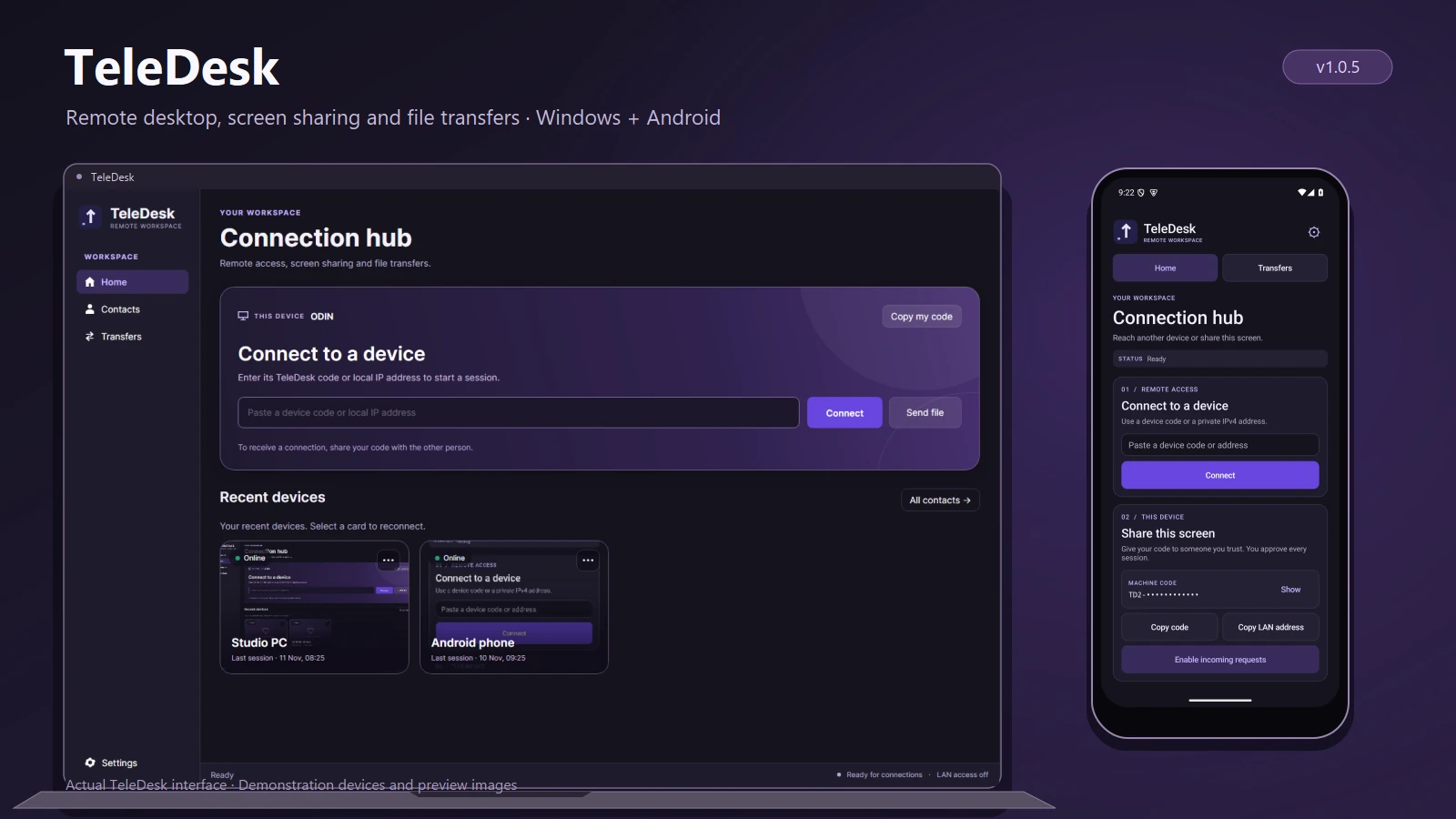
Personal projectTeleDesk
TeleDesk
Remote desktop and file transfers
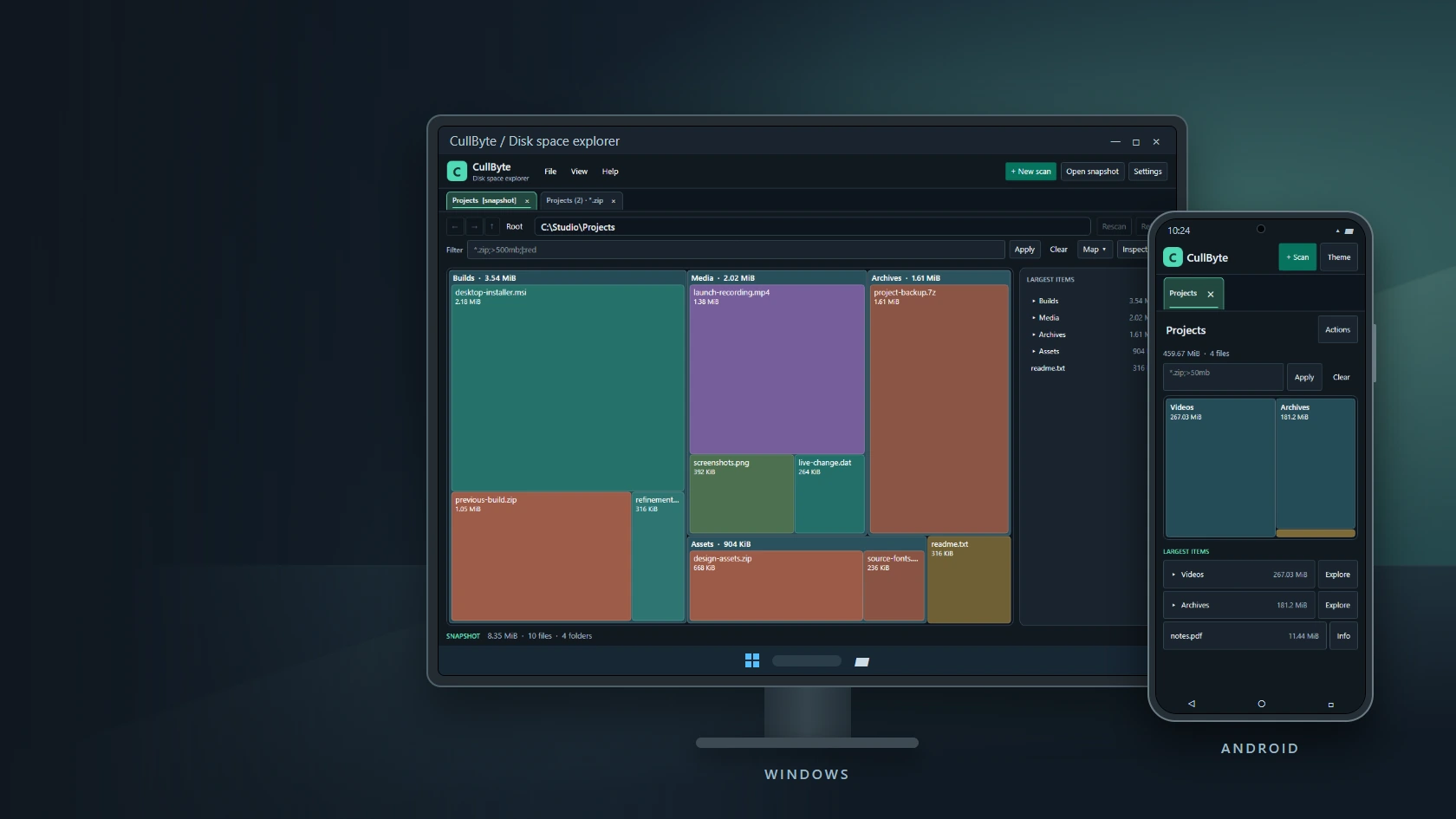
Personal projectCullByte
CullByte
Disk space explorer for Windows and Android
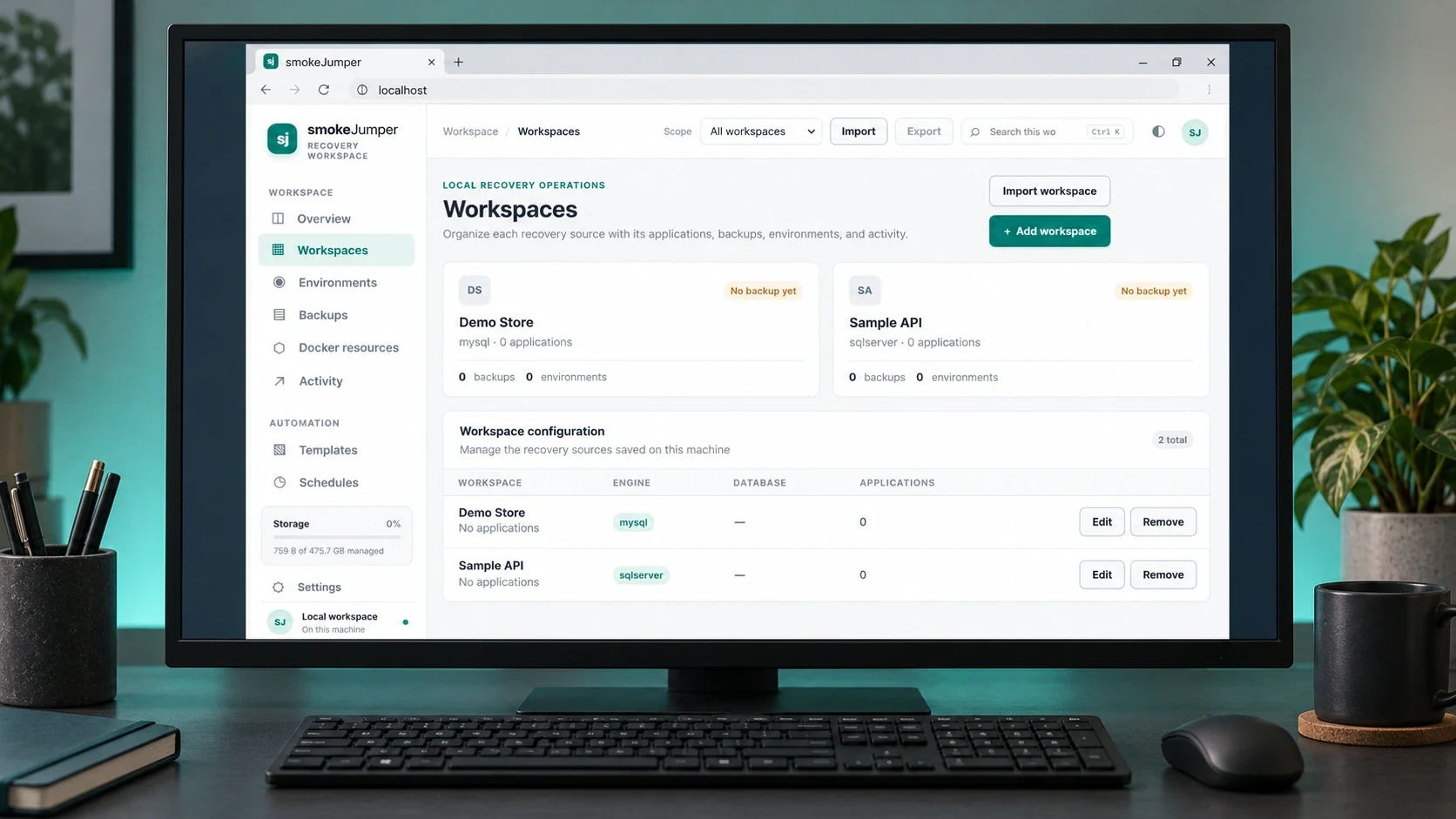
Personal projectSmoke Jumper
Smoke Jumper
Apps, databases and Docker environments on Windows
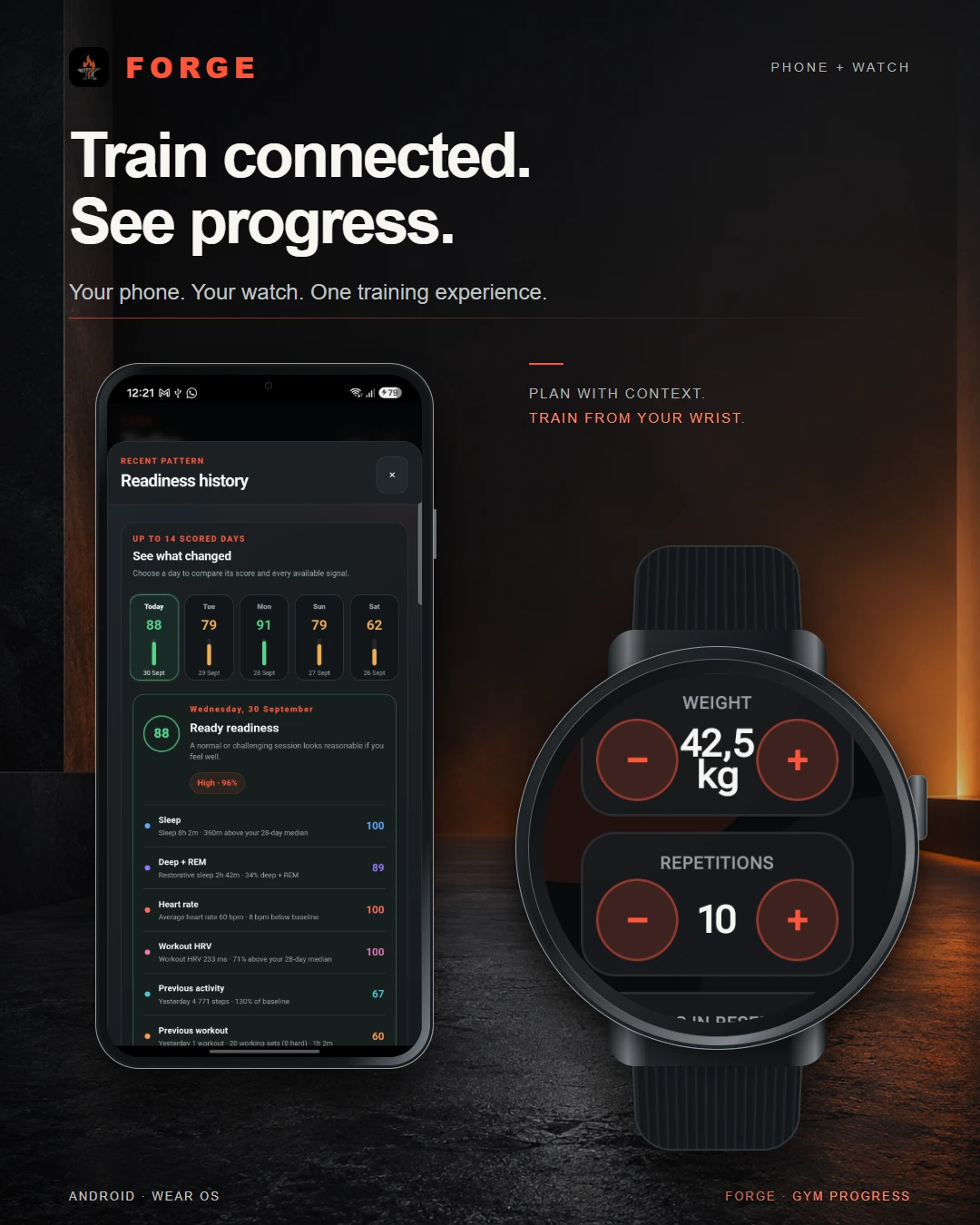
Personal projectForge
Forge
Training, recovery & progress
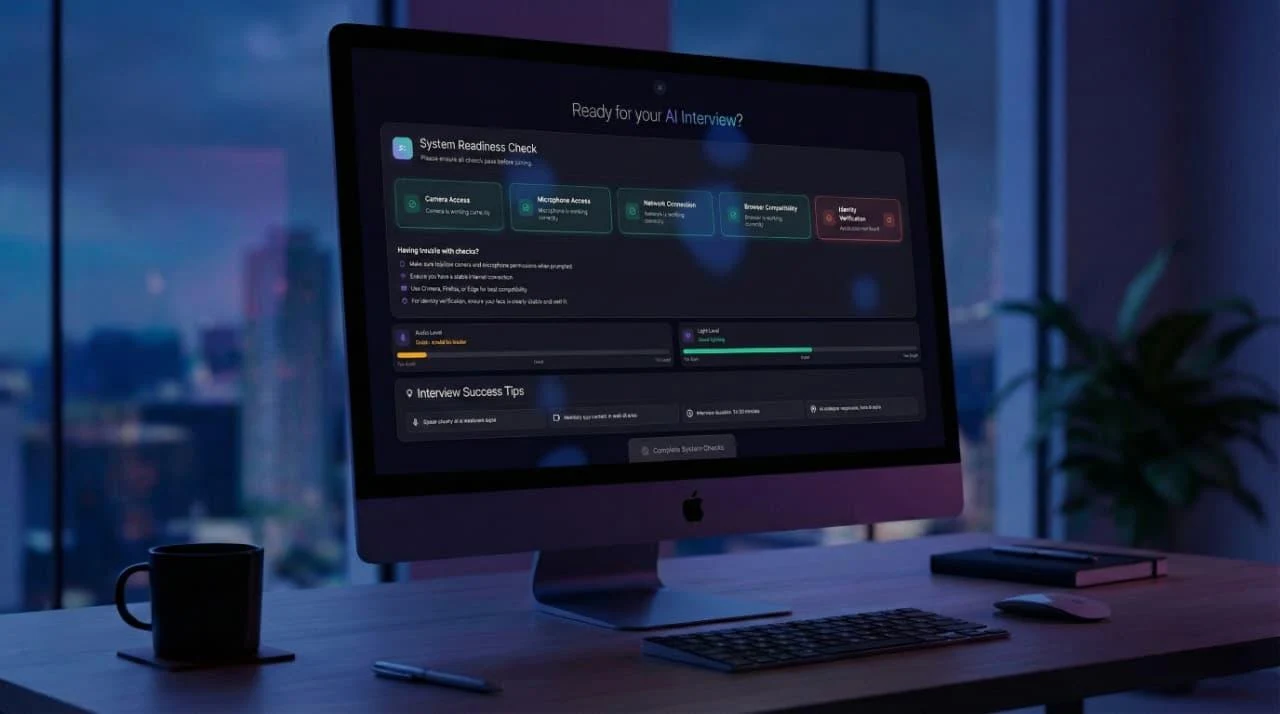
Dynamic Data TechnologiesTwenty4Hire
Twenty4Hire
AI-assisted recruitment platform
The CodesmithsK2.Maui
K2.Maui
Android client for OpenClaw

Dynamic Data TechnologiesMeetapp
Meetapp
Meeting preferences & group dynamics