← All projects
Personal project
CullByte
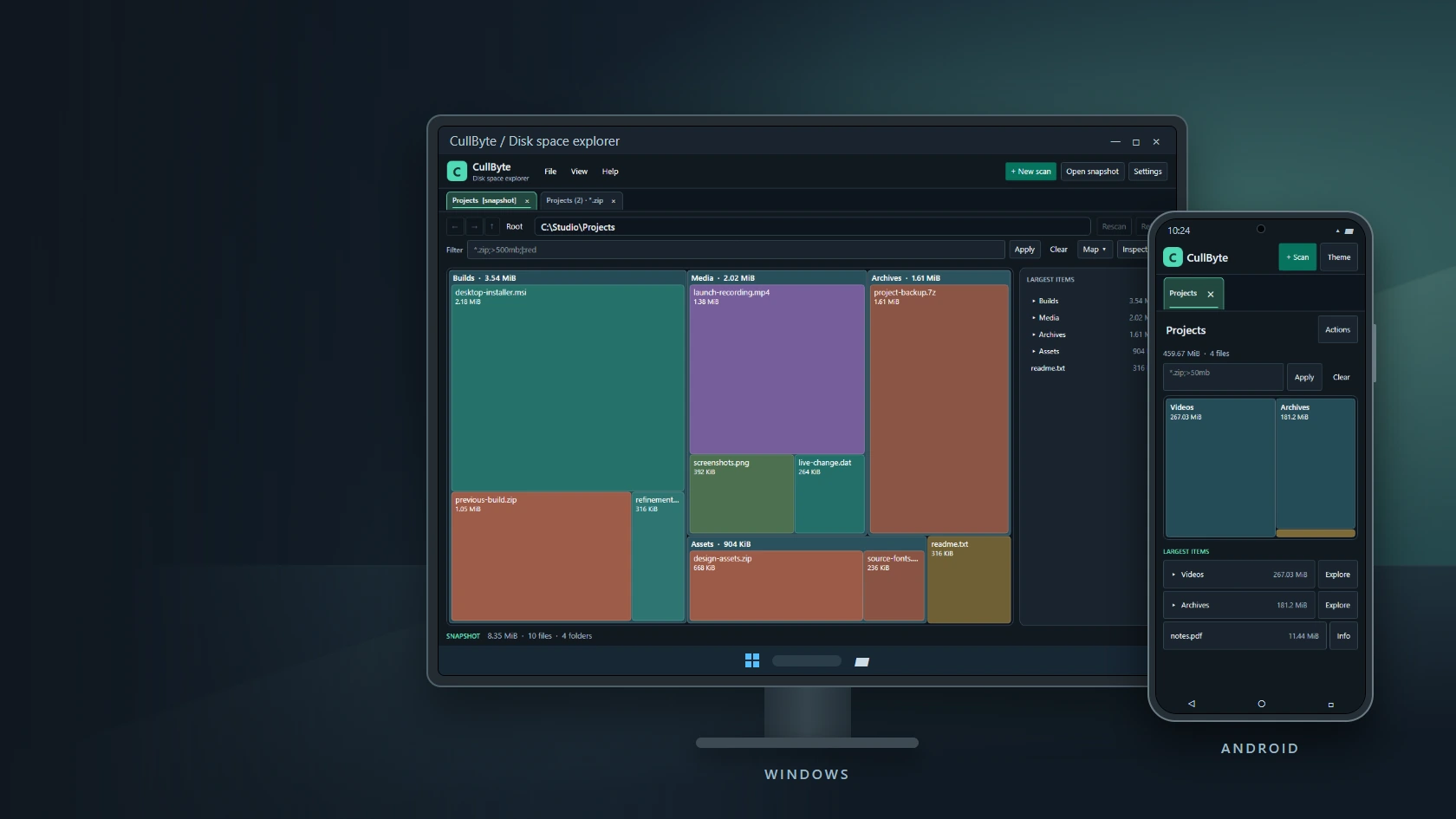
I built CullByte to find the files taking up space on my laptop. The map scales each file and folder by size, with filters and a largest-items list to help me work through a scan. The Windows and Android apps share a palette and a drawing layer, with a layout sized for each device.
ABOUT THE PROJECT
Disk space explorer for Windows and Android
I built CullByte to find the files taking up space on my laptop. The map scales each file and folder by size, with filters and a largest-items list to help me work through a scan. The Windows and Android apps share a palette and a drawing layer, with a layout sized for each device.
- My role
- Design & development
- Technology
- C# · .NET 10 · Avalonia · Android Storage Access Framework
- Project
- Personal project
Inside CullByte
Explore the project imagery. Select an image to enlarge it.
CullByte on Windows and Android
01 / 07RELEASES & CHANGES
Release history
Newest first. Select a version to read its notes.
0.1.3
Windows x64
Editable cache and temporary folder cleanup
Choose common or custom cleanup folders with checkboxes, select all, and review permanent deletion.
Cleanup
- Added Clean up beside New scan in the desktop toolbar.
- Includes configured %TEMP% and %TMP% paths, runtime temp, user Temp, Windows Temp, DirectX shader cache, and Chrome/Edge profile caches. Shared paths appear once with combined labels.
- Check individual folders or use Select all and Clear selection. Nothing is selected initially.
- Add your own folders by browsing or entering a path. Edit paths or remove rows from the list; the list is remembered between launches. Removing a row only removes the cleanup entry.
- Shows eligible file counts, sizes and full folder paths before a separate permanent deletion confirmation.
- Only files created and modified more than seven days ago are eligible. Skips links, locked/inaccessible files, and files changed since preview. Preserves folder structures.
- Reports removed bytes and skipped files, then refreshes the preview.
Desktop
- Hides the Installed toolbar button after installation.
- Keeps the cleanup button available on narrow windows.
Distribution
Windows x64 version 0.1.3. Android remains on its existing release.
Built from the local desktop source on 12 November 2026. Automated cleanup and update tests passed. Visual verification was limited by the Windows automation helper incorrectly identifying the test window. SHA-256 and download size verified during publication.
0.1.2
Windows x64
Desktop installation and update checking
Install CullByte for your account and check for verified updates from the Help menu.
Installation
- Added an Install CullByte button to wide desktop windows and Install / repair CullByte in Help.
- Installs the single-file executable for the current Windows account and creates a Start menu shortcut without requiring administrator access.
- Keeps existing settings and saved snapshots.
Updates
- Added Help → Check for updates with an explicit up-to-date result and clear network/error messages.
- Checks the Windows release feed on kevlog.co.za. Downloads are accepted only from the CullByte download area on HTTPS, with redirects disabled, an expected size and SHA-256 verification.
- Installed copies can download, replace the executable after CullByte closes, and restart. The previous executable is retained as a recovery copy.
- Portable copies download a verified EXE and show its location without closing the current app.
- Restarting closes open scans; save snapshots or reports first.
Distribution
Published Windows x64 version 0.1.2 on 11 November 2026. This desktop release does not change the separately published Android 0.1.1 APK.
Built from the local desktop source on 11 November 2026. Executable version metadata and download SHA-256 hashes are recorded in the publication receipt. Update validation tests passed for both applications.
0.1.1
Android
Signed Android refresh and application artwork
The Android manifest advances to display version 0.1.1/build 2 while the Windows line retains version 0.1.0.
Changed in the Android refresh
- Advanced the Android package version so an installed 0.1.0/build 1 APK can recognise the new build as an update.
- Replaced the letter badge with the shared CullByte image asset in the mobile header and updated the launcher artwork.
- Kept the existing folder-picker scan, treemap and largest-items workflow. Phone layouts stack the map and item list; wider layouts can display them side by side.
Available in this build
The app reads folders granted through Android's system picker. Tile/item actions open locations in Android Files, Explore drills into a folder inside CullByte, Info shows item details, and Actions can rescan or export CSV. System, Light and Dark themes remain available.
Scope and upgrade
Android reports the sizes supplied by the selected document provider; this is not unrestricted access to every file or an exact physical-allocation audit. The signed APK targets Android 12 and later on ARM64 and x86-64. Keep the same signing identity for installation over an existing copy. This version number applies to Android; it does not rename the Windows 0.1.0 release.
0.1.0
Windows, Android
Disk-space explorer baseline
Scans, proportional treemaps, filters, offline snapshots and exports were already present in the first recorded version.
Windows explorer
- Scans a selected drive or multiple folders, including semicolon-separated paths and dropped folders.
- Draws files and folders in proportion to their size. Folder tiles expand/collapse; double-click zooms in; navigation returns to previous locations, a parent or the scan root.
- Opens additional tabs or windows on the same scan so different filters can be compared without re-reading the disk.
- Filters by names, wildcard patterns, size expressions and temporary colour tags. The Inspector shows the selected item and the largest children of the focused folder.
- Saves .cullscan snapshots for offline review and exports CSV or customisable text reports. Colour tags are session data, not persistent labels on the underlying files.
- Offers system, light and dark appearance settings.
Android baseline
The 0.1.0/build 1 Android manifest was already part of the initial repository snapshot. It uses the system folder picker, a responsive treemap/largest-items view, provider-supplied sizes and Android Files integration. Android was not first introduced by 0.1.1.
Packaging and later same-version fixes
The initial Windows publication used a folder of app libraries. The 5 November dependency-locking change pinned Windows x64 native dependencies. The later portable publish workflow bundles the runtime and native libraries into a single EXE. Subsequent source under the same Windows version also applies monitoring preference changes to open scan sessions and explains which settings require a new scan/view.
THE MAKING OF CULLBYTE
Technical notes
Windows scans drives or folders, with scan tabs, temporary color tags and offline snapshots.
The Android version reads folders chosen through the system picker and reports the sizes supplied by Android.
Filters support names, wildcard patterns and sizes. CSV export uses the focused folder and the active filter.
The interactive preview uses sample data. The gallery includes application captures and device mockups made from those captures.
Windows: use Install CullByte, or Help → Install / repair CullByte, for a per-user installation and Start menu shortcut.
Windows: Help → Check for updates downloads verified desktop updates from kevlog.co.za. Installed copies can update and restart; save open scans as snapshots first.
Windows: Clean up lets you select common or custom cache/temp folders, edit the saved list, and Select all. Only files older than seven days are eligible; deletion requires confirmation.
START A CONVERSATION
Have a problem worth solving?
Let’s talk about your idea, your team, or the work you’ve seen here.
More to explore
Personal projectAirTrack
AirTrack
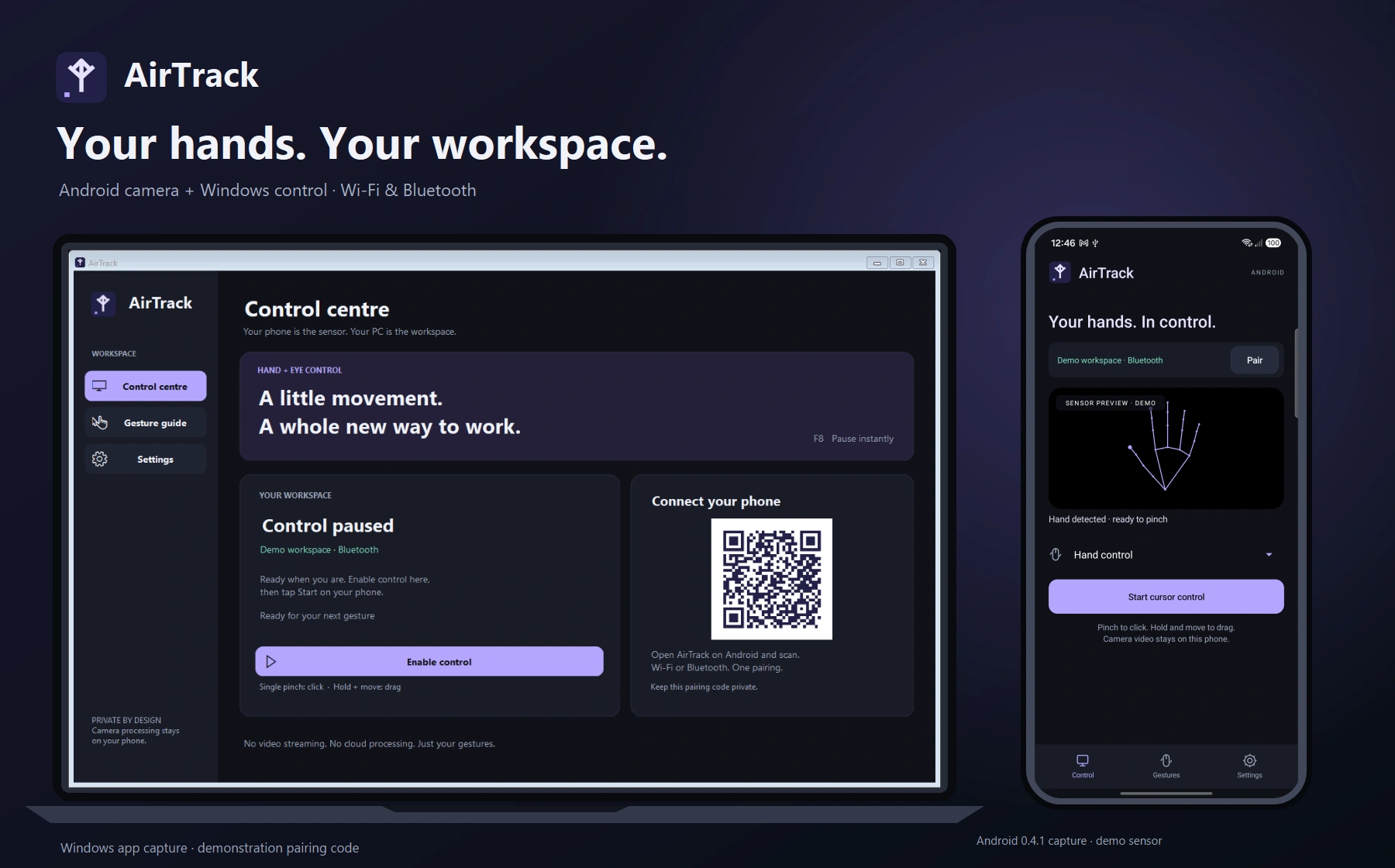
Hand gestures for your Windows workspace
Personal projectRune
Rune
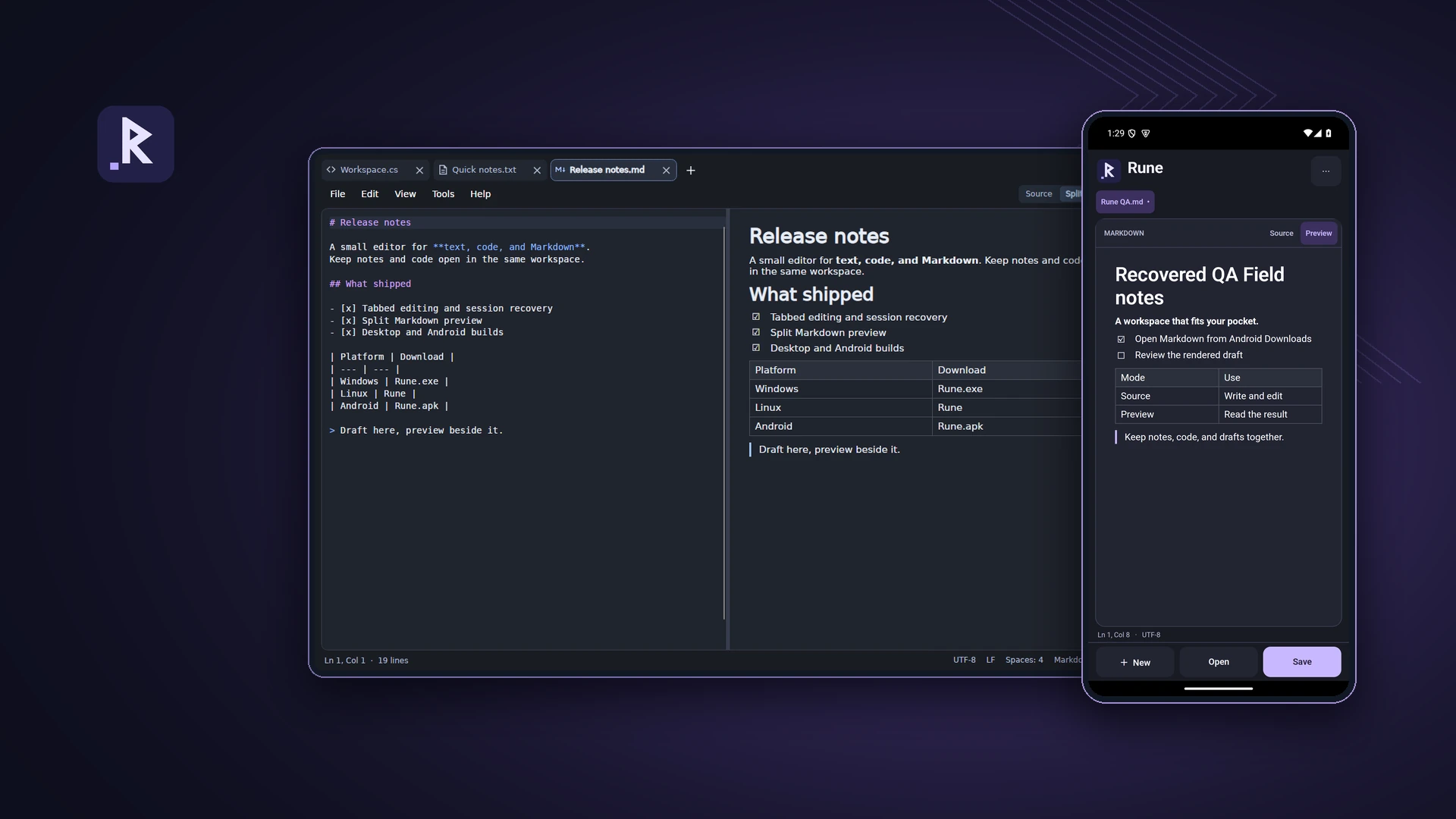
A text, code and Markdown editor for desktop and Android
Personal projectTeleDesk
TeleDesk
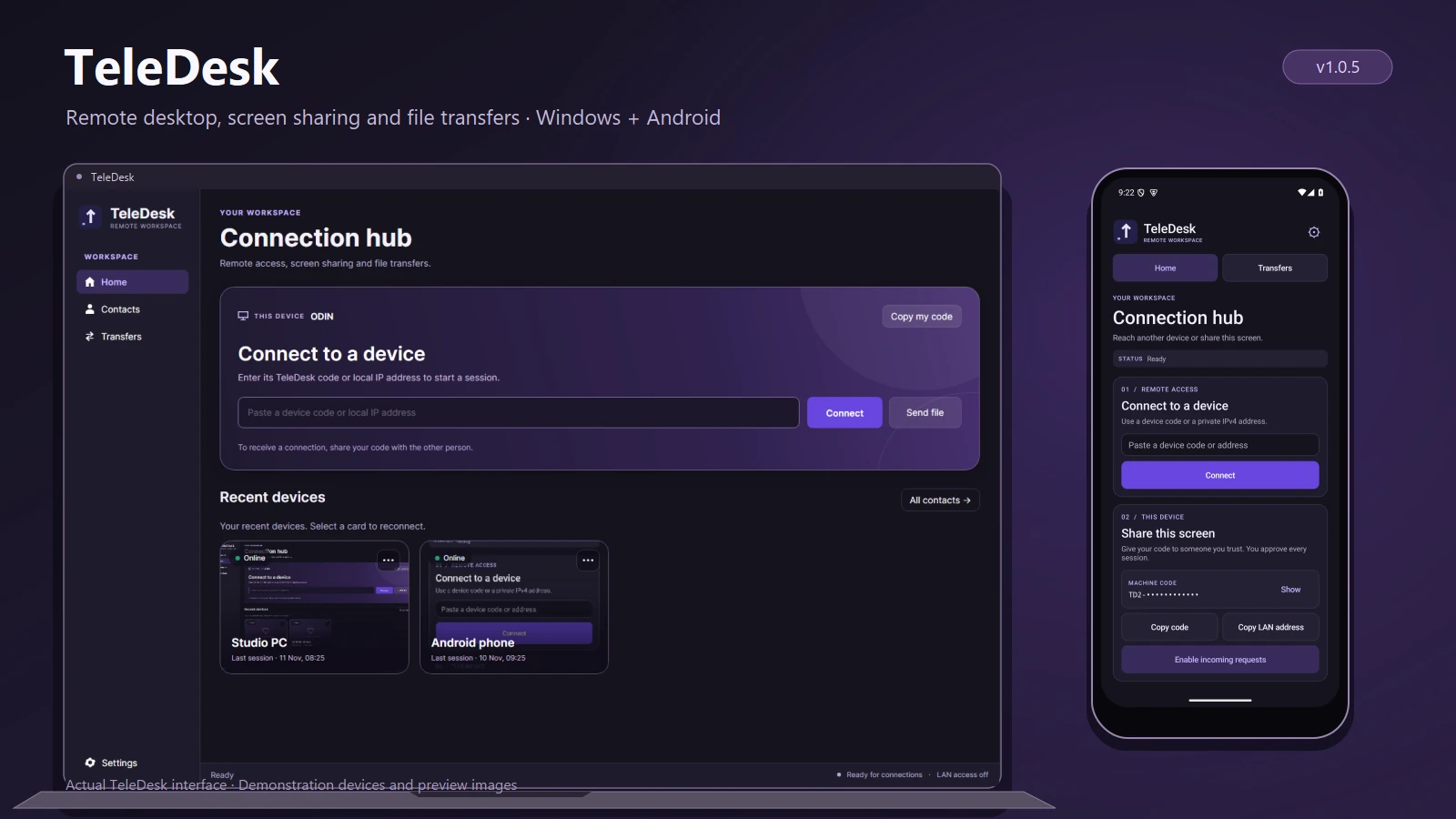
Remote desktop and file transfers
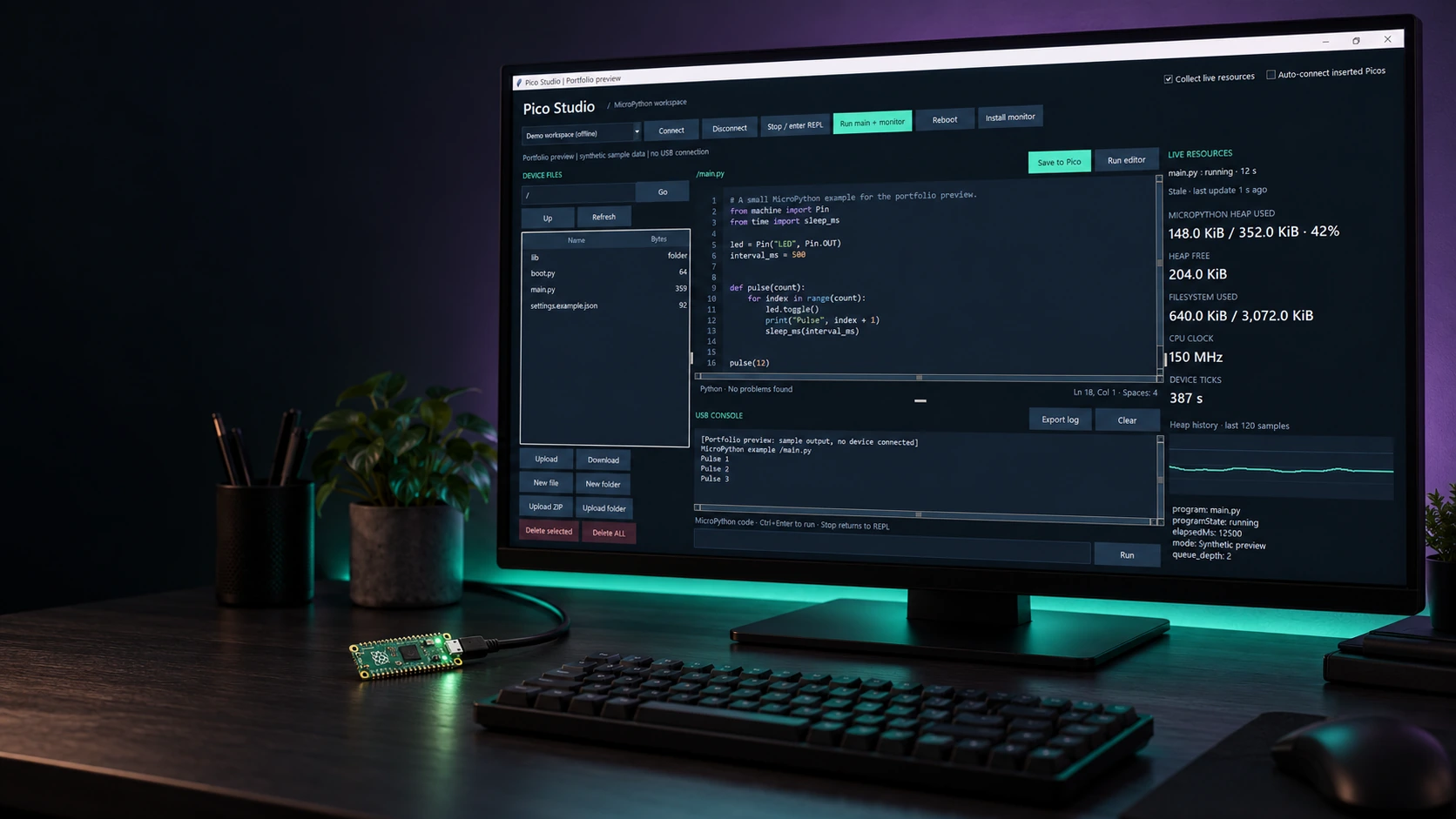
Personal projectPico Studio
Pico Studio
A desktop workspace for MicroPython
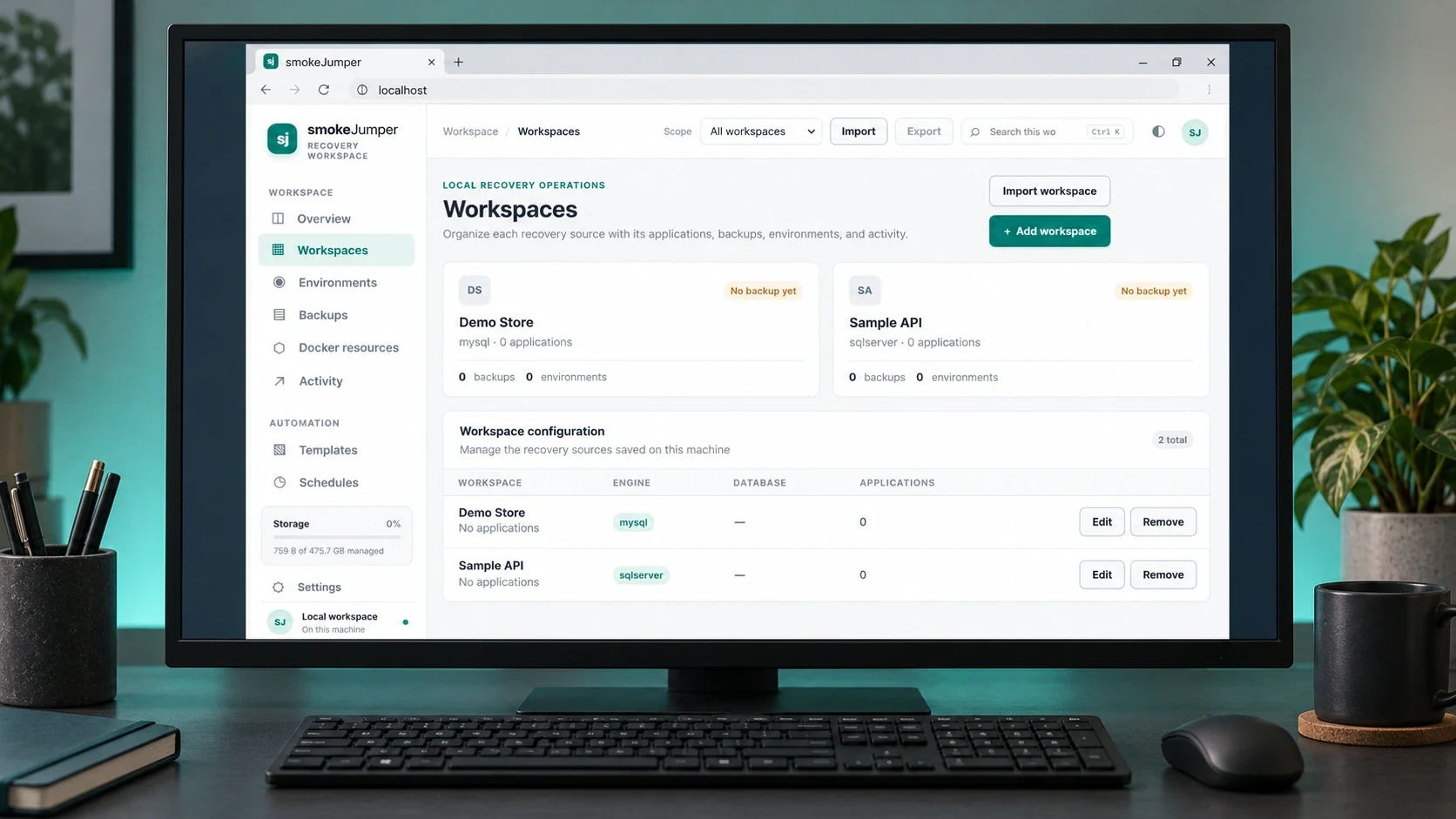
Personal projectSmoke Jumper
Smoke Jumper
Apps, databases and Docker environments on Windows
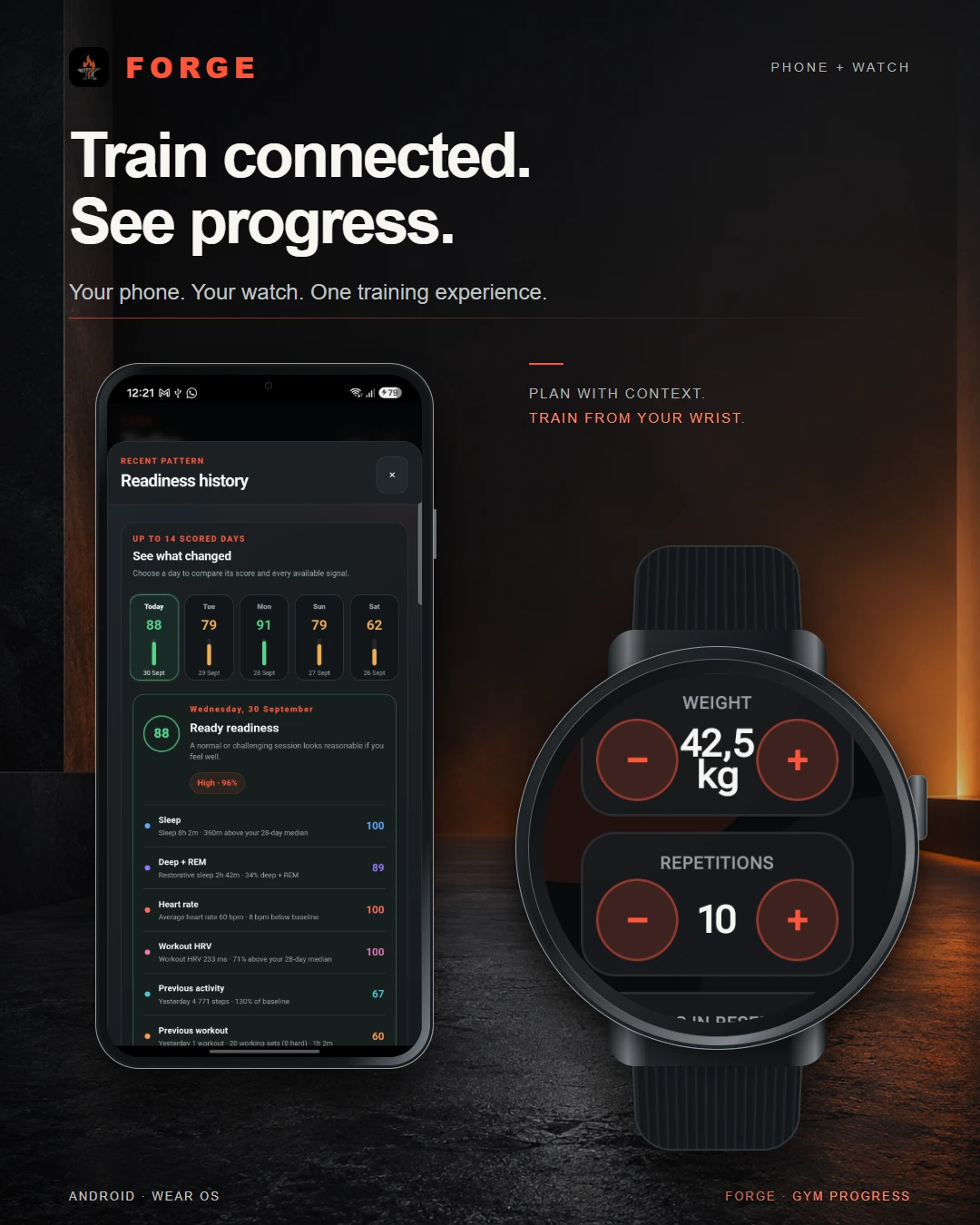
Personal projectForge
Forge
Training, recovery & progress
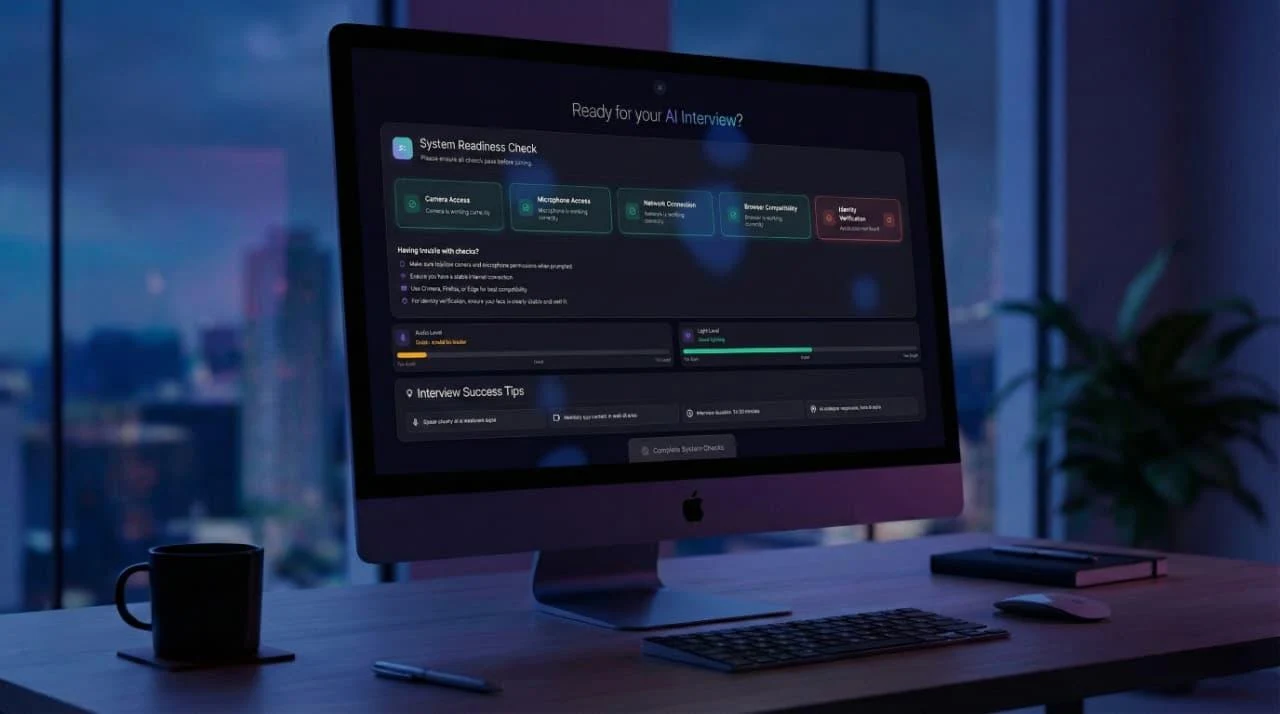
Dynamic Data TechnologiesTwenty4Hire
Twenty4Hire
AI-assisted recruitment platform
The CodesmithsK2.Maui
K2.Maui
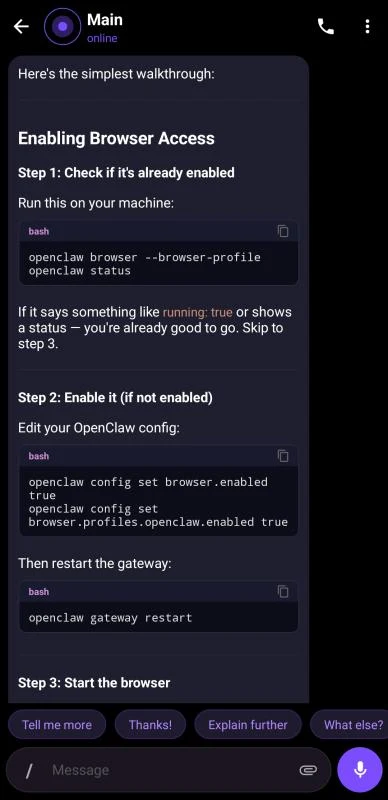
Android client for OpenClaw
Dynamic Data TechnologiesMeetapp
Meetapp
Meeting preferences & group dynamics