← All projects
Personal project
Rune
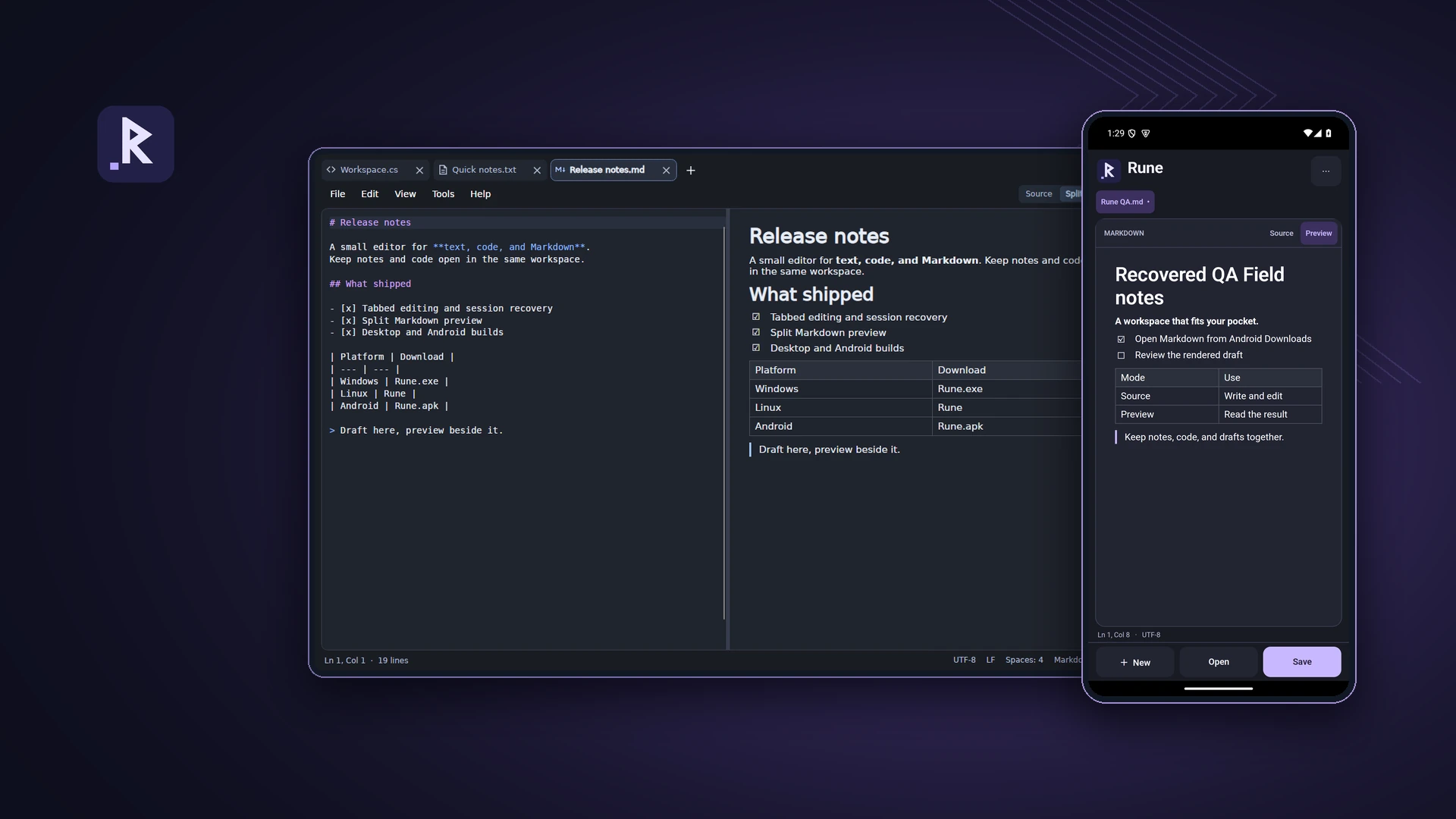
I built Rune for the work I reach for a text editor to do: jot down a note, change a few lines of code or write a Markdown document. It has a tabbed workspace on Windows and Linux and a touch-friendly editor on Android.
ABOUT THE PROJECT
A text, code and Markdown editor for desktop and Android
I built Rune for the work I reach for a text editor to do: jot down a note, change a few lines of code or write a Markdown document. It has a tabbed workspace on Windows and Linux and a touch-friendly editor on Android.
- My role
- Design & development
- Technology
- C# · .NET 10 · Avalonia · AvaloniaEdit · Markdig
- Project
- Personal project
Inside Rune
Explore the project imagery. Select an image to enlarge it.
Rune on desktop and Android
01 / 09RELEASES & CHANGES
Release history
Newest first. Select a version to read its notes.
1.0.2
Windows x64, Linux x64
Help-menu updates and visible desktop installation
Added verified update checking and a visible install button while preserving Rune’s save prompts and desktop integration.
Installation
- Added an Install Rune button to wide desktop windows. Tools → Install Rune remains available on smaller windows, with the existing per-user launcher and Open with integration.
- Installed copies display their installation state. Removing desktop integration remains under Tools.
- Settings, documents and file-association choices are preserved; changing the default text editor remains an explicit user choice.
Updates
- Added Help → Check for Updates, with an up-to-date result and clear failure messages.
- Selects the Windows or Linux release from kevlog.co.za and verifies the expected size and SHA-256 before accepting a download. Download URLs are restricted to Rune’s HTTPS download area and redirects are disabled.
- Installed copies offer Update and restart. Rune uses its normal save prompts across open windows; cancelling keeps the editor open and does not start replacement.
- The update replaces the installed executable only after the old process exits, keeps a previous-version recovery copy, and restarts Rune.
- Portable copies download a verified executable and show its location without closing the current editor.
Distribution
Published self-contained Windows and Linux x64 version 1.0.2 on 11 November 2026. Windows was exercised locally; the Linux binary was built but not run on Linux during this release. The separately published Android 1.0.1 APK is unchanged.
Built from the local desktop source on 11 November 2026. Executable version metadata and download SHA-256 hashes are recorded in the publication receipt. Update validation tests passed for both applications.
1.0.1
Android
Android editor and document workflow
Added a touch-oriented Android client while the desktop executable retained its 1.0.0 assembly version.
Android editor
- Added tabbed editing with Open and Save through Android's document picker, local draft recovery and Markdown preview.
- Resizes the editor above the keyboard so the active document remains usable while typing.
- Provides Source and Preview on phones and an additional Split layout on wider screens. Theme choices include system, light and dark.
- Checks for external document changes, keeps a local draft before writing and offers Save a copy when the provider cannot safely overwrite the original.
- Renders local Markdown text and code. Images referenced through Android document URIs appear as placeholders rather than being fetched implicitly.
Distribution and boundaries
The Android manifest identifies this build as 1.0.1/build 2 and supports Android 12 or later on ARM64 and x64. Document providers control their own write behaviour. The desktop and Android build projects remain separate so a desktop build does not require the mobile SDK. This is the Android version; Windows/Linux binaries remain on their separately recorded desktop baseline.
1.0.0
Windows, Linux
Desktop text, code and Markdown editor
A local desktop editor with file-safe saves, recovery, Markdown modes and per-user desktop integration.
Editing
- Opens plain text, source code and Markdown in tabs. Code tabs use syntax highlighting and line numbers; the gutter can be toggled independently for other documents.
- Offers Source, Split and Preview for Markdown, with local rendering while editing.
- Includes find/replace, go-to-line, zoom, line editing shortcuts and preferences for editor behaviour. Multiple paths can be supplied when launching the executable.
File safety and recovery
- Preserves supported file encodings and existing line delimiters, with explicit controls for UTF-8 and UTF-16 variants.
- Saves through a flushed temporary sibling file, checks the recorded original version and replaces it only when the external-file check passes. A conflicting save offers Save As.
- Offers reload when a file changes externally. Session restoration and periodic crash-recovery drafts are separate preferences; recovered content remains unsaved until explicitly saved.
- Imports accessible Windows 11 Notepad cached tabs once for a fresh profile. Unsupported cache entries are skipped, and import results are reported in the status bar.
Desktop integration
The Windows and Linux x64 binaries bundle .NET. Install Rune adds a launcher/Open With integration for the current account; default-app assignment remains an explicit user choice. Windows opens maximised by default, with a preference to change that. Ubuntu 24.04 with X11 is the documented Linux baseline; execute permission and native desktop libraries still matter.
THE MAKING OF RUNE
Technical notes
Code tabs show line numbers and syntax highlighting. Plain text and Markdown keep the gutter off by default, with a per-tab toggle.
Markdown has Source, Split and Preview modes. The split view renders locally while you type.
Saves preserve encoding and line endings and check for external changes. Session recovery keeps unsaved edits available for review.
The builds bundle .NET and run directly on Windows 11 x64 or a compatible Linux x64 desktop. On Linux, grant execute permission with chmod +x Rune before launching. Ubuntu 24.04 with X11 is the tested baseline.
Tools → Install Rune adds a launcher and Open With integration for your account. Setting a default text editor is optional.
On Android, the editor resizes above the keyboard. Choose light, dark or the system theme and switch between Markdown source and preview.
The Android APK requires Android 12 or later. Download it to your phone and open it to install. Android may ask you to allow installs from your browser or file manager.
Desktop: use Install Rune, or Tools → Install Rune, to add the current-user launcher and Open with integration.
Desktop: Help → Check for Updates downloads verified Windows or Linux updates from kevlog.co.za. Installed copies restart only after the normal save prompts have completed.
START A CONVERSATION
Have a problem worth solving?
Let’s talk about your idea, your team, or the work you’ve seen here.
More to explore
Personal projectAirTrack
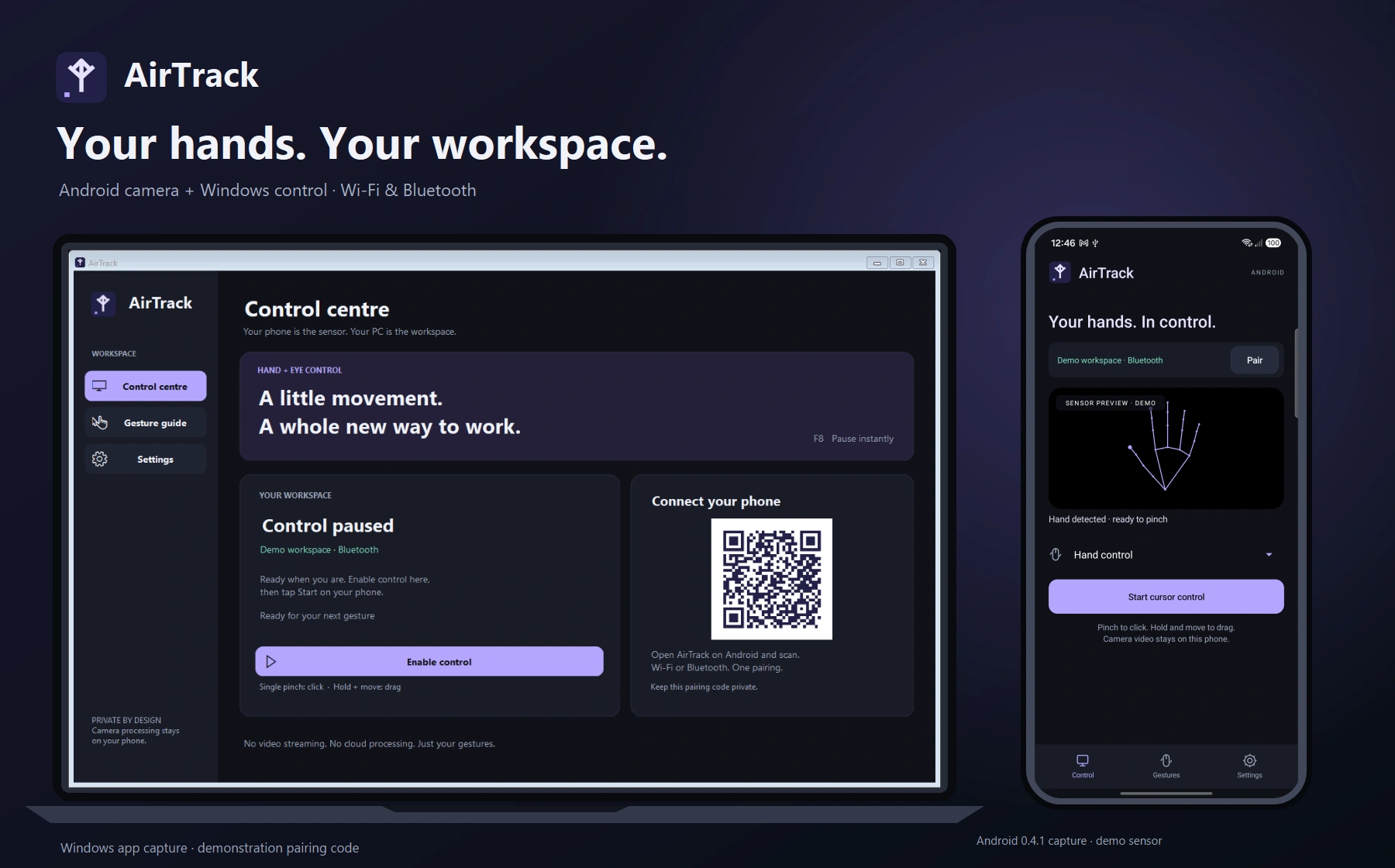
AirTrack
Hand gestures for your Windows workspace
Personal projectTeleDesk
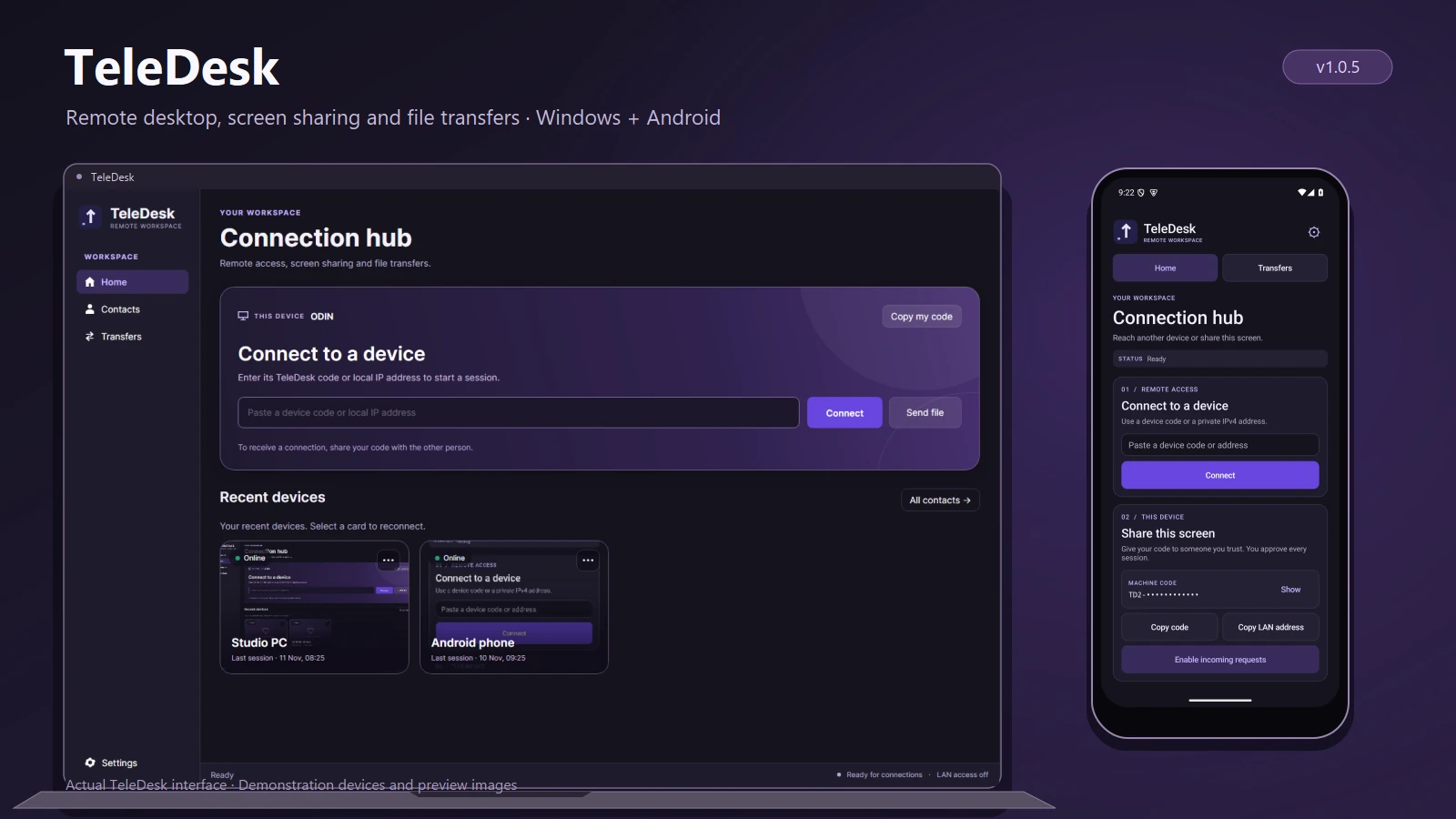
TeleDesk
Remote desktop and file transfers
Personal projectCullByte
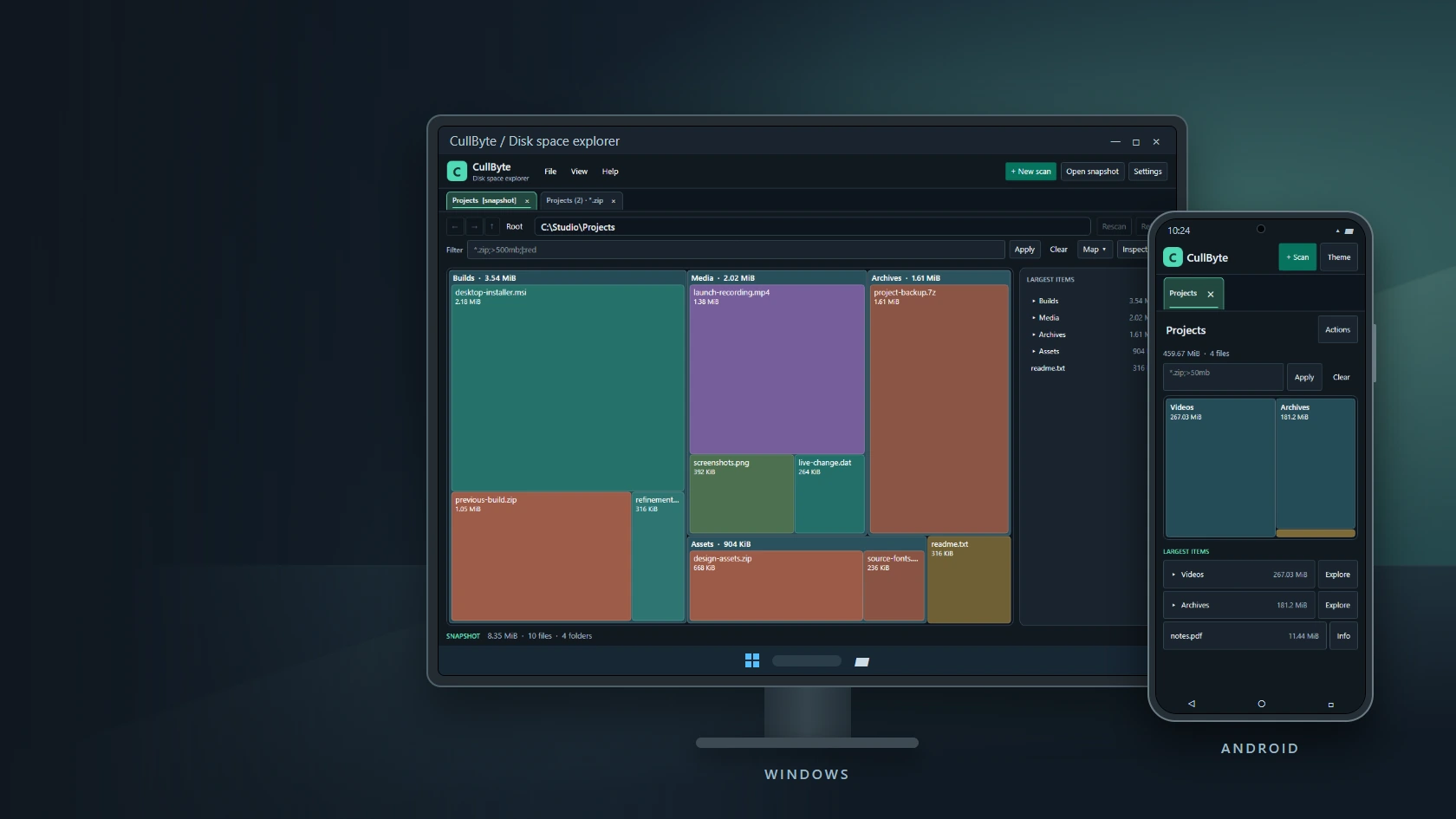
CullByte
Disk space explorer for Windows and Android
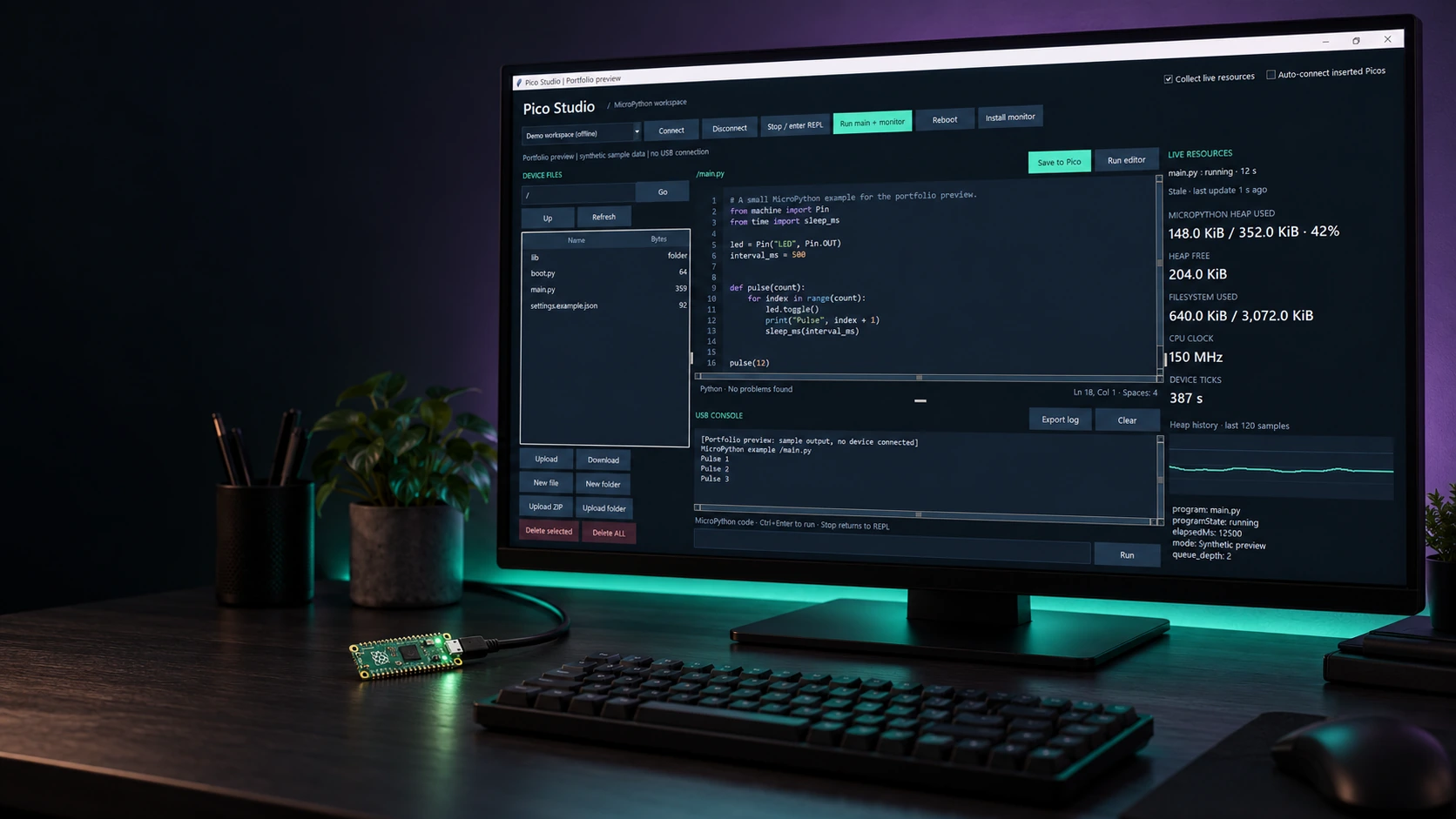
Personal projectPico Studio
Pico Studio
A desktop workspace for MicroPython
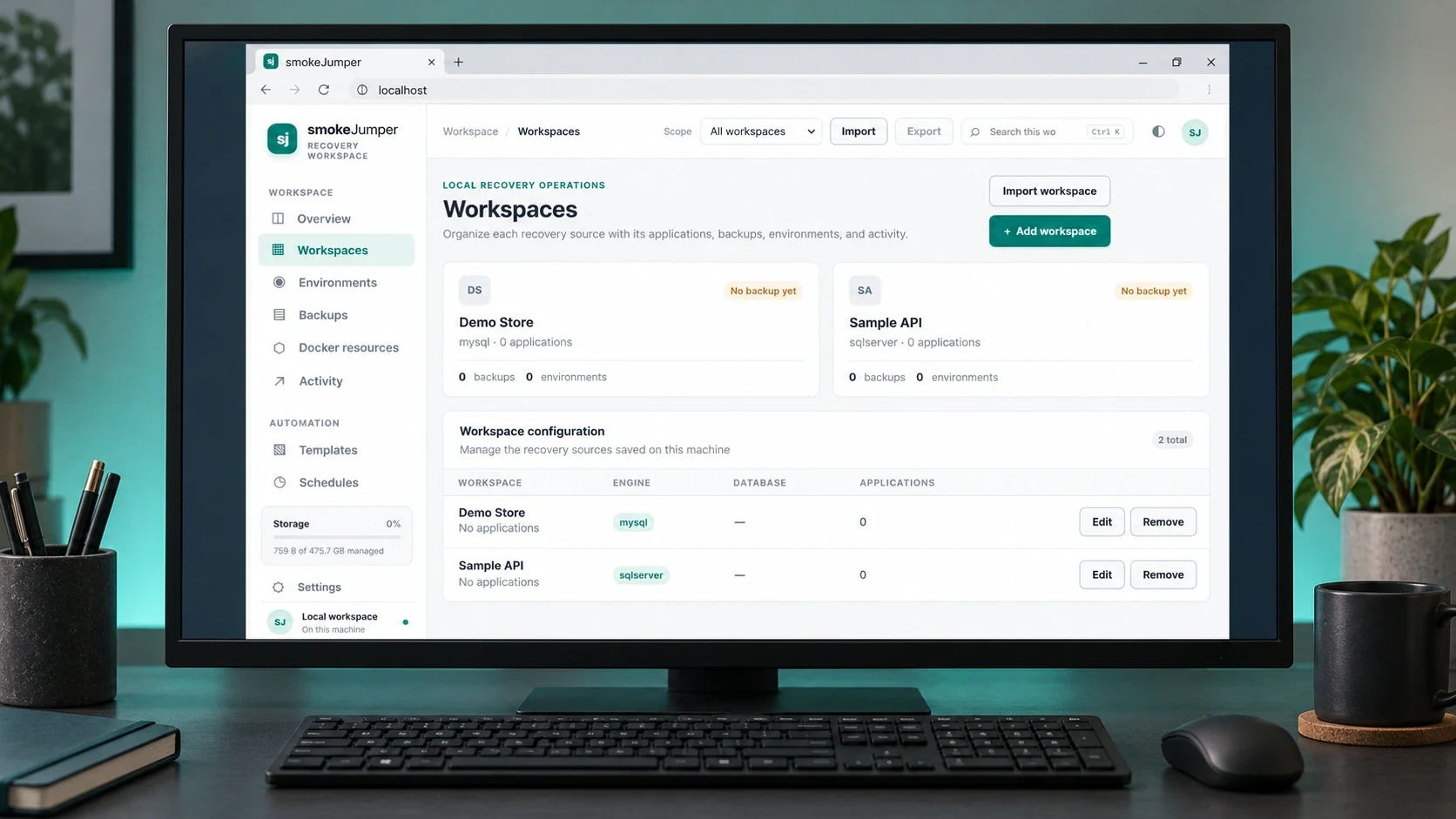
Personal projectSmoke Jumper
Smoke Jumper
Apps, databases and Docker environments on Windows
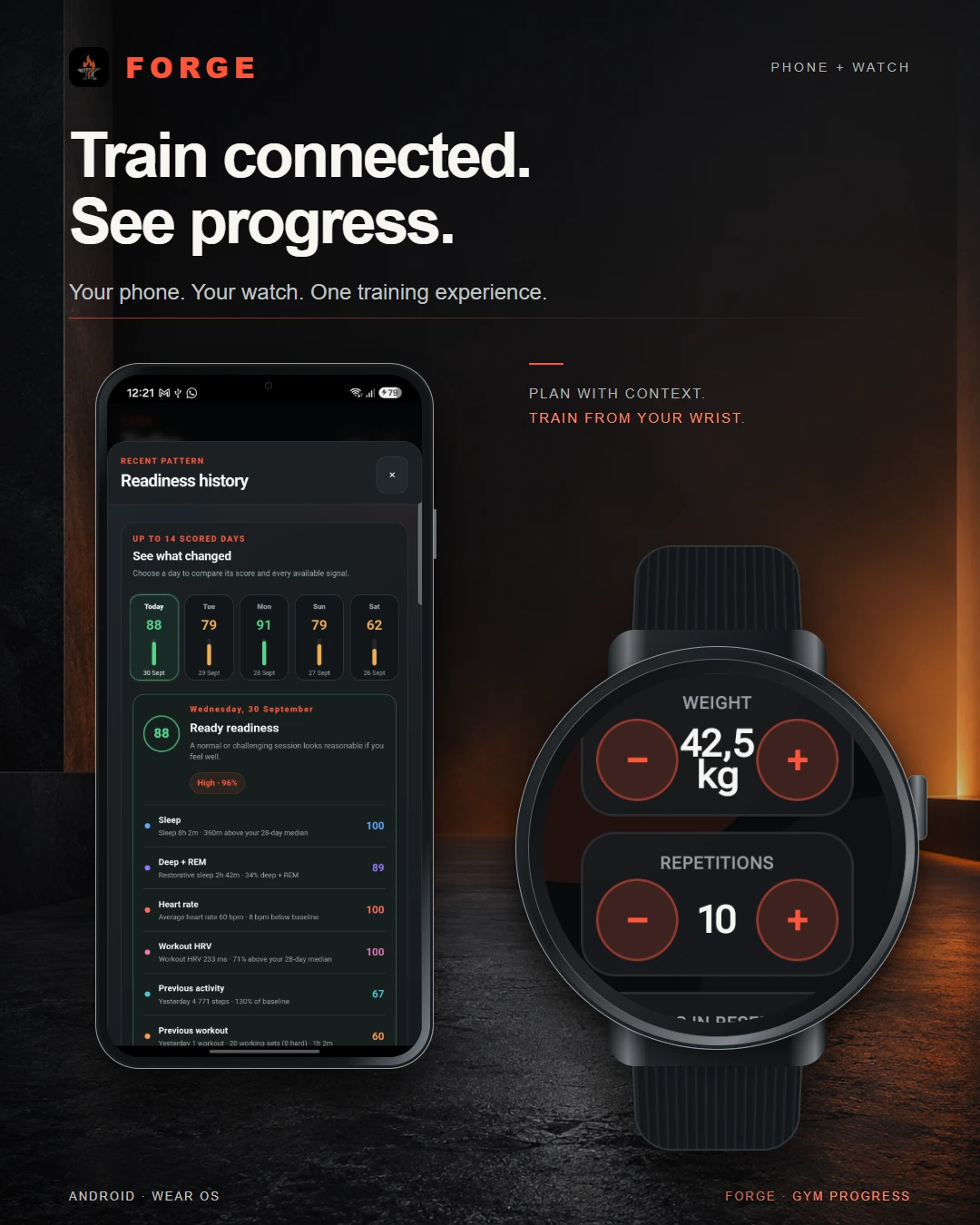
Personal projectForge
Forge
Training, recovery & progress
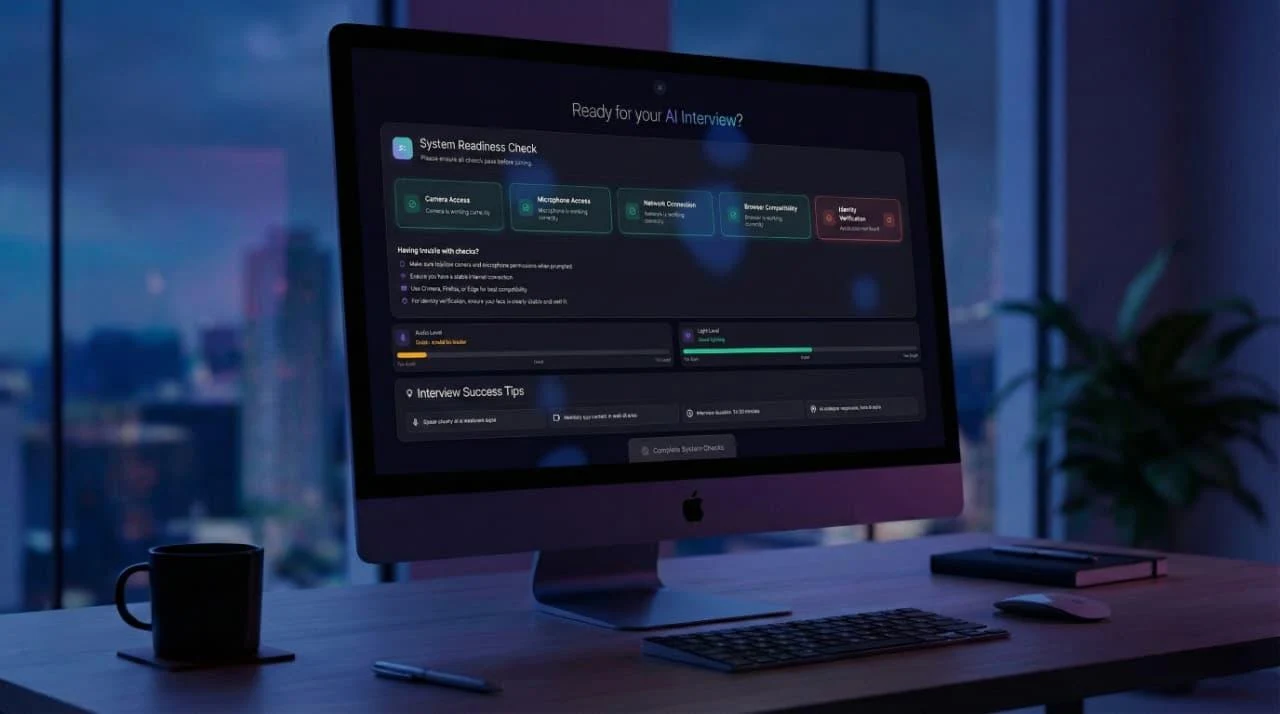
Dynamic Data TechnologiesTwenty4Hire
Twenty4Hire
AI-assisted recruitment platform
The CodesmithsK2.Maui
K2.Maui
Android client for OpenClaw

Dynamic Data TechnologiesMeetapp
Meetapp
Meeting preferences & group dynamics