← All projects
Personal project
Smoke Jumper
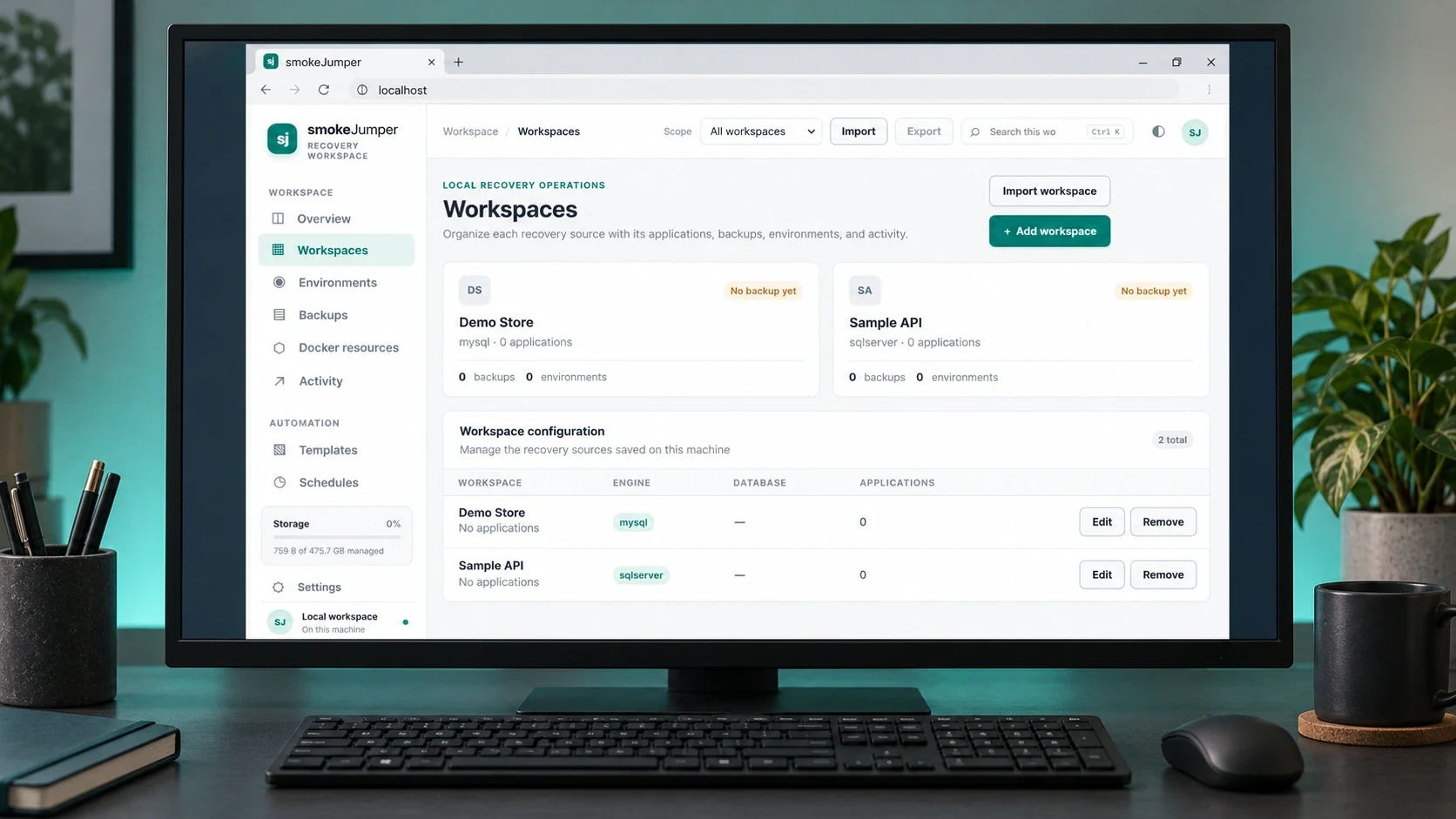
I built Smoke Jumper to keep the setup around a project in one place. It runs on Windows, with a local browser workspace for building and running .NET apps in Docker, managing database copies and controlling test environments. You can launch an app on its own, restore a database, or bring the two together.
ABOUT THE PROJECT
Apps, databases and Docker environments on Windows
I built Smoke Jumper to keep the setup around a project in one place. It runs on Windows, with a local browser workspace for building and running .NET apps in Docker, managing database copies and controlling test environments. You can launch an app on its own, restore a database, or bring the two together.
- My role
- Design & development
- Technology
- C# · .NET 10 · ASP.NET Core · Docker · MySQL · SQL Server
- Project
- Personal project
FROM IDEA TO IMPLEMENTATION
The story behind the build
The problem
Keep application builds, database copies and Docker test environments together on Windows.
The approach
Organise workspaces around app definitions, backups and isolated environments, with separate verification checks.
The result
A local workspace for app-only, database-only or full-stack environments, with logs and recovery controls.
My contribution Design & development.
Inside Smoke Jumper
Explore the project imagery. Select an image to enlarge it.
Smoke Jumper on Windows
01 / 04RELEASES & CHANGES
Release history
Newest first. Select a version to read its notes.
1.0.0
Windows host, local browser workspace, Docker Linux containers
Recorded backup, recovery and workspace builds
The available executables share assembly version 1.0.0.0; the source does not define a distinct product-release sequence.
Backup and recovery workflow
- Saves MySQL dumps and SQL Server exports locally and restores selected backups into separate Docker recovery environments. Restores require Docker running Linux containers.
- Supports database-only, application-only and full-stack environments. A configured .NET project or published folder can be launched independently of a database backup.
- Tracks profiles, backups, restores, standalone application runs and their workspace files. Existing layouts remain discoverable rather than being moved out from under Docker mounts.
Workspace interface and lifecycle
The graphical workspace runs in the default browser against a local host, with a terminal option retained. It groups applications, backups, environments, Docker resources, activity, templates, schedules and settings. The Windows launcher starts a hidden host when required and can install a per-user shortcut/startup integration. Closing a browser tab does not stop the host or its Docker environments.
Verification and change handling
Backup and recovery checks are separate results: artifact checksums, restored-data comparison, SQL Server integrity checks, health endpoints and optional HTTP smoke tests. Results distinguish Passed, Failed, Not run and Unsupported. Application-setting changes retain revision history and can roll back when restart/health validation fails; secret values are masked in the editor.
Operations and constraints
Start/stop/resume operations apply to the saved environment or application run. Scheduled backups and recovery drills require the local host, an awake computer and the required services. Local access is the default. Workspace credentials and backup roots remain private operational data; Windows protection is tied to the current account where configured. A successful backup does not imply a successful restore—verification results must be reviewed separately.
What the version record establishes
Archived publish/workspace executables dated 21 October report 1.0.0.0, and the workspace documentation is dated 22 October 2026. The project has no committed Git history or release tags from which earlier numbered releases can be reconstructed. These same-version builds are grouped here. No earlier version numbers or release dates have been fabricated.
THE MAKING OF SMOKE JUMPER
Technical notes
Build a configured .NET project or use a published folder, then launch the application in its own Docker container. This works without creating or restoring a database backup.
Create application-only, database-only or full-stack environments. Each workspace keeps its application definitions, backups, environments and activity together, with a local browser interface and a terminal option.
Manage the containers, logs, ports, networks and database volumes associated with saved environments. Start, stop or restart containers, change application settings and update connection strings from the workspace.
Save MySQL dumps and SQL Server exports locally, then restore selected copies into separate Docker environments. Local access is the default. A fresh copy can be created without discarding an existing environment.
Verification shows the checks separately: artifact checksums, restored data comparisons, SQL Server integrity checks, health endpoints and optional HTTP smoke tests. Results say Passed, Failed, Not run or Unsupported.
Settings changes keep revision history and can roll back if restart or health validation fails. Secret values stay masked in the editor. On Windows, saved workspace credentials use protection tied to the current user.
Scheduled backups and recovery drills need the local host running, the computer awake and the required services available. Drill environments are stopped and retained for inspection.
The gallery includes two actual app screenshots from an isolated demo workspace and two Windows product mockups based on those captures. The demo names and configuration values are fictional.
START A CONVERSATION
Have a problem worth solving?
Let’s talk about your idea, your team, or the work you’ve seen here.
More to explore
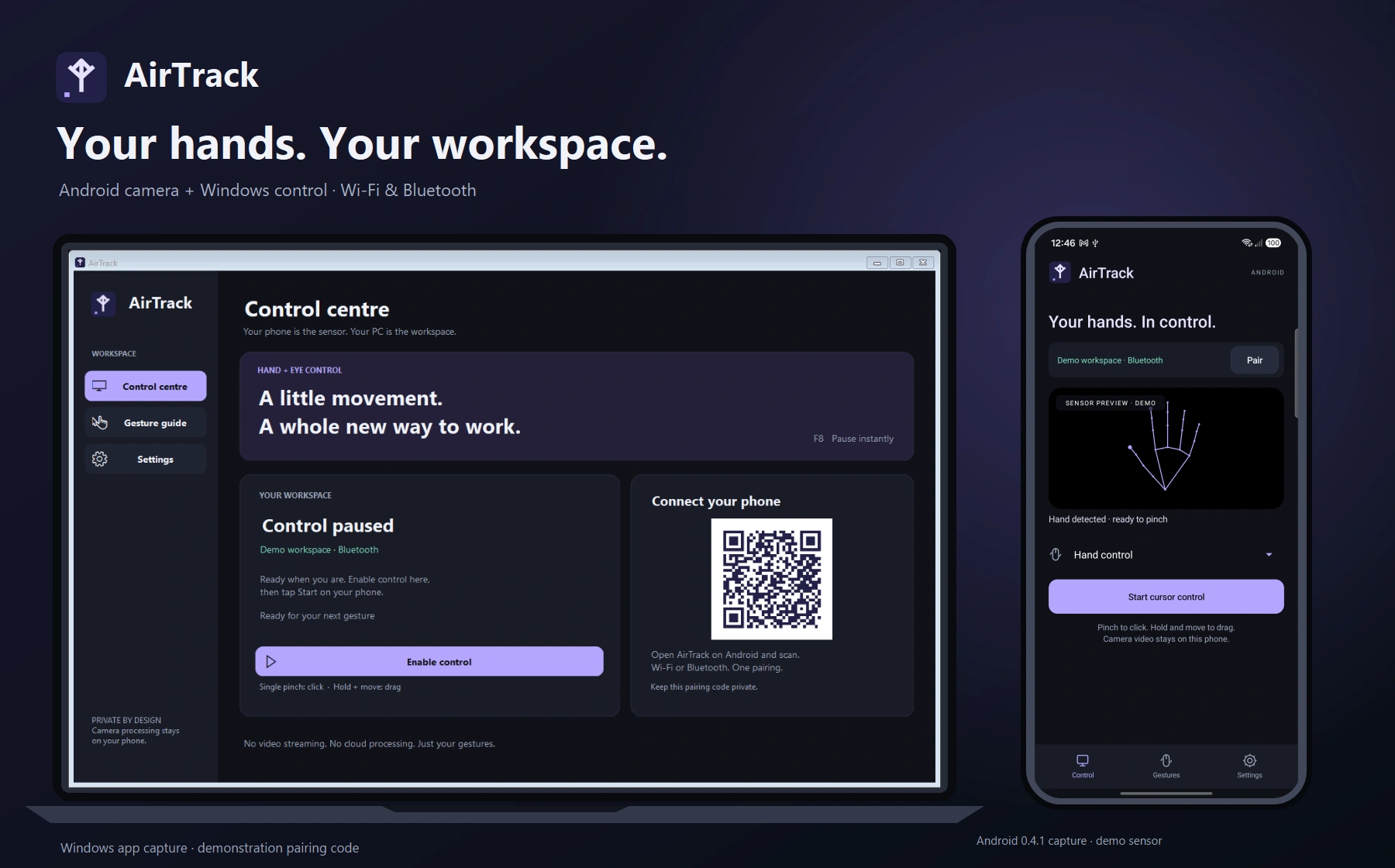
Personal projectAirTrack
AirTrack
Hand gestures for your Windows workspace
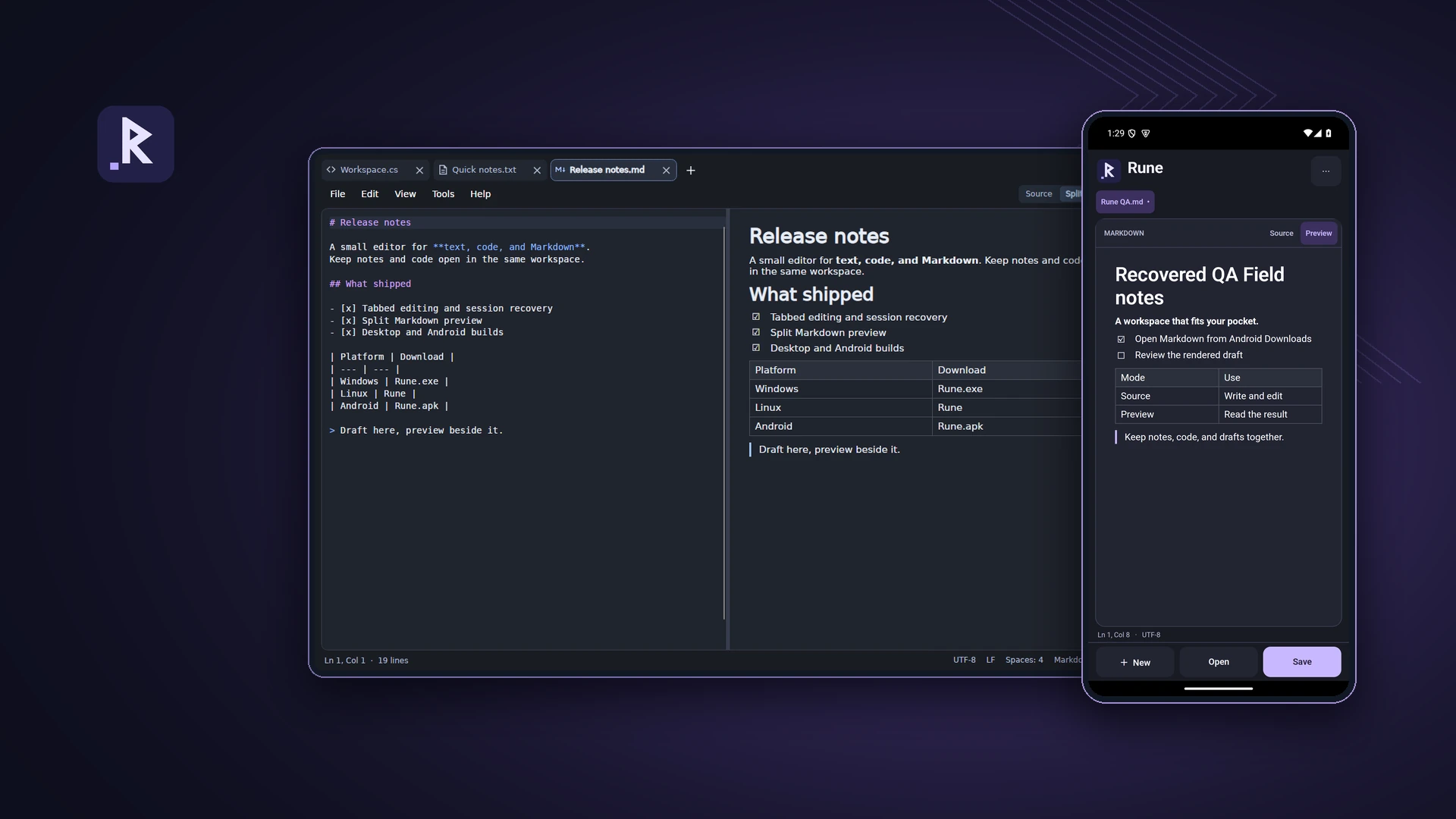
Personal projectRune
Rune
A text, code and Markdown editor for desktop and Android
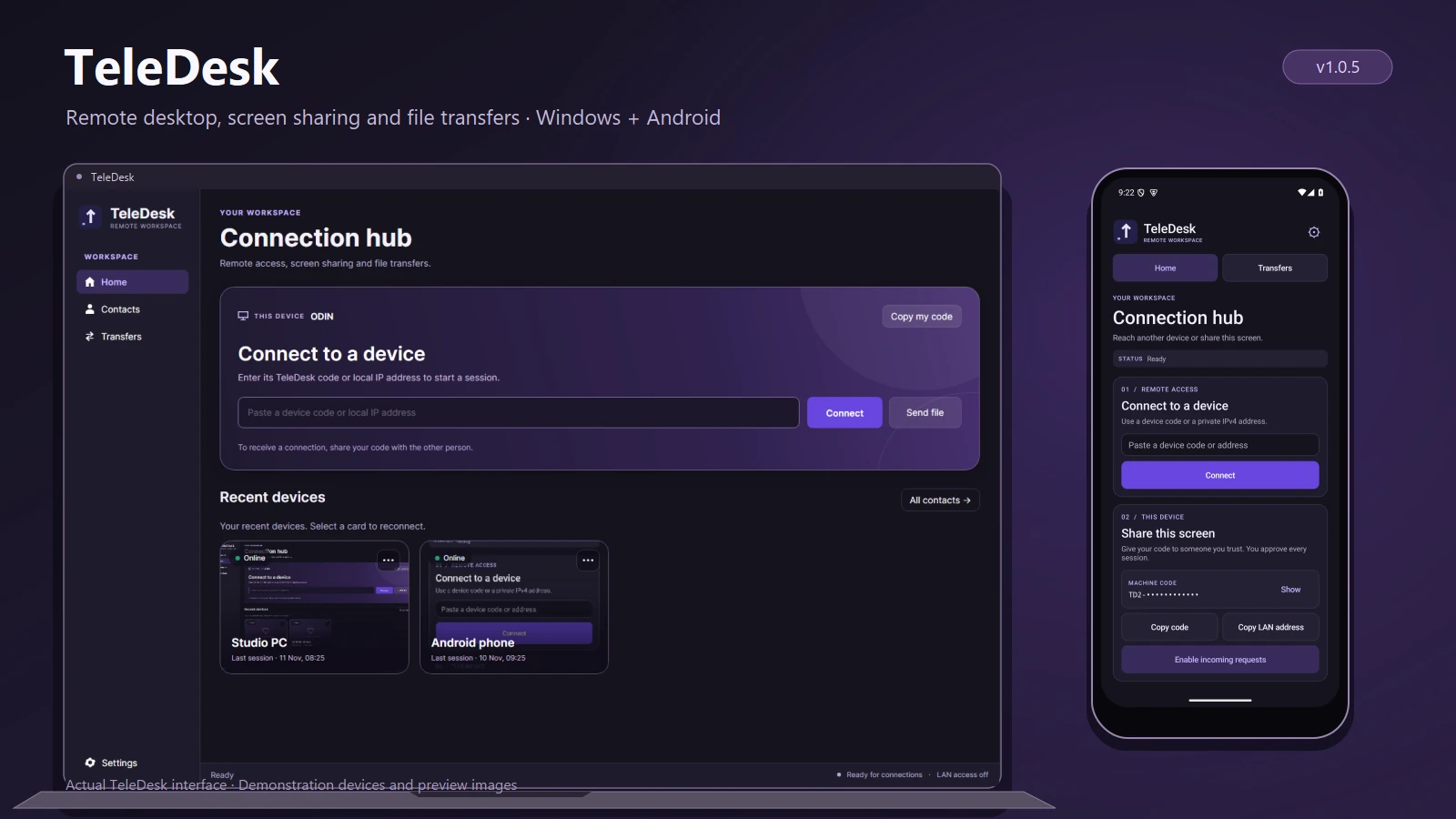
Personal projectTeleDesk
TeleDesk
Remote desktop and file transfers
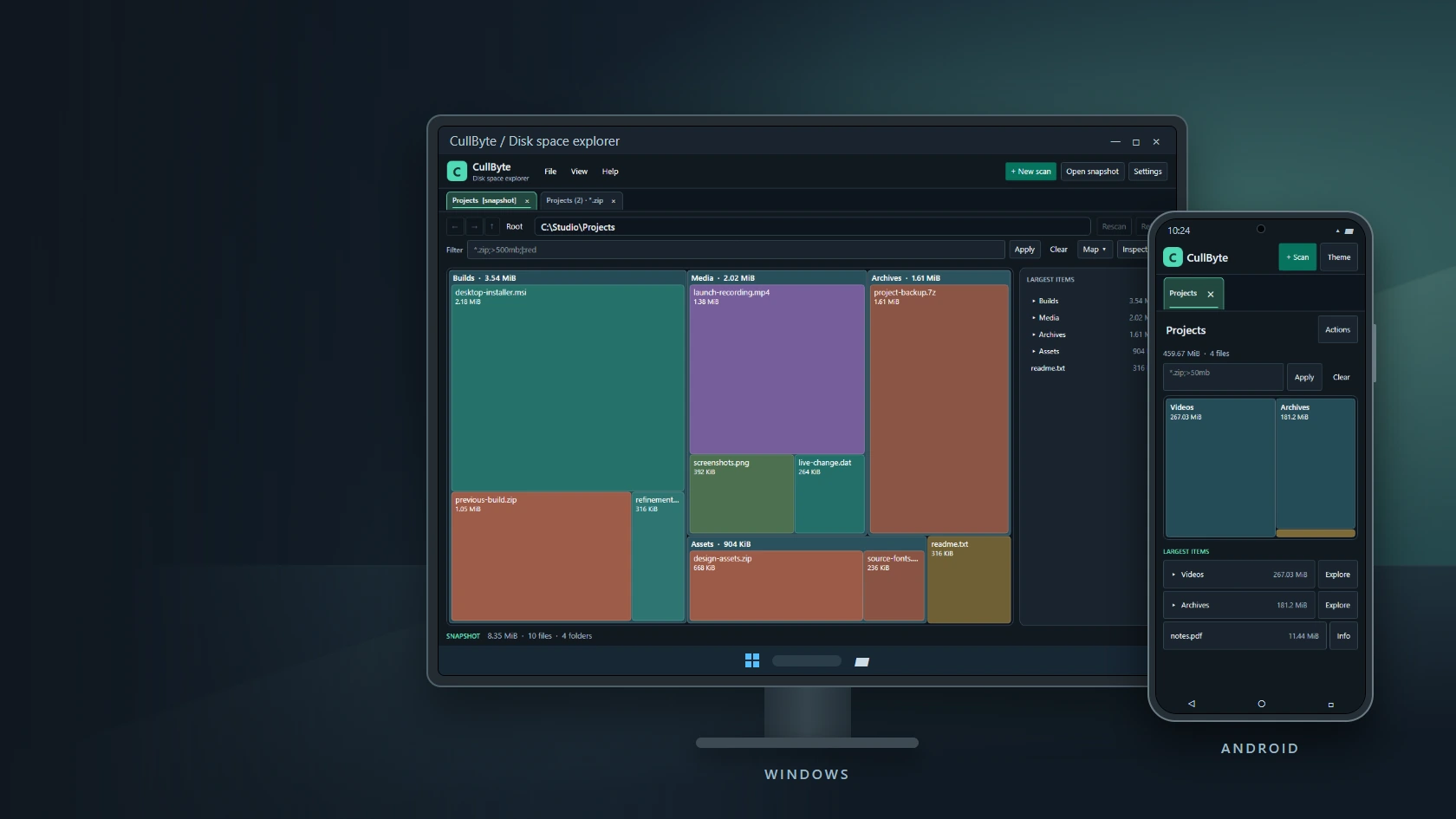
Personal projectCullByte
CullByte
Disk space explorer for Windows and Android
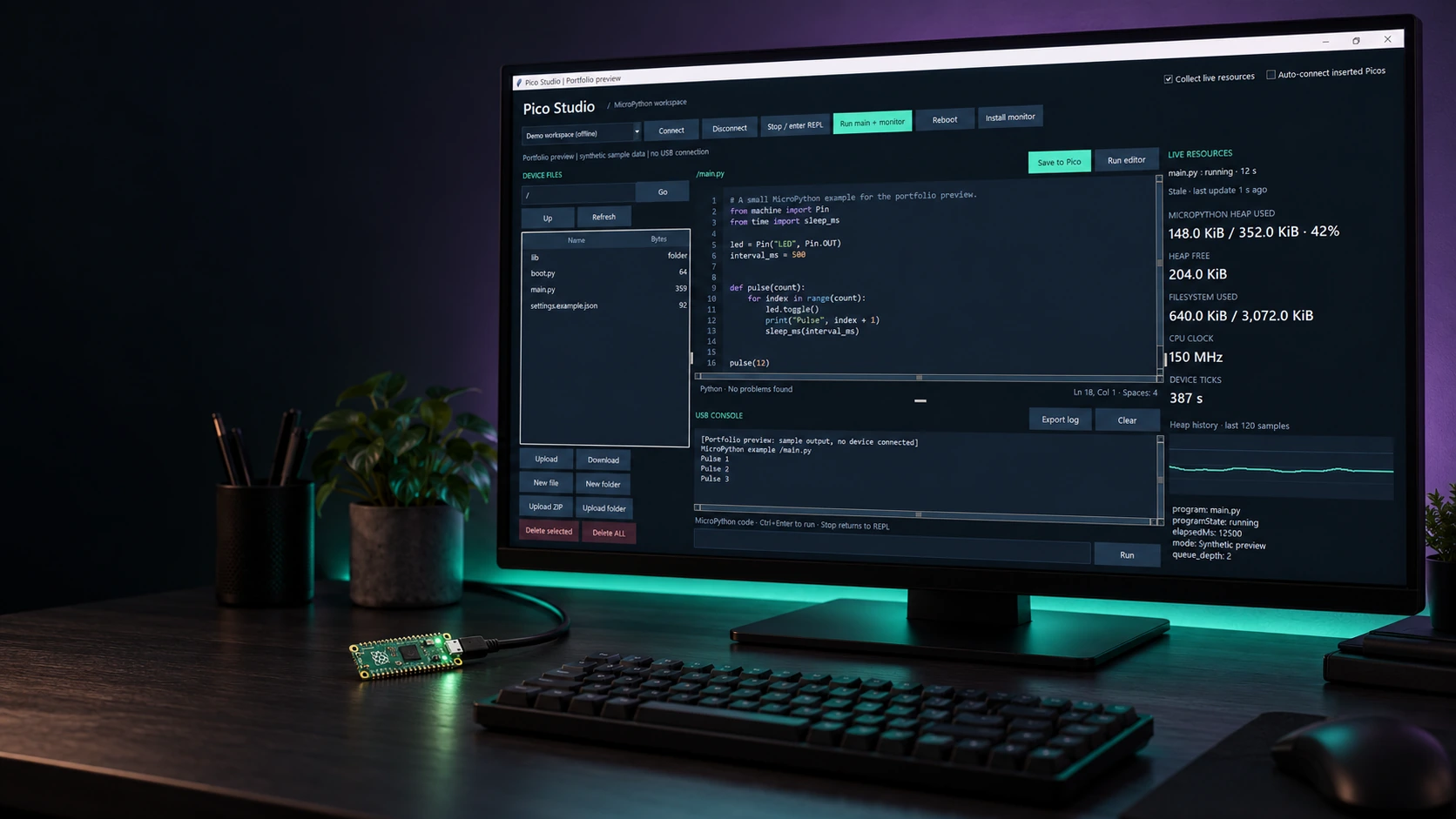
Personal projectPico Studio
Pico Studio
A desktop workspace for MicroPython
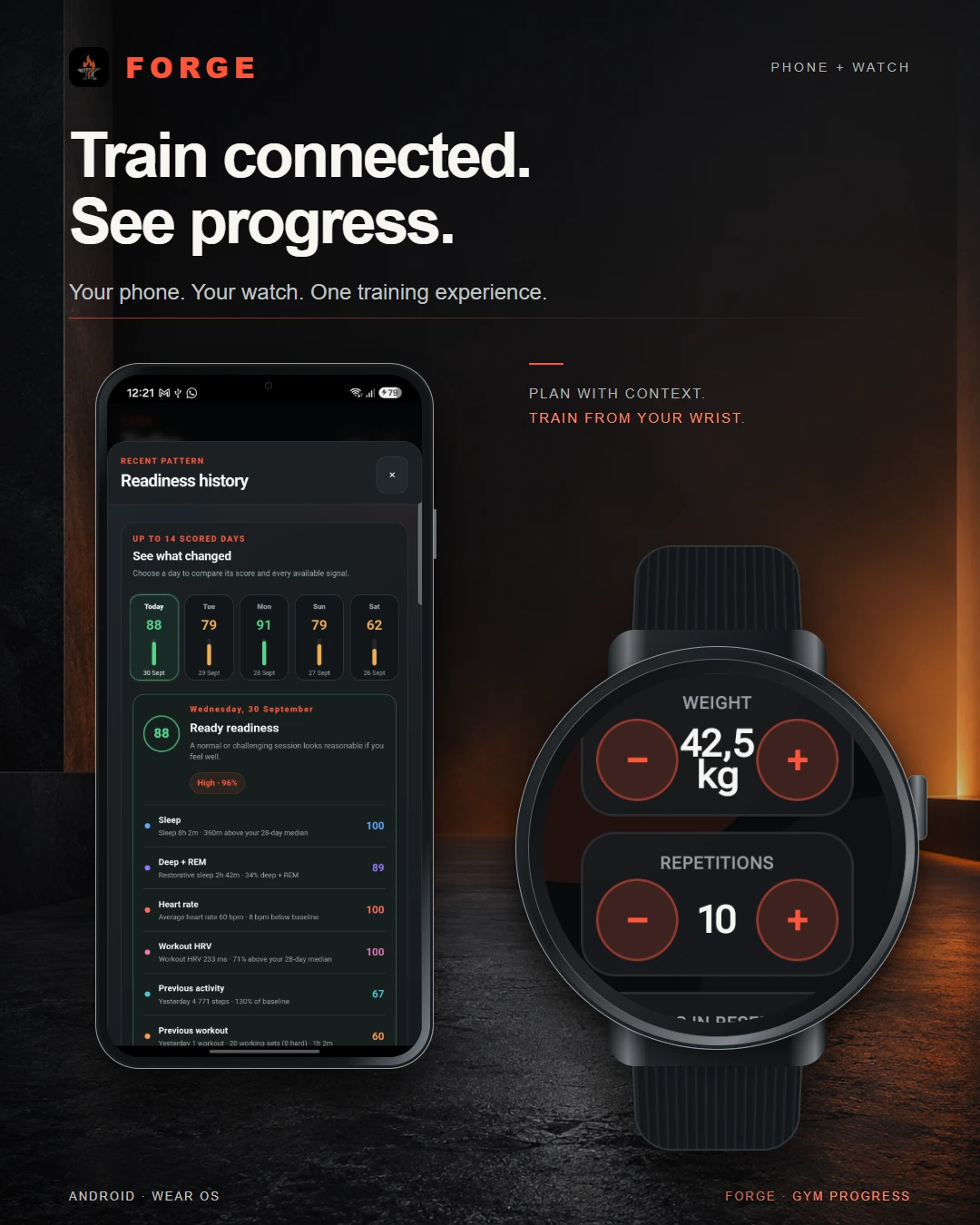
Personal projectForge
Forge
Training, recovery & progress
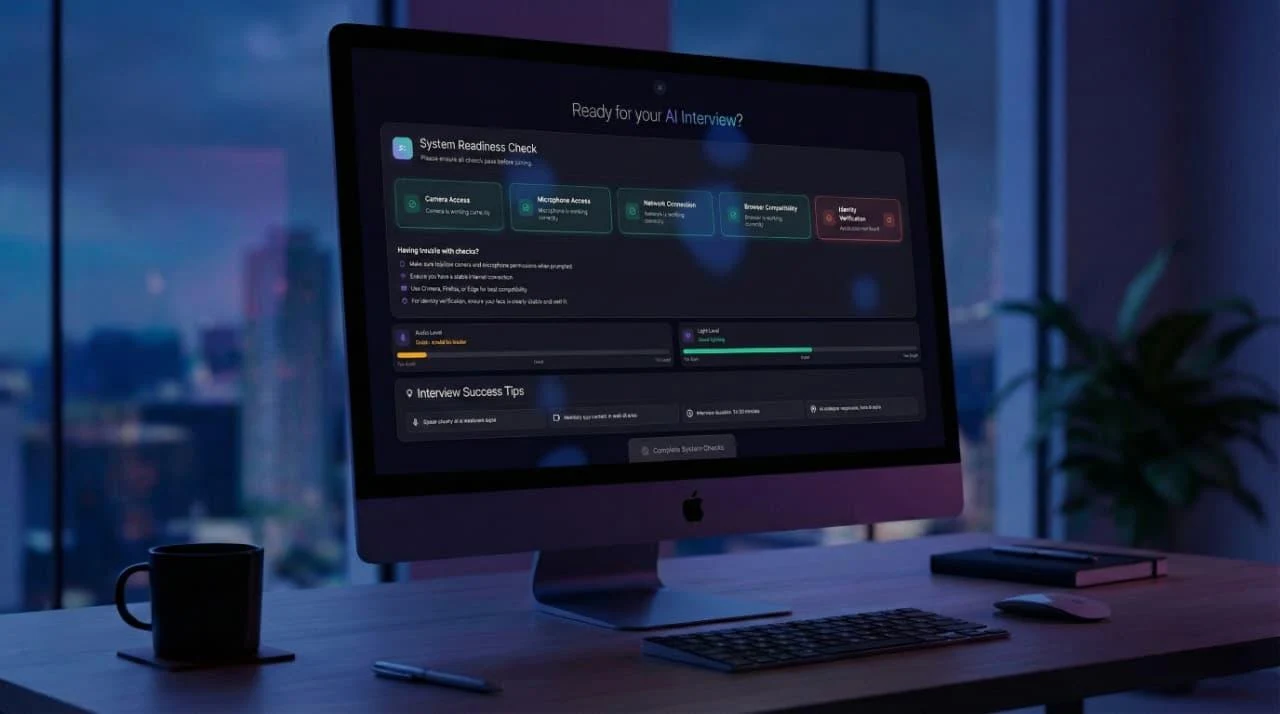
Dynamic Data TechnologiesTwenty4Hire
Twenty4Hire
AI-assisted recruitment platform
The CodesmithsK2.Maui
K2.Maui
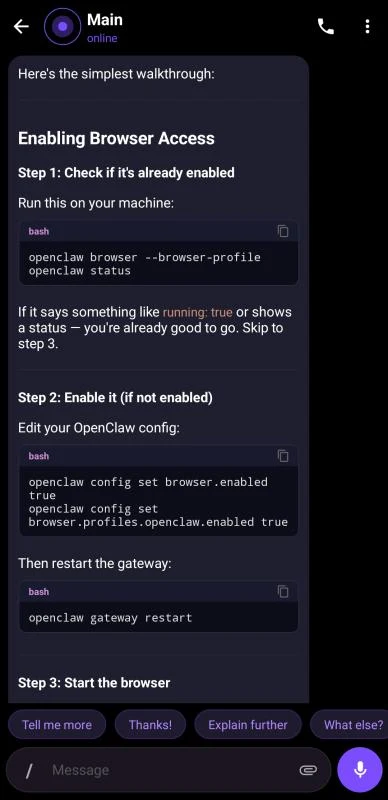
Android client for OpenClaw

Dynamic Data TechnologiesMeetapp
Meetapp
Meeting preferences & group dynamics