On this page
Launcher has grown beyond the app drawers. The 1.2 releases add a proper Root workspace, more control over individual apps and a Windows companion for notes and files.
The Android app is still built in C# with native Android views and .NET for Android. Launcher Companion is a separate Windows program. Both downloads are on the project page.
A quieter interface in 1.2.3
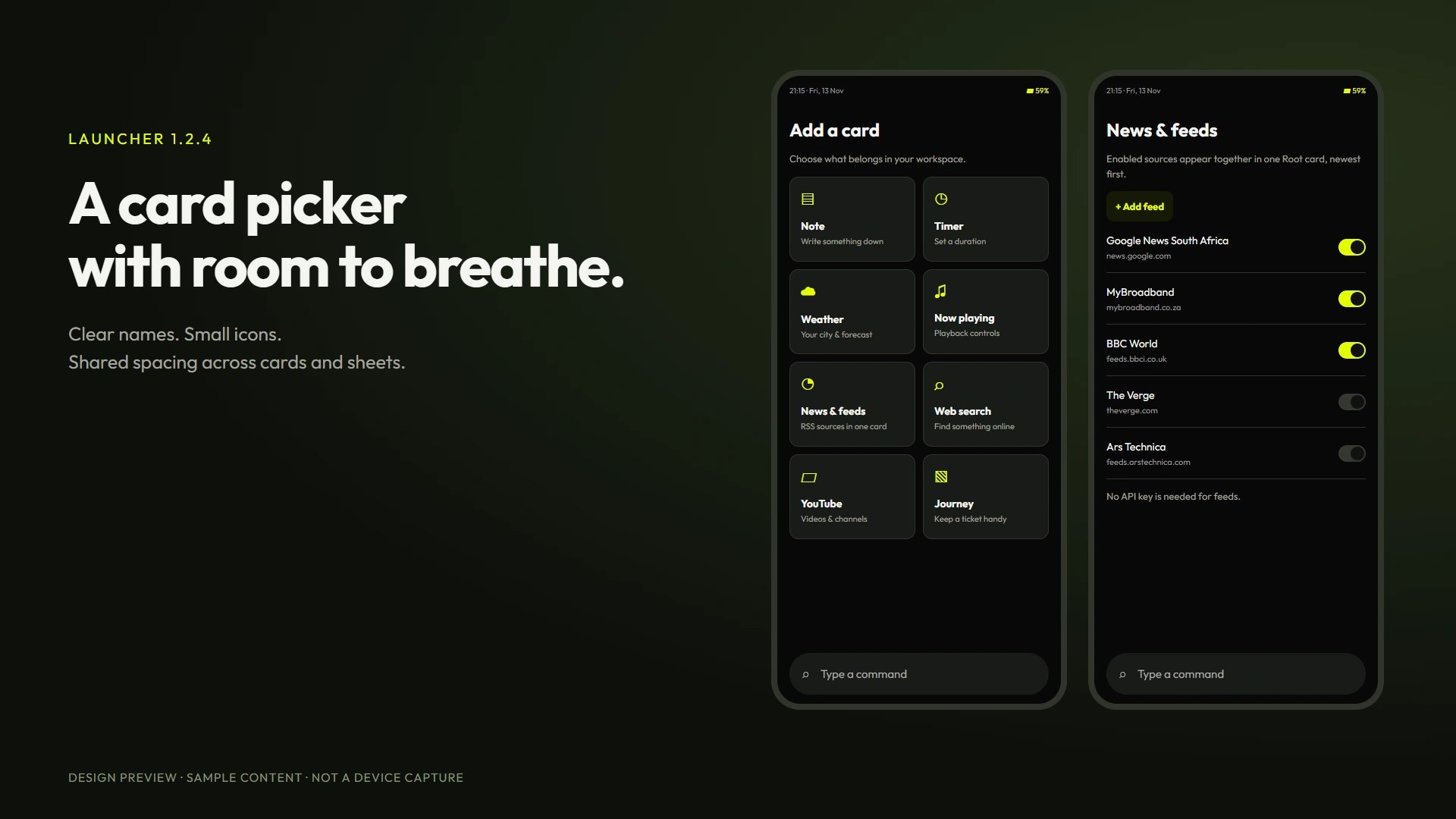
Version 1.2.4 finishes this pass with finer fingerprint contour lines and a consistent return to Root when card setup is cancelled.
The next pass brings consistent spacing to buttons, sheets, settings, the card picker and notification cards. Add card now has icons and short descriptions. Drawer headings are smaller, the dashboard switches between Today and Last 7 days, and tile appearance choices have previews. Dark surfaces are quieter, and wallpaper dimming is adjustable. Locked apps use a fingerprint shape instead of the earlier spiral. Notification taps open the source app while keeping the Launcher biometric check.
News & feeds now combines enabled sources in one card, sorted by publication time. Google News South Africa is enabled initially. MyBroadband, BBC World, The Verge and Ars Technica are optional presets, with custom RSS and Atom sources supported too. Add and manage them from Settings or Add card. No API key is needed for feeds.
The drawer-heading fold gesture can be enabled or disabled in Settings, Drawers. It defaults off; tapping to fold still works.
A cleaner layout in 1.2.1
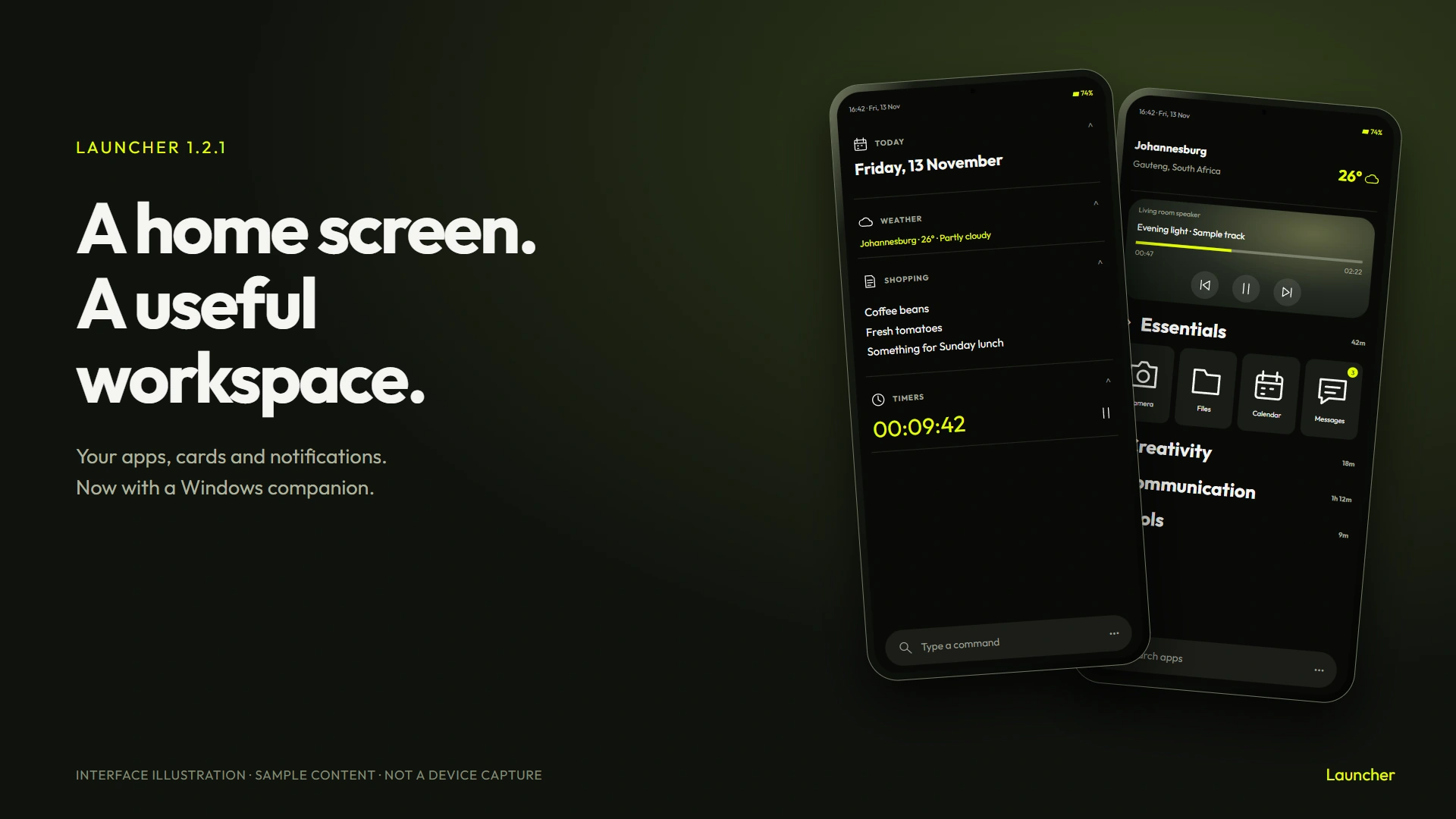
The first 1.2 build made Root too heavy. Routine actions had the same full-width pill treatment as a primary button, and the weather location competed with the temperature. Version 1.2.1 gives sections smaller labels, separates the weather details and moves routine actions into compact rows. The date itself opens the calendar.
The app dashboard now has one heading, clearer storage and network figures, and chart scale labels. Short usage sessions show seconds rather than rounding down to zero minutes. Activity tracking also keeps a session open while an app hands over between overlapping screens. On the tiles, the time sits closer to the label with room below it.
Horizontal swipes on drawer headings return to page navigation. Vertical drags still fold the drawer.
More control over each app
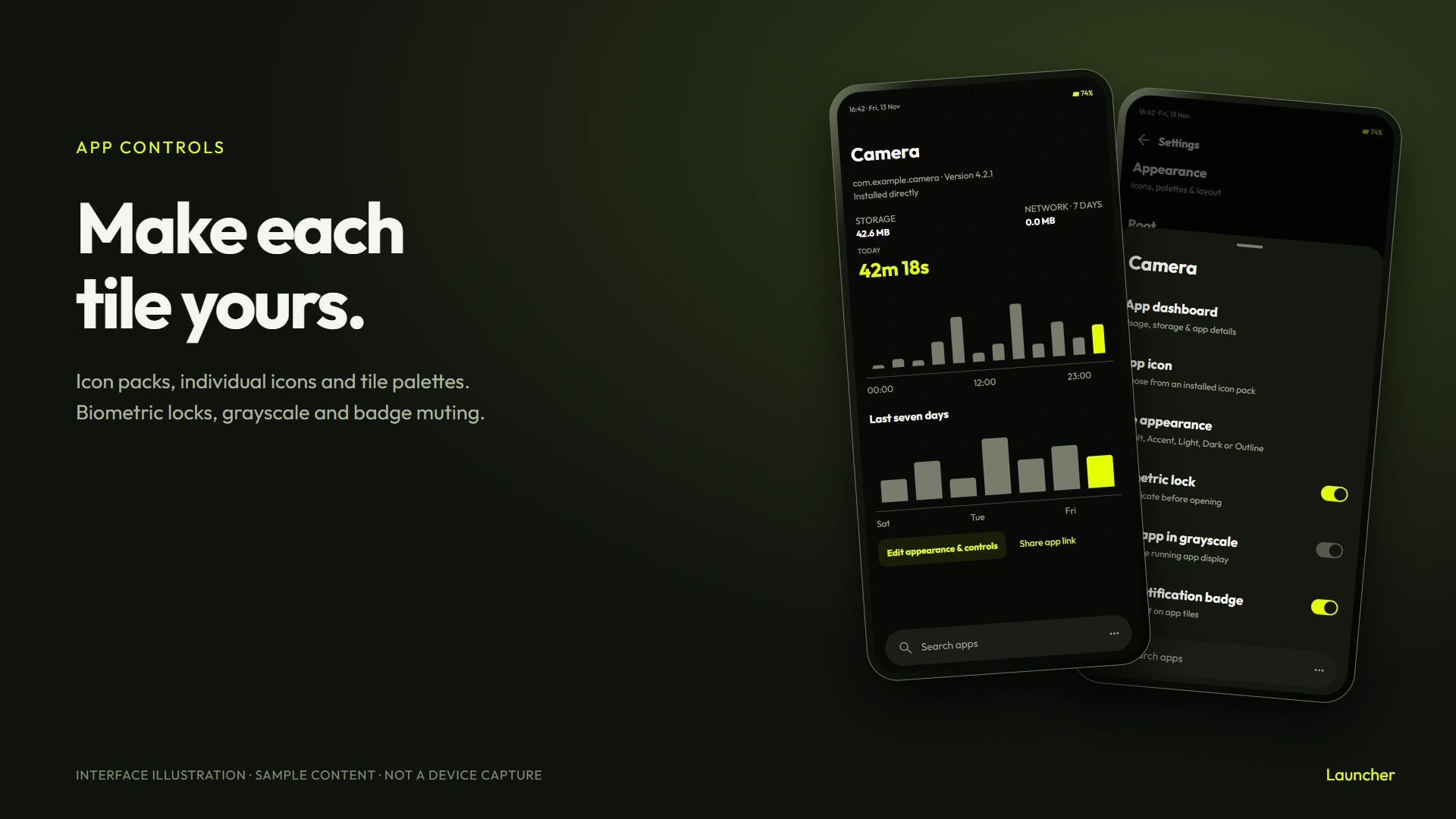
Hold an app tile to choose its icon, appearance and launch behaviour. Compatible ADW, Nova and Go icon packs can supply icons across the launcher, and an individual app can use a different icon from the pack. Apps without a matching pack icon keep their own icon.
Tiles have Default, Accent, Light, Dark and Outline choices. Notification badges can be muted per app. The dashboard adds hourly and seven-day usage charts, version and install-source details, storage and network figures where Android permits access, and a QR code linking to the app's Play Store page.
Biometric launch locks and per-app grayscale remain available. A locked tile uses a fingerprint pattern in the selected accent. These locks cover opening and editing through Launcher. Android controls other ways of opening an app.
Grayscale changes the display while the selected app is in front. It needs the optional accessibility service and a one-time display permission from a computer. Settings explains the setup. There is also a whole-display grayscale shortcut in the quick panel.
Root becomes a workspace
Version 1.2.2 moves timer alert permissions into Settings, Timer alerts. Add card, Arrange and Add widget share one compact row at the bottom of Root.
The command bar can create a note, start a timer setup, find weather, open media controls, save a ticket or add an online card. Try note Shopping, timer 10 min or weather Cape Town.
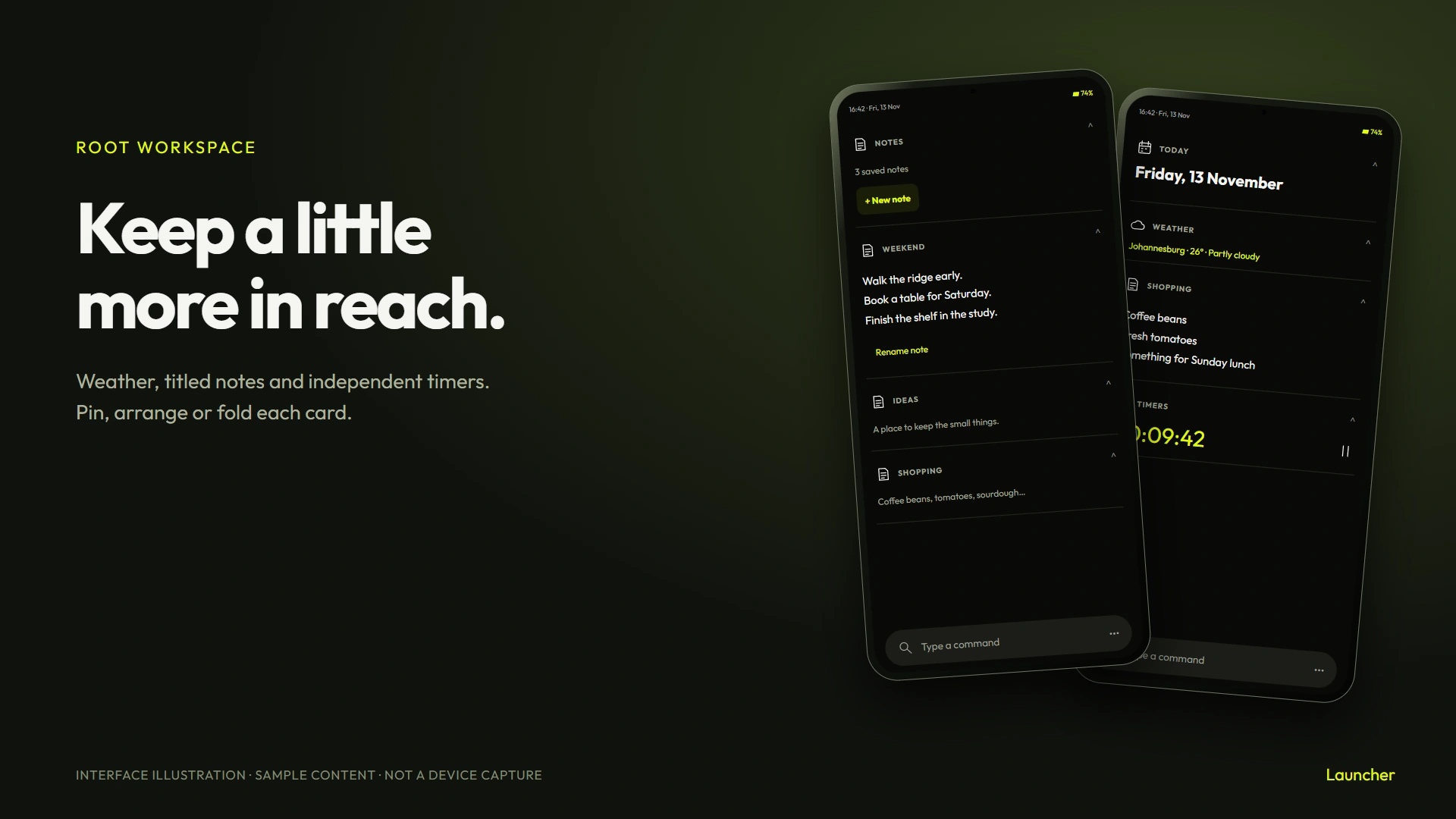
Notes now have titles and their own cards. Timers are independent of Focus, with start, pause and reset controls. Android notification and exact-alarm permissions control timer alerts. Without exact-alarm access, Android may delay an alert.
Hold a card header to pin it, move it, hide it or remove it. Collapsed cards keep a useful summary; media and timer cards keep small controls too. Root also has an hourly weather curve and a seven-day forecast. The city, units and refresh interval remain editable in Settings.
RSS cards read an HTTPS feed directly. Inline web results use a Brave Search API key, and YouTube results use a YouTube Data API key. You supply those keys in Online cards. Without a key, the card can open the search in a browser. Ticket cards store journey details you enter and an optional document you select. They do not scan your inbox or create lock-screen passes.
Drawer headings now respond to a vertical drag. Their contents move with your finger before settling open or closed. The flatter cards and outlined Focus tiles carry through the rest of the layout.
Saved messages, within Android's limits
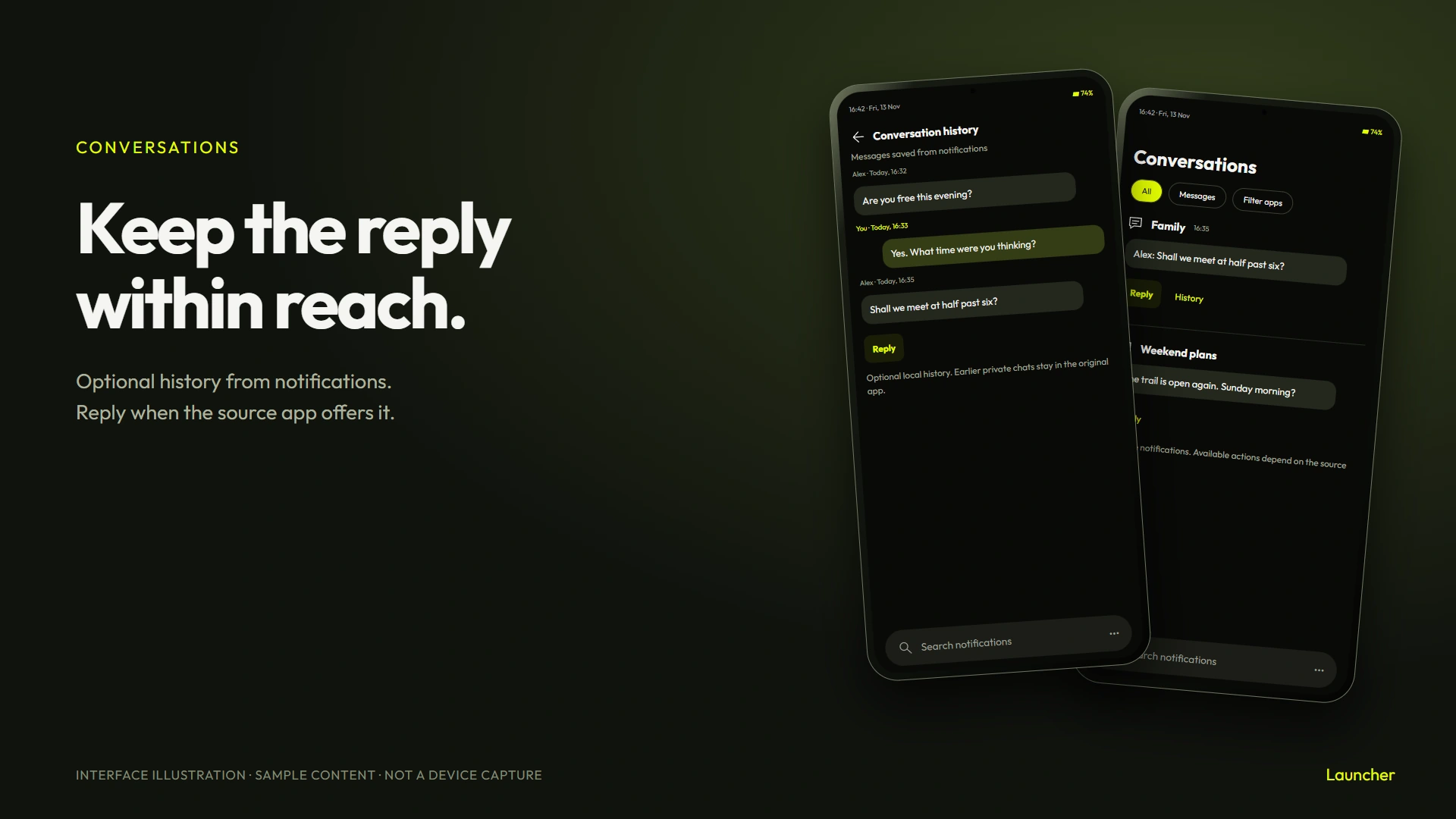
Conversations still uses notification access. Optional local history saves message content made available by those notifications, with a limit of 30 days or 5,000 messages. It cannot fetch older private chats from WhatsApp, Signal or another service.
A Reply button appears when the source notification offers Android's inline reply action. Launcher passes the reply to that app. It cannot confirm delivery to the recipient. App filters and the optional message history controls are in Settings.
Notes and files at your desk
The Windows companion is version 1.2.0 and works with the Android 1.2.1 update.
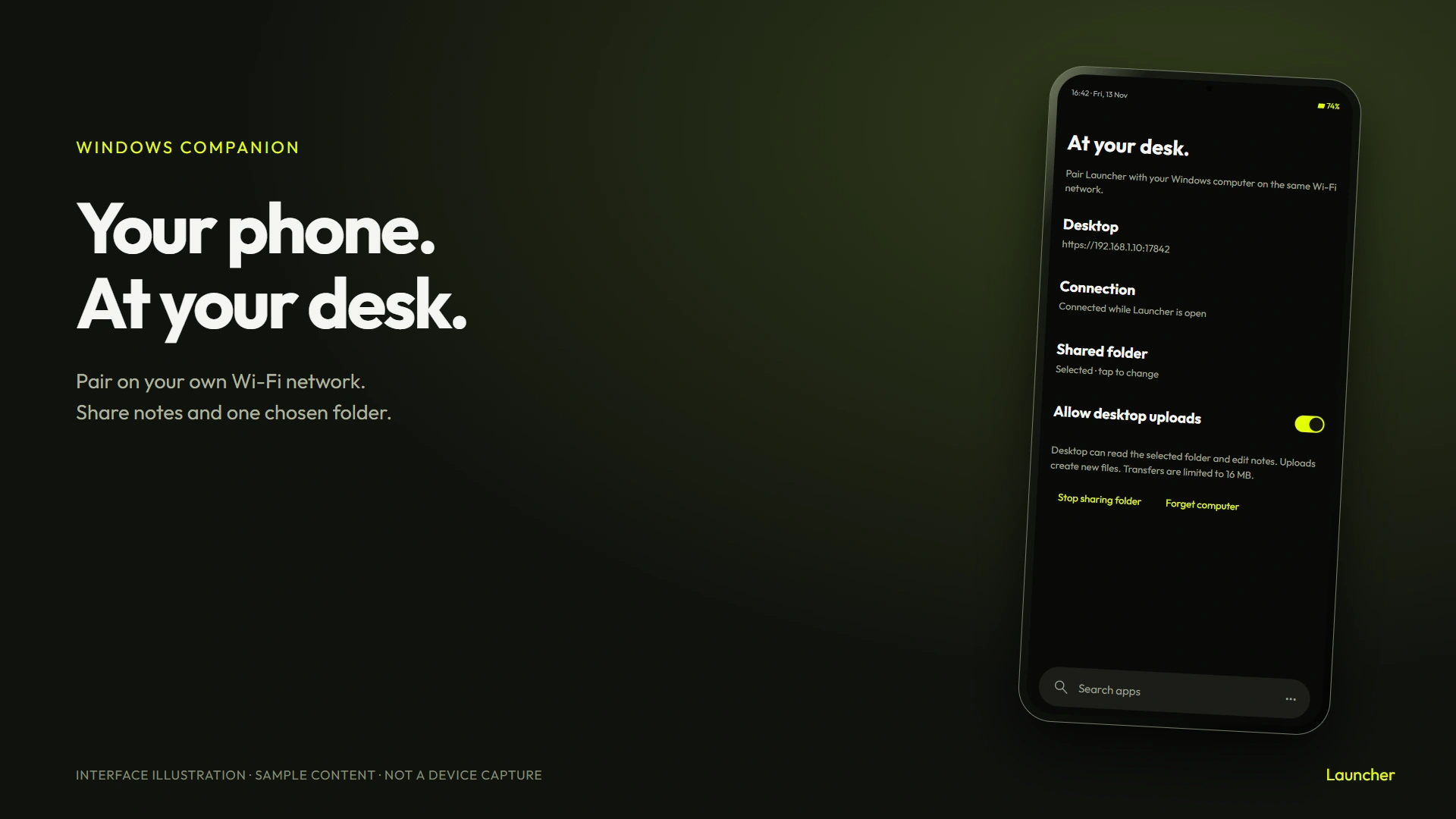
Run LauncherCompanion.exe on a Windows computer on the same Wi-Fi network. It opens a page in your browser with an address, a short-lived pairing code and a certificate fingerprint.
In Launcher, open Settings, then Desktop companion. Enter the address and compare the fingerprint on both screens before entering the code. Choose a folder on the phone if you want to browse photos and files. Uploads have a separate switch. Transfers are limited to 16 MB per file and create new files rather than overwriting existing ones.
The connection stays active while Launcher is visible and pauses when you leave it. Keep the desktop program's window open. Windows may ask you to allow it on your private network. Restarting the companion requires pairing again.
Notes can be edited on either device. A note that changed on the phone, or is currently being edited there, cannot be silently overwritten by a desktop save. Reopen the note on desktop to pick up the latest text.
This connection uses your local network. Kevlog hosts the downloads and updater information; it does not relay your notes or files. The companion has no file-delete control.
Install or update
Download Launcher for Android and the Windows companion. The Android app requires Android 7 or later. Existing users can open Settings, App updates, then download and install version 1.2.4. The package and signing identity are unchanged, so updating retains the layout and settings.
The Windows download is a self-contained x64 executable. It is not code signed, so Windows may show a publisher warning. There is no separate .NET runtime to install.
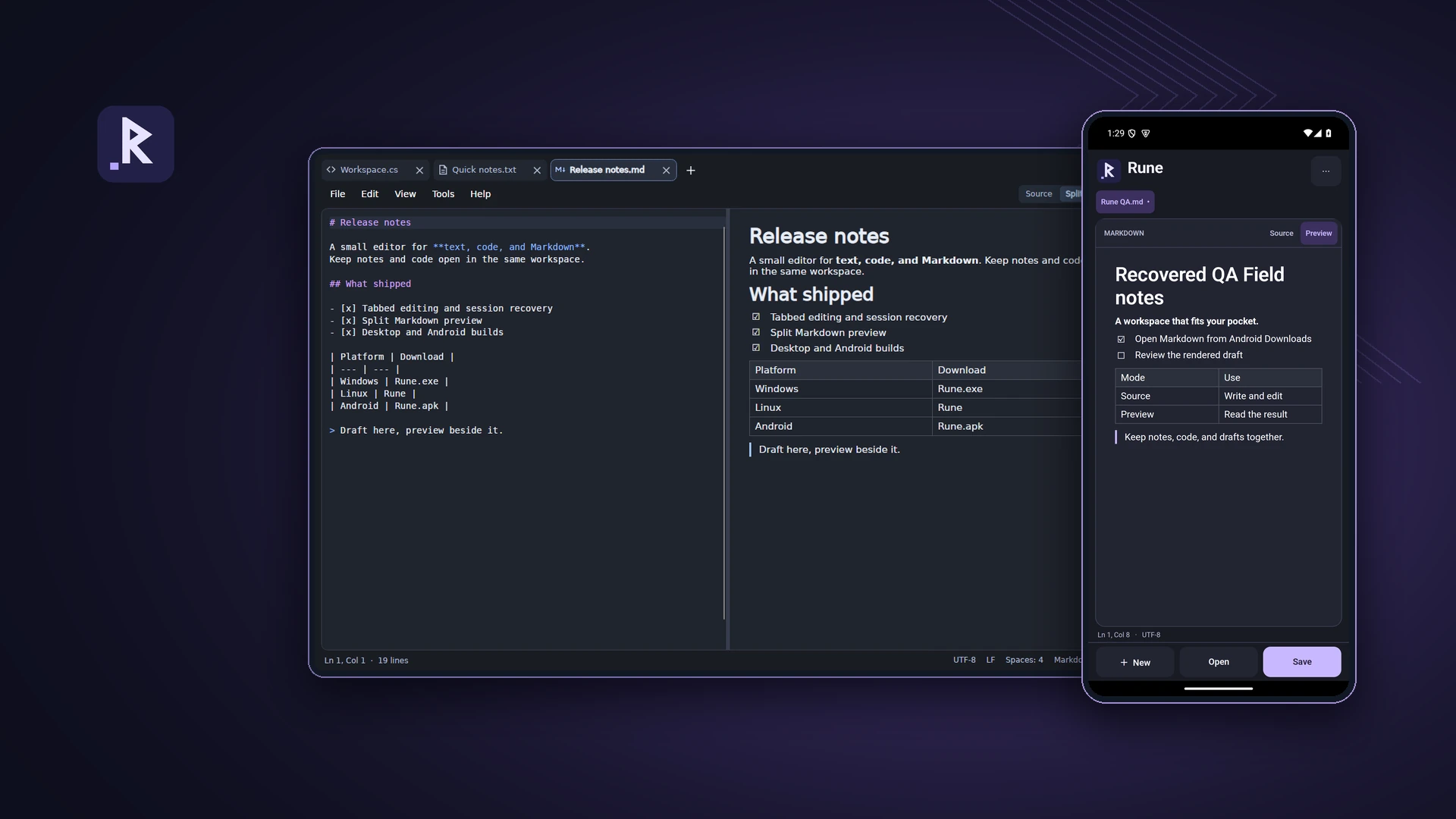
Both release builds compiled successfully. Phone acceptance testing is being handled separately. The new images are labelled interface illustrations and mockups. The archived Android screenshots show version 1.0.1 with sample content; they are not captures of this release.
THE CONVERSATION
What do you think?
A question, a different approach, or something worth adding.
Loading the conversation…
KEEP EXPLORING
More from the workbench
START A CONVERSATION
Have a problem worth solving?
Let’s talk about your idea, your team, or the work you’ve seen here.