On this page
Getting an application running locally can involve a surprising amount of setup. There is the project itself, a runtime image, a port that is already in use, some settings to adjust and, sometimes, a database copy to prepare.
I built Smoke Jumper to keep those pieces together. It is a Windows application with a local browser workspace for .NET apps, databases and Docker environments. The terminal interface is still there for working from the command line.
Start with the application
A workspace can hold one or more .NET applications. Point it at a project or a published output folder, choose the application settings and launch it in a Docker container. Project sources are built for deployment; published folders use the configured runtime.
That workflow stands on its own. I can run an application without first creating a database backup or restoring anything. If I just need to try a build, inspect its logs or change a setting, I can start there.
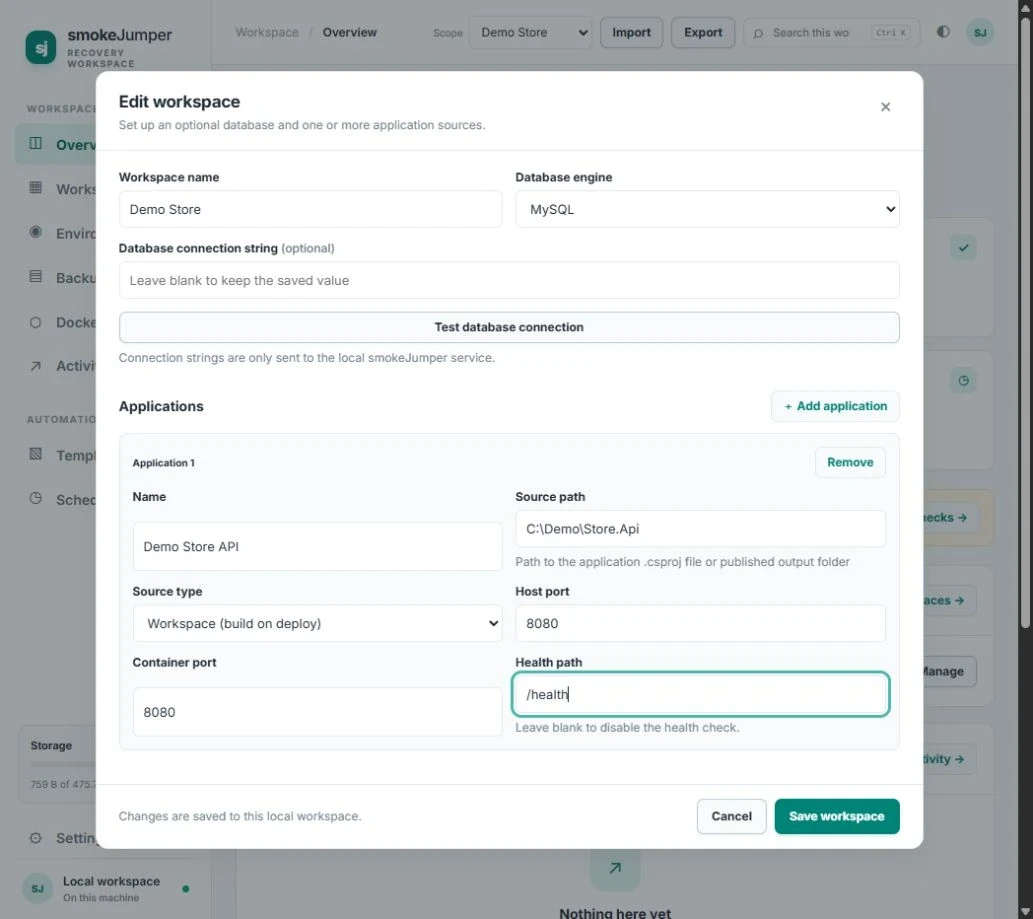
The real application, showing an unsaved form with a fictional application name and source path.
Give each project a workspace
Each workspace keeps its application definitions, database source, backups, environments and activity together. A project can start empty, contain applications only, or include a database connection.
Environments can be application-only, database-only or a full stack. A full-stack environment uses a backup that includes the captured application files, so the app and database can be brought up together.
The interface groups Docker resources by the environment they belong to. I can inspect containers, open logs, start or stop them and see the associated networks, images and database volumes. It manages resources linked to saved Smoke Jumper environments, leaving unrelated Docker containers alone.
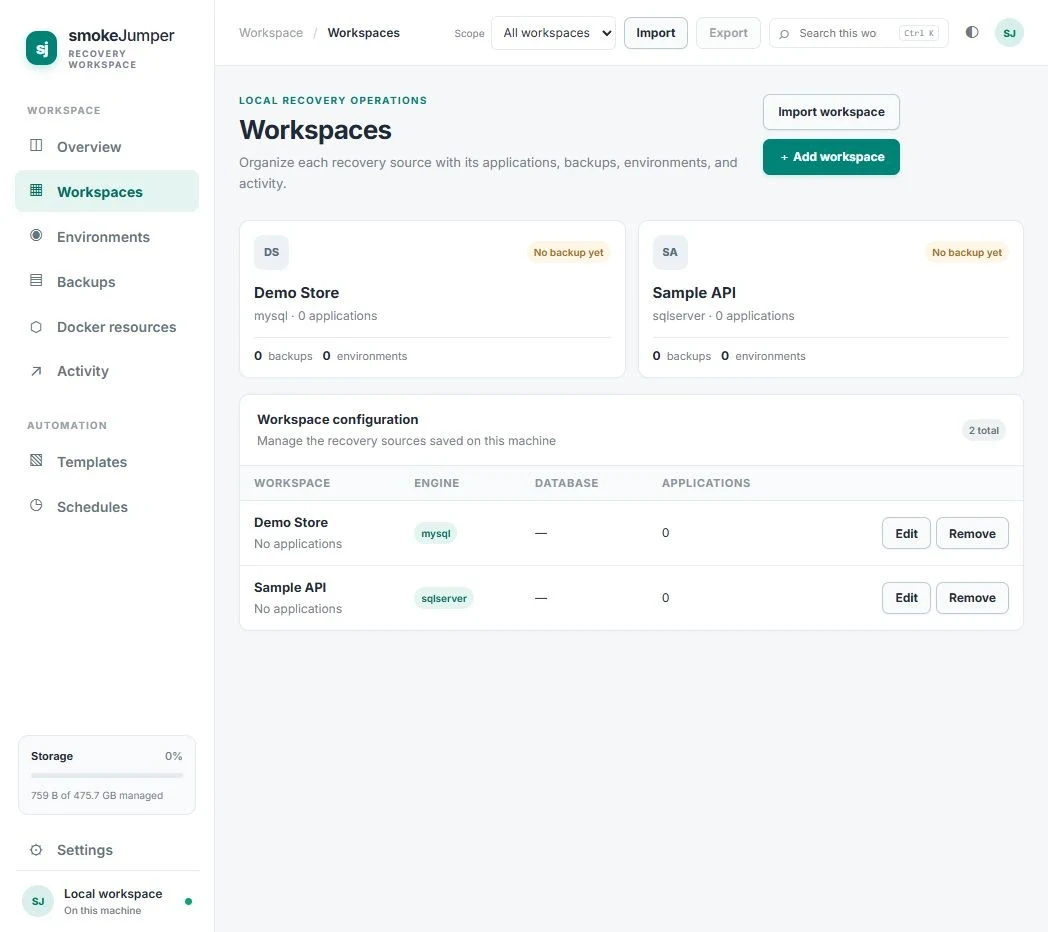
Two fictional workspaces in the actual app. Neither is connected to a live database.
Change settings without losing the previous version
Application settings and connection strings can be updated from the workspace. The settings editor masks secret values and checks revisions before applying an edit, so an older open form does not quietly overwrite a newer change.
It also keeps earlier revisions. If applying settings causes a restart or health check to fail, the previous configuration can be restored automatically. That gives me a way back when a small configuration change turns out to have a larger effect than expected.
On Windows, saved workspace credentials use protection tied to the current user. Settings deployed into application containers remain private files, so those still need to be treated with care.
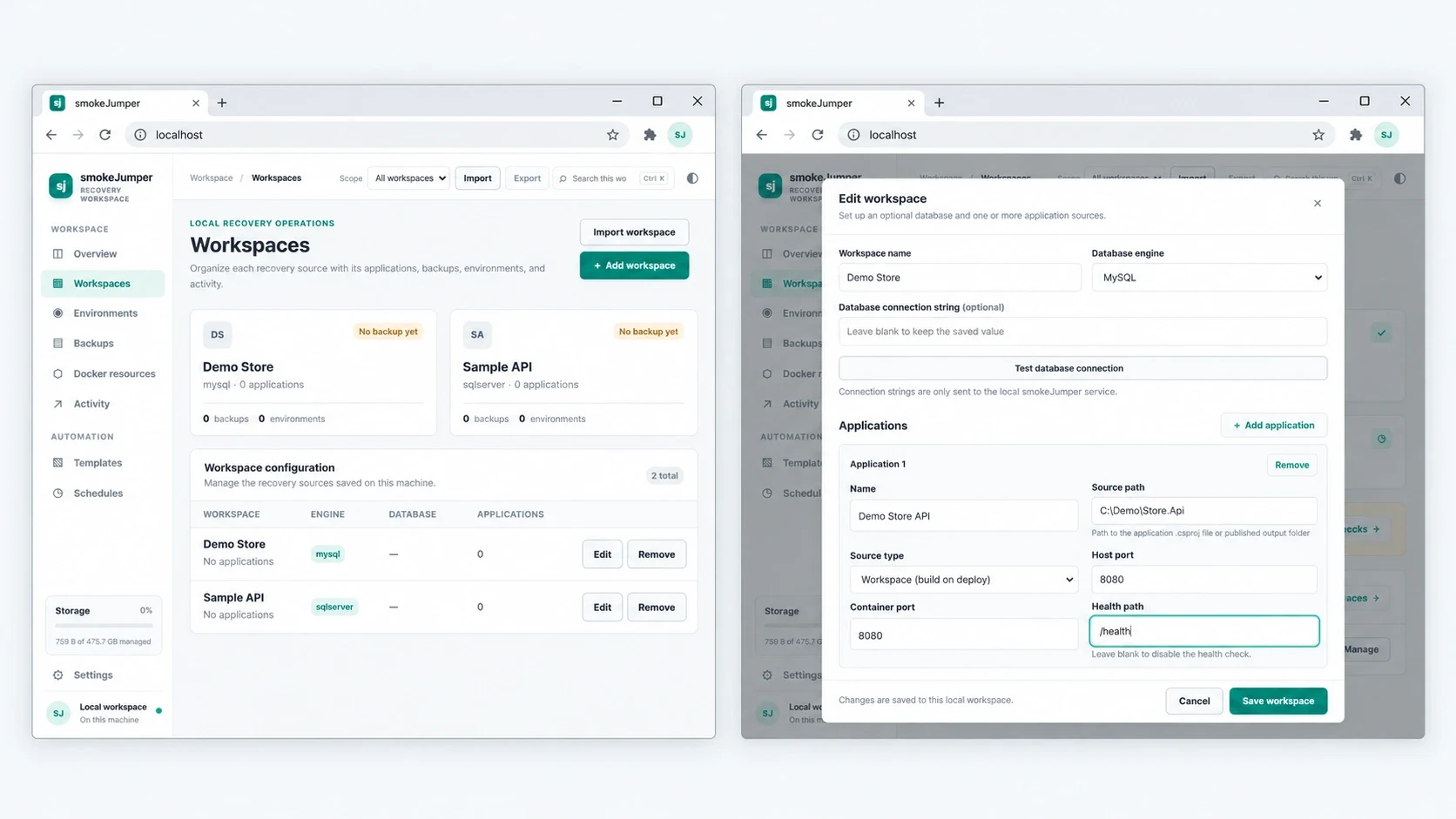
A Windows mockup based on the actual app captures, with both views shown at the same scale.
Bring in a database when it is needed
Smoke Jumper can save MySQL dumps and SQL Server exports locally, then restore selected copies into separate Docker environments. Saving a backup and restoring it are separate choices.
Local access is the default. Stopped environments retain their containers and volumes, so work done inside a copy is still there when it starts again. A fresh-copy option creates another environment from the original backup without discarding the one already in use.
The verification results show what was checked: artifact checksums, restored schema and data comparisons, SQL Server integrity checks, configured health endpoints and optional HTTP smoke tests. Each check says Passed, Failed, Not run or Unsupported. A running container by itself does not prove the application is working.
Keep track of the work
Long-running jobs keep their progress and logs in Activity. Moving to another page does not lose the job, and closing the browser tab leaves the local host and Docker environments running.
Schedules cover backups and isolated recovery drills. They depend on the computer being awake, the host running and the required services being available. Drill environments are stopped and retained for inspection after their checks finish.
Smoke Jumper gives me one place to manage that work, whether the task is launching an app, trying different settings, preparing a database copy or checking a full environment. Backups are one part of it. The wider job is making those local environments easier to set up and look after.
THE CONVERSATION
What do you think?
A question, a different approach, or something worth adding.
Loading the conversation…
KEEP EXPLORING
More from the workbench
START A CONVERSATION
Have a problem worth solving?
Let’s talk about your idea, your team, or the work you’ve seen here.